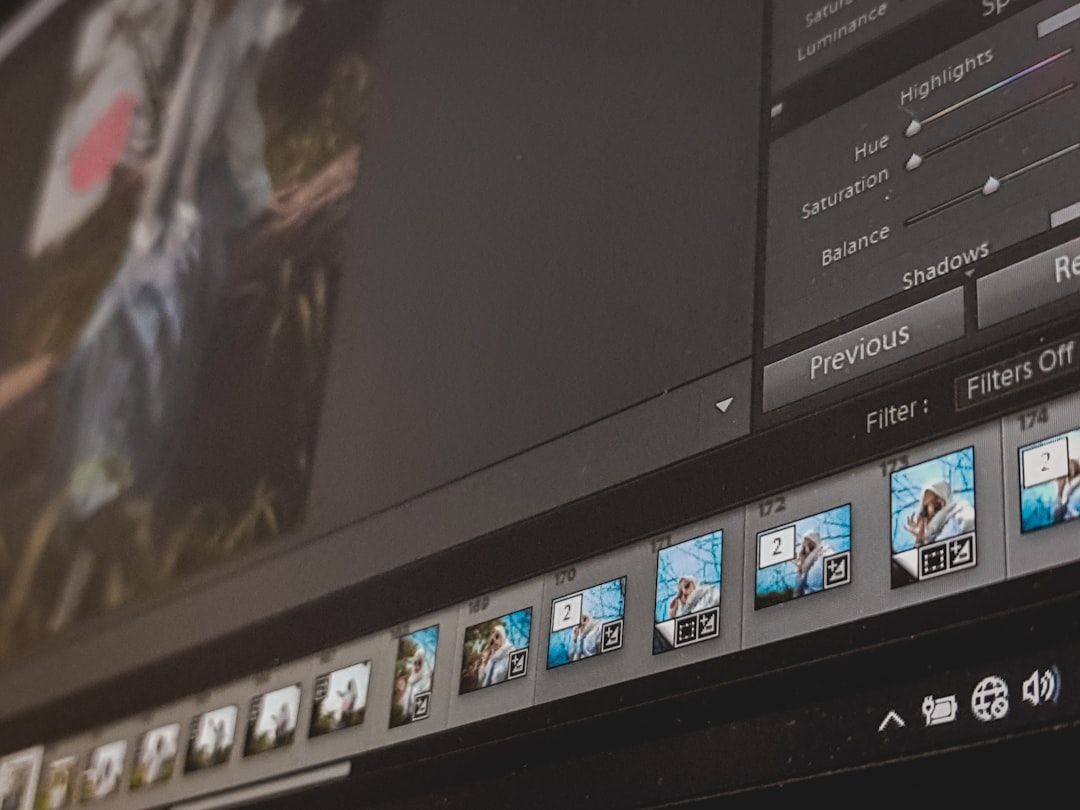
In today’s fast-paced digital landscape, content creators rely heavily on powerful and intuitive video software to bring their ideas to life. Whether producing short-form social clips, cinematic YouTube videos, tutorials, brand promotions, or online courses, creators need tools that balance performance, flexibility, and ease of use. With so many platforms available, choosing the right video software can feel overwhelming. However, understanding the strengths of different tools makes it easier to match software capabilities with creative goals.
TLDR: Content creators should select video software based on skill level, project complexity, and workflow needs. Beginner-friendly editors prioritize simplicity, while professional platforms offer advanced color grading, effects, and collaboration tools. Cloud-based and AI-powered solutions are making production faster and more accessible than ever. The best choice ultimately depends on creativity goals, budget, and preferred editing style.
Video production has evolved beyond simple trimming and transitions. Modern editing platforms integrate motion graphics, audio engineering, AI assistance, multi-camera editing, collaboration features, and cloud storage. Below are some categories of video software worth exploring, along with examples of what makes them stand out.
Beginner-Friendly Editing Software
For new content creators, ease of use matters most. Beginner-friendly software focuses on drag-and-drop functionality, pre-made templates, and minimal learning curves. These programs make it possible to create professional-looking content without years of editing experience.
- Intuitive Interfaces: Clean dashboards with clearly labeled tools.
- Built-In Templates: Presets for intros, transitions, captions, and end screens.
- Auto Features: Automatic subtitle generation and smart trimming.
- Quick Exports: Optimized settings for social media platforms.
Software like iMovie and Clipchamp are excellent starting points for creators posting to YouTube, Instagram, or TikTok. Their simplified toolsets reduce overwhelm while still allowing room to experiment with sound, transitions, and visual effects.

Professional-Grade Editing Platforms
As creators grow, they often seek more control over their productions. Professional video software offers advanced capabilities such as multi-layer editing, node-based color grading, visual effects compositing, and motion tracking.
Programs like Adobe Premiere Pro, Final Cut Pro, and DaVinci Resolve are known for delivering industry-grade performance. These platforms support:
- Advanced Color Correction and Grading
- Multi-Camera Synchronization
- Keyframe Animation
- 360-Degree Video Editing
- Extensive Plugin Compatibility
Professional software is especially suitable for YouTubers producing cinematic content, filmmakers creating short films, and brands developing polished marketing campaigns. While there is a steeper learning curve, the creative freedom is unmatched.
AI-Powered Video Software
Artificial intelligence is reshaping how creators approach video editing. AI-powered tools can now automate repetitive tasks such as cutting silence, generating captions, enhancing audio quality, and even suggesting edits based on content analysis.
Some AI-driven features include:
- Auto Reframing for different social platforms
- Speech-to-Text Captioning
- Background Removal without green screens
- Noise Reduction and Audio Repair
- Smart Scene Detection
Platforms such as Descript and Runway have pioneered AI-based workflows. These tools are particularly attractive to podcasters, educators, and entrepreneurs who want to streamline editing while maintaining quality.
Animation and Motion Graphics Software
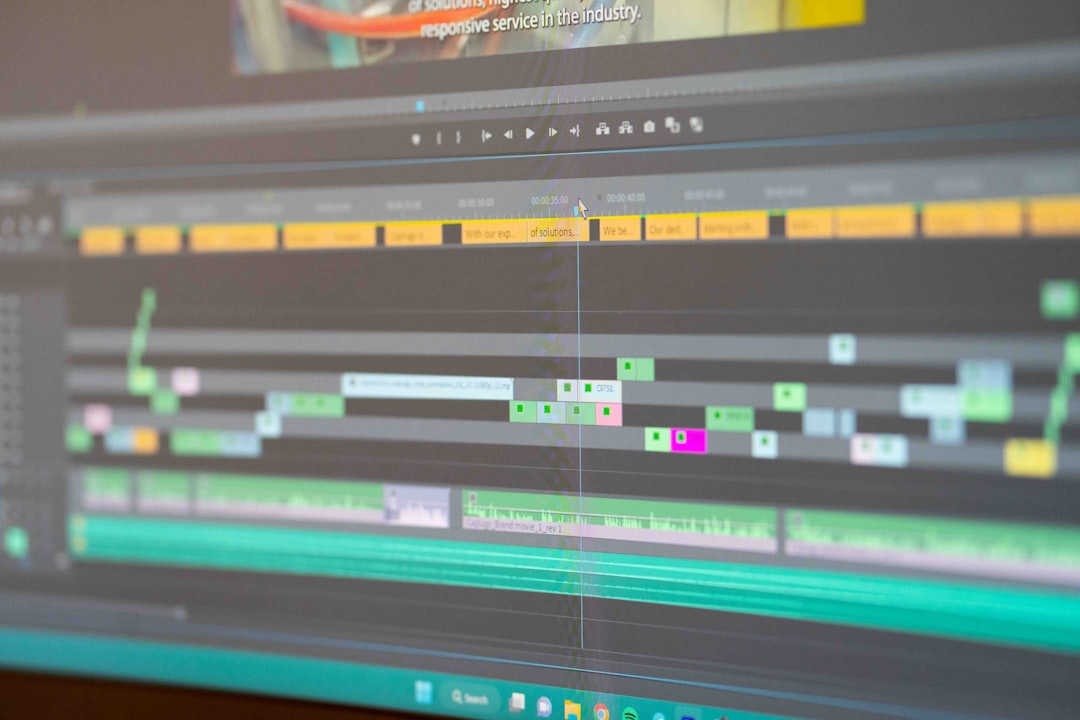
For creators focused on animated explainers, motion graphics, or dynamic intros, specialized animation software may be necessary. Programs like After Effects, Blender, and Toon Boom allow detailed control over animation timelines, visual effects, and 3D modeling.
Key advantages include:
- Custom animation of text and graphics
- Advanced keyframe manipulation
- 3D modeling and rendering capabilities
- Integration with other editing platforms
These tools require more technical knowledge but can elevate content dramatically. Many successful YouTube channels rely on animation software to create visually engaging storytelling experiences.
Mobile Editing Applications
Mobile content creation has exploded in popularity, especially among short-form video creators. Apps like CapCut, InShot, and LumaFusion empower creators to edit directly from smartphones or tablets.
Mobile video software provides:
- Quick social-ready exports
- Built-in trending effects
- Touchscreen optimization
- On-the-go editing flexibility
While mobile software may not match the depth of desktop programs, it excels in agility. Influencers and social media marketers can shoot, edit, and publish within minutes.
Cloud-Based Collaborative Video Platforms
As remote work grows, collaboration features have become essential. Cloud-based editing tools enable multiple team members to review, comment, and edit projects from different locations.
Features often include:
- Real-time collaboration
- Version control and backup
- Shared asset libraries
- Browser-based editing without heavy downloads
This makes cloud software appealing to marketing teams, agencies, and production companies working across time zones.
Audio Editing Integration
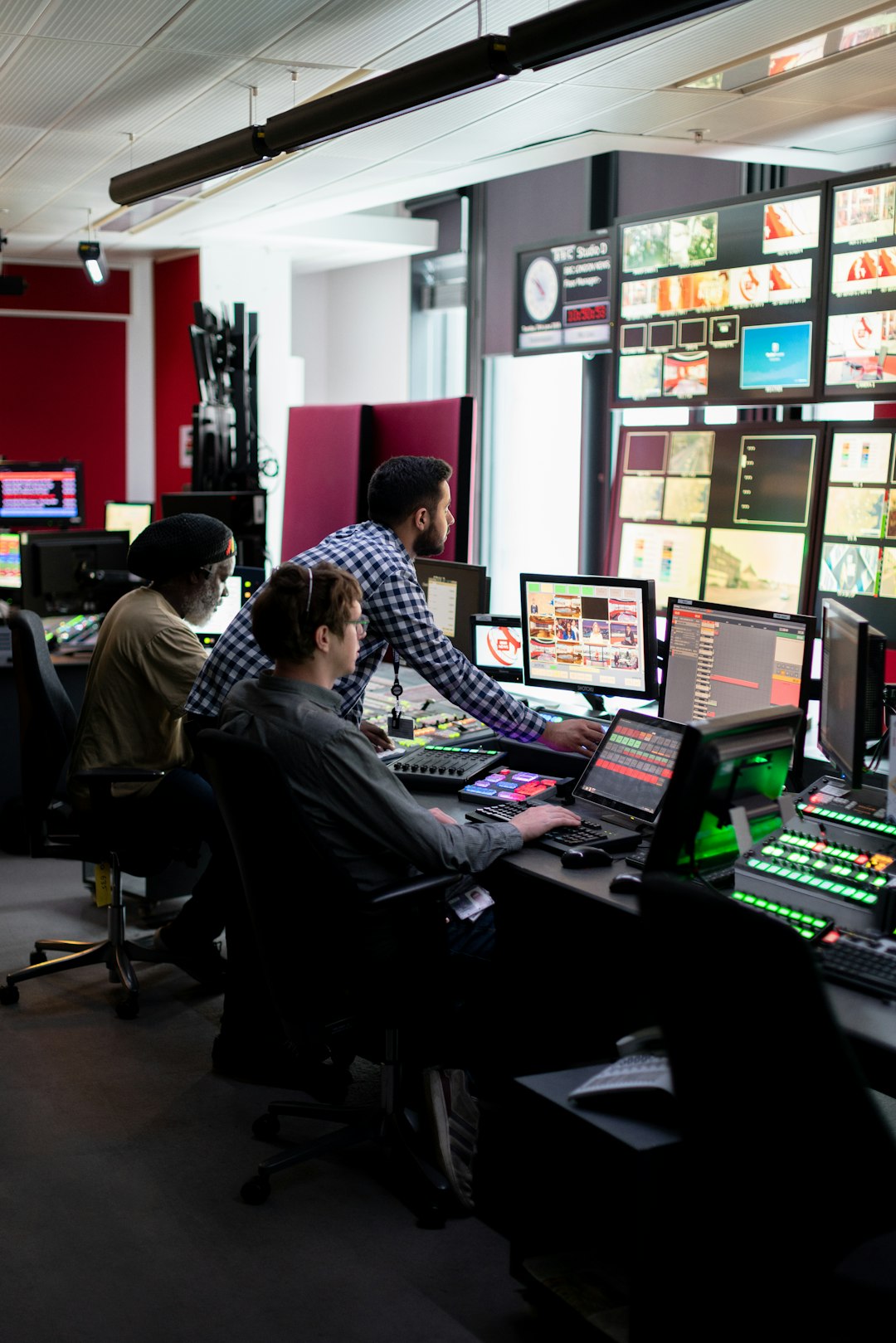
Video is only as strong as its audio. Many video software programs now incorporate advanced sound editing tools or integrate seamlessly with dedicated audio platforms like Audition or Audacity.
High-quality audio features include:
- Equalization and Compression Tools
- Multi-Track Mixing
- Sound Effects Libraries
- Voice Enhancement Filters
For educators, podcasters, and cinematic storytellers, pristine sound quality significantly enhances viewer engagement.
Choosing the Right Software
When evaluating video software, creators should consider several factors:
- Skill Level: Beginners need intuitive design; professionals require depth.
- Budget: Some platforms operate on subscription models, while others offer one-time purchases.
- Performance: Hardware requirements vary significantly.
- Content Type: Short-form social content differs from documentaries or cinematic films.
- Workflow Needs: Solo creators may prioritize simplicity, while teams need collaboration tools.
Testing free trials is one of the most effective ways to determine compatibility. Many high-end programs offer limited free versions to explore core features before committing financially.
Trends Shaping Video Software in 2026
The video editing landscape continues to evolve rapidly. Several trends are influencing the types of tools creators are adopting:
- AI-driven automation reducing editing time
- Cloud-based workflows improving remote collaboration
- Integration with live streaming platforms
- Vertical video optimization for mobile-first audiences
- Real-time rendering technologies
Creators who stay informed about emerging tools often gain a competitive edge, especially in highly saturated content niches.
Final Thoughts
Video software is more than just an editing tool—it is a creative partner. The right program empowers creators to experiment, refine their style, and produce high-quality content efficiently. From beginner-friendly editors to advanced cinematic suites, the market offers solutions for every experience level and content type.
Instead of chasing the most popular option, creators benefit most by aligning their software choice with their goals, workflow, and comfort level. With consistent practice and the right tools, even simple editing programs can produce impressive results.
Frequently Asked Questions (FAQ)
1. What is the best video software for beginners?
Beginner-friendly platforms like iMovie or Clipchamp are great starting points because they offer intuitive interfaces, drag-and-drop editing, and built-in templates. These tools reduce complexity while still enabling creative expression.
2. Is professional video software worth the investment?
For creators producing high-quality, cinematic, or monetized content, professional software often provides better control, performance, and scalability. The investment pays off through enhanced production value and workflow efficiency.
3. Can AI video editors fully replace manual editing?
AI tools significantly speed up repetitive tasks such as trimming, captioning, and audio cleanup. However, creative decisions, storytelling, and stylistic nuances still benefit from human input.
4. Are mobile editing apps good enough for serious content creators?
Yes, especially for short-form content. While mobile apps may not match the depth of desktop software, they offer convenience and efficiency for social media creators.
5. How much computer power is required for video editing?
Requirements vary by software and project complexity. Basic editing can run on mid-range machines, but 4K video, heavy effects, and color grading demand more powerful CPUs, GPUs, and sufficient RAM.
6. What should creators prioritize when choosing video software?
Creators should focus on usability, feature relevance, system compatibility, collaboration needs, and budget. Testing free versions before purchasing helps ensure long-term satisfaction.