Passwords are the keys to your digital life. Banking. Streaming. Shopping. Work files. In 2026, you need more than sticky notes and memory tricks. You need strong encryption and smooth syncing across all your devices. The good news? Today’s password managers make it easy and even a little fun.
TLDR: The best password managers in 2026 use 256-bit encryption to lock down your data. They also offer cross-device sync so your passwords follow you everywhere. Top picks include 1Password, Bitwarden, Dashlane, NordPass, and Keeper. They are secure, simple to use, and worth every penny for peace of mind.
Let’s break it down in plain English. 256-bit encryption is military-grade security. It would take billions of years for hackers to brute-force crack it with today’s technology. That’s the level of protection we’re talking about.
Now add cross-device sync. This means your passwords update instantly across your phone, laptop, tablet, and even browser extensions. Change a password on your phone? It’s updated everywhere. No fuss.
Here are five of the best password manager apps in 2026 that offer both.
1. 1Password
Best for families and power users.
1Password has been a favorite for years. In 2026, it’s still at the top.
It uses AES 256-bit encryption combined with a unique Secret Key system. Even if someone got your master password, they would still need your Secret Key. That’s double protection.
Why people love it:
- Beautiful and simple interface
- Travel Mode to hide sensitive vaults
- Fast sync across Windows, macOS, iOS, Android, and browsers
- Strong password generator
The cross-device sync is smooth. Install it on all your devices. Log in once. Everything appears instantly.
It also supports passkeys, which are replacing traditional passwords on many websites. That makes logging in even faster and safer.
Downside? No free plan. But many users say it’s worth the subscription.
2. Bitwarden
Best free option with premium-level security.
Bitwarden has built a loyal fan base. Why? It’s open-source. That means security experts around the world can inspect its code.
Transparency builds trust.
It uses 256-bit AES encryption and zero-knowledge architecture. That means even Bitwarden cannot see your passwords.
Top features:
- Free version includes unlimited passwords
- Cross-device sync at no cost
- Optional self-hosting for tech-savvy users
- Secure password sharing
The paid version is very affordable and adds extras like advanced two-factor authentication and encrypted file storage.
The interface is not as flashy as some competitors. But it’s clean and effective.
If you want strong protection without spending much, Bitwarden is hard to beat.
3. Dashlane
Best all-in-one solution.
Dashlane goes beyond password management. It bundles in extra security tools.
Of course, it uses 256-bit encryption. It also has zero-knowledge architecture to keep your data private.
But here’s where it shines.
Extra perks:
- Built-in VPN for safer browsing
- Dark web monitoring
- Password health score
- Automatic password changer for some sites
Cross-device syncing works seamlessly across all major platforms. The web-first design in 2026 means you can access your vault from almost any browser without heavy desktop apps.
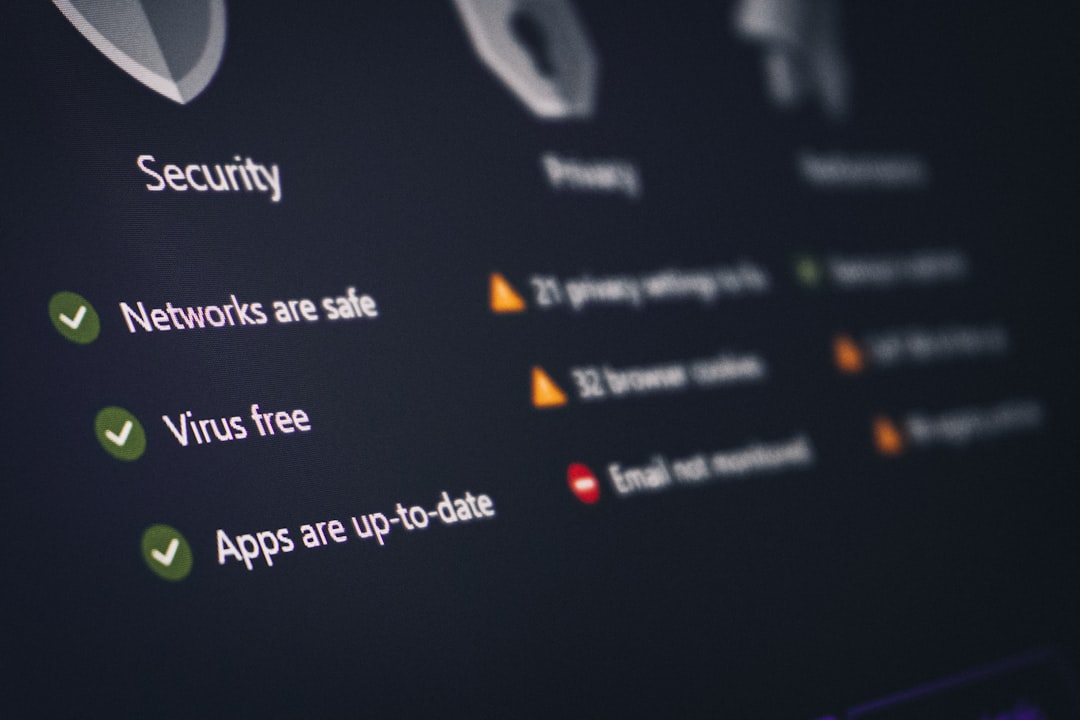
The security dashboard is great for beginners. It gives you a simple score and tells you which passwords are weak, reused, or compromised.
Downside? It’s slightly more expensive than others. But you get more tools in return.
4. NordPass
Best for simplicity and modern encryption.
NordPass is built by the team behind NordVPN. It has grown fast in recent years.
It uses XChaCha20 encryption, which is even newer than traditional AES-256. But it still delivers 256-bit level security. Translation? Extremely strong protection.
What makes NordPass stand out:
- Clean and beginner-friendly design
- Passwordless login options
- Email masking feature
- Fast biometric login on mobile devices
Syncing between devices is automatic. Log into your account on a new device and your vault is ready in seconds.
It also handles passkeys very well in 2026, making it future-proof.
The free version is solid but limits simultaneous logins on multiple devices. The premium plan removes that cap.
5. Keeper
Best for advanced security needs.
Keeper is a powerhouse. It focuses heavily on enterprise-grade security but works great for individuals too.
It uses AES 256-bit encryption and zero-knowledge security architecture. Your data is encrypted locally before it reaches Keeper’s servers.
Strong points:
- Advanced reporting and breach alerts
- Secure file storage
- Encrypted messaging option
- Role-based access for families or teams
The cross-device experience is smooth and reliable. Keeper supports almost every platform you can think of.
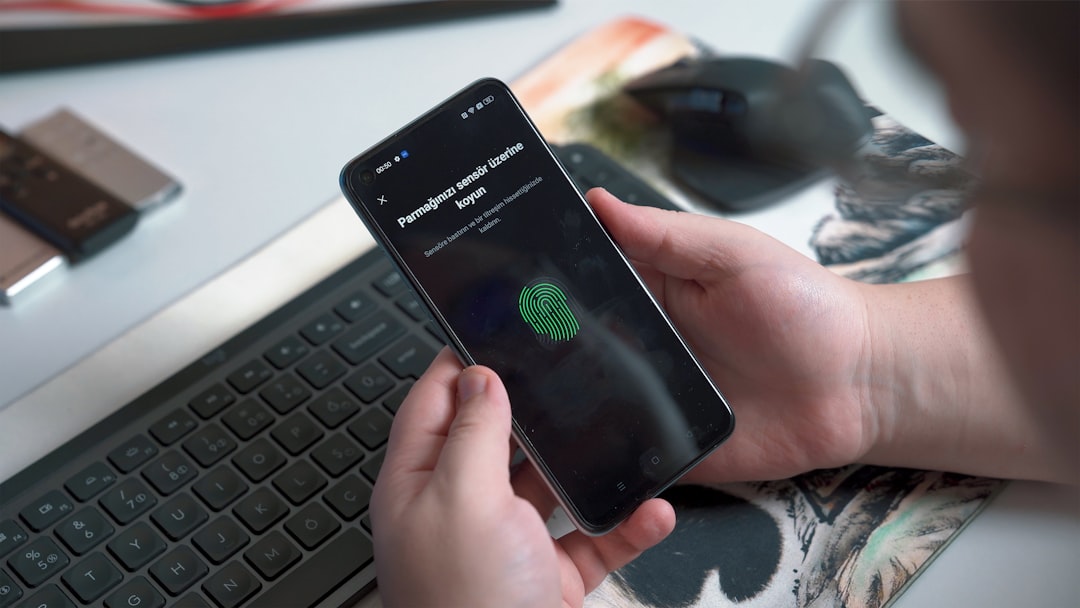
It also offers biometric login. Think fingerprint and face recognition. Quick and secure.
The interface feels slightly more serious and business-like. But it’s powerful under the hood.
What Makes 256-Bit Encryption So Strong?
Let’s simplify it.
Encryption scrambles your data into unreadable code. The “256-bit” part refers to the size of the encryption key. A bigger key means more possible combinations.
With 256-bit encryption, there are 2 to the power of 256 possible combinations.
That’s a number with 78 digits.
Even the fastest supercomputers would take an unrealistic amount of time to guess it correctly. That’s why banks, governments, and security experts trust it.
Why Cross-Device Sync Matters More Than Ever
In 2026, most people use at least three devices daily.
- Smartphone
- Laptop or desktop
- Tablet or work computer
Without sync, managing passwords becomes chaos.
You reset passwords repeatedly. You forget updates. You reuse weak passwords out of frustration.
Cross-device sync solves that. It keeps everything aligned in real time. Change it once. It updates everywhere.
It also encourages better habits. When access is easy, you’re more likely to use strong, unique passwords.
Features To Look For In 2026
Not all password managers are equal. When choosing one, check for these features:
- Zero-knowledge architecture
- Multi-factor authentication
- Passkey support
- Secure password generator
- Dark web monitoring
- Emergency access options
These extras add layers of protection to your digital life.
Final Thoughts
Using “123456” or reusing the same password everywhere is no longer an option. Cyber threats are smarter in 2026. But luckily, so are security tools.
The five apps listed here all offer:
- Strong 256-bit level encryption
- Seamless cross-device syncing
- User-friendly interfaces
- Support for modern login methods like passkeys
If you want premium features and polish, go with 1Password or Dashlane.
If you want powerful security at a low cost, choose Bitwarden.
If you like modern design and simplicity, try NordPass.
If you need advanced protection features, Keeper is a strong choice.
The best password manager is the one you actually use. Pick one. Set a strong master password. Turn on two-factor authentication.
Your future self will thank you.