Architectural modeling has evolved dramatically over the past decade, but professionals still demand tools that balance precision, flexibility, and efficiency. SketchUp has remained one of the most widely used modeling platforms in architecture because it offers intuitive workflows without compromising depth. Whether you are designing residential layouts, commercial complexes, or conceptual massing studies, certain features within SketchUp significantly simplify the modeling process while maintaining professional standards.
TLDR: SketchUp makes architectural modeling easier through intuitive Push/Pull modeling, powerful Groups and Components management, a rich Extension Warehouse, and precise inference and measurement tools. These features combine ease of use with professional-grade control. Together, they reduce modeling time, improve accuracy, and enhance collaboration. For architects seeking efficiency without sacrificing quality, these tools are foundational.
Below are four SketchUp features that consistently prove valuable in real-world architectural workflows.
1. Push/Pull Tool: Intuitive 3D Modeling from 2D Forms
The Push/Pull tool is perhaps the most iconic SketchUp feature—and for good reason. It allows architects to transform flat 2D faces into 3D geometry with a simple drag motion. Unlike more complex CAD programs that require multiple commands to extrude geometry, SketchUp streamlines the process into a single intuitive action.
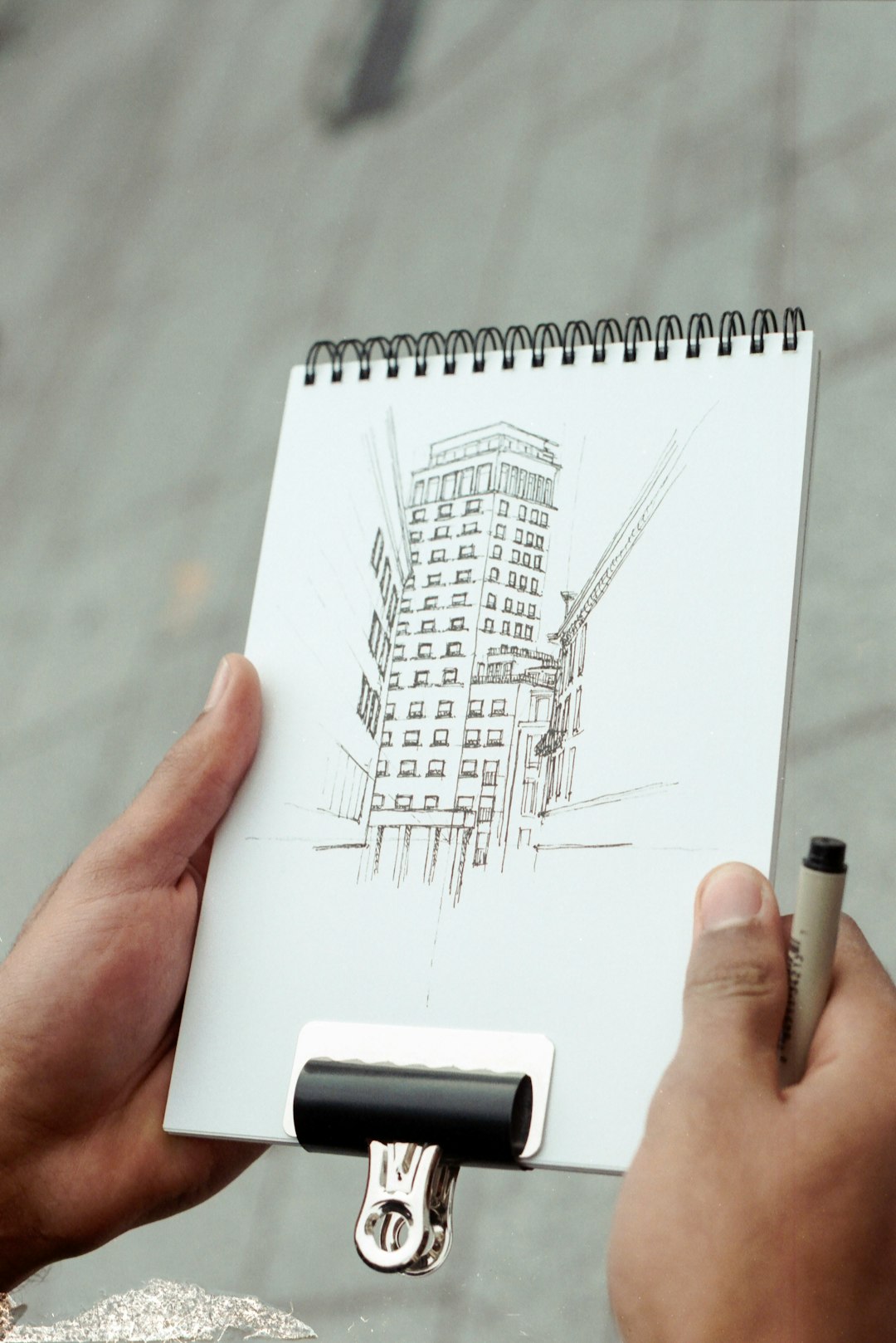
For architectural modeling, this feature accelerates the early design phase dramatically. When developing:
- Building massing models
- Interior partitions
- Facade studies
- Window and door openings
Architects can sketch floor plans in 2D and quickly extrude walls to accurate heights. The ability to type precise dimensions immediately after pushing or pulling a surface ensures models remain accurate to specification.
Why it matters: Early-stage conceptual modeling often requires rapid iteration. The Push/Pull tool reduces friction between idea and execution, enabling architects to test forms quickly without interrupting creative flow.
Additionally, combining Push/Pull with offset and follow-me tools allows complex geometries such as cornices, parapets, and custom facade treatments to be developed efficiently, without overwhelming technical processes.
2. Groups and Components: Organized and Efficient Modeling
One of the biggest challenges in 3D modeling software is maintaining organization. SketchUp addresses this through Groups and Components, which allow geometry to remain structured and editable.
At first glance, this may appear to be a basic feature, but in professional architectural modeling, it becomes indispensable.
Groups
Groups prevent geometry from sticking to other elements unintentionally. This ensures walls, slabs, roofs, and furniture do not merge into one another during editing. For larger architectural projects, grouping elements:
- Prevents modeling errors
- Keeps layers manageable
- Simplifies selection and editing
- Supports better project organization
Components
Components go even further. When you create a component (for example, a window type), every instance of that component remains linked. Editing one updates all identical instances automatically.
This is extremely valuable for architectural elements such as:
- Windows and doors
- Furniture systems
- Structural columns
- Facade modules
Why it matters: In architecture, repetition is common. Components reduce redundancy and ensure consistency across large-scale projects. If a design specification changes—such as adjusting window height—modifications can be made globally within seconds.
The systematic use of Groups and Components also makes collaboration smoother, especially when models are shared with consultants or visualization specialists.
3. Extension Warehouse: Expanding Professional Capability
While SketchUp’s base functionality is powerful, its true strength lies in the Extension Warehouse. This ecosystem allows architects to integrate specialized tools directly into their workflow.
Extensions address virtually every aspect of architectural modeling, including:
- Rendering (e.g., V-Ray, Enscape)
- Parametric modeling
- Energy analysis
- BIM integration
- Advanced solid tools
Rather than forcing architects to switch platforms, SketchUp allows customization based on project requirements.
Why it matters: Architectural projects vary significantly in complexity. A small residential remodel and a multi-story commercial development require different tools. The Extension Warehouse ensures scalability, allowing SketchUp to remain relevant from conceptual design through detailed development.
Moreover, firms can standardize approved extensions, ensuring workflow consistency across teams. This adaptability contributes strongly to SketchUp’s continued professional adoption.
4. Inference System and Precision Input: Accuracy Without Complexity
Architectural modeling demands precision. SketchUp’s Inference System guides users with visual cues, automatically detecting:
- Midpoints
- Endpoints
- Perpendicular alignments
- Axis directions
- Parallel relationships
These subtle visual guides reduce errors and improve alignment without requiring manual input of constraints as seen in more rigid CAD systems.
Additionally, SketchUp allows users to type exact measurements while drawing or modifying geometry. For example, when drawing a wall, you can:
- Click the starting point
- Drag in the intended direction
- Type the exact dimension (e.g., 4500mm)
- Press Enter
The combination of intuitive inference and direct numerical entry ensures professional-grade accuracy while maintaining ease of use.
Why it matters: Precision is non-negotiable in architecture. The ability to maintain accurate scale without sacrificing workflow speed is a defining advantage of SketchUp.
Feature Comparison Chart
| Feature | Primary Benefit | Best Used For | Impact on Workflow |
|---|---|---|---|
| Push/Pull Tool | Rapid 3D extrusion from 2D shapes | Massing, walls, facade modeling | Speeds up concept development |
| Groups | Prevents geometry interference | Organizing project elements | Reduces modeling errors |
| Components | Linked instances update simultaneously | Repetitive architectural elements | Improves efficiency and consistency |
| Extension Warehouse | Customizable advanced tools | Rendering, BIM, analysis | Expands professional capability |
| Inference & Precision Tools | Accurate alignment and measurements | Detailed technical modeling | Ensures dimensional correctness |
Why These Features Matter in Professional Practice
SketchUp’s continued relevance in architectural firms is not accidental. These features collectively address three critical professional demands:
- Speed during conceptual design
- Organization in complex models
- Precision in technical documentation
Unlike software platforms that require steep learning curves before productivity is achieved, SketchUp allows architects to become operational quickly while still offering advanced customization through extensions.
Furthermore, SketchUp integrates effectively with other tools in the architectural ecosystem, including AutoCAD, Revit, and rendering engines. This interoperability strengthens its role as both a standalone modeling solution and a supplementary design platform.
Conclusion
Architectural modeling requires a careful balance between creativity and technical discipline. SketchUp excels because it bridges that gap with thoughtfully designed tools. The Push/Pull tool simplifies form generation. Groups and Components maintain structure and consistency. The Extension Warehouse enhances scalability and specialization. The Inference System ensures dependable accuracy.
Together, these features make architectural modeling not only easier but also more efficient and reliable. For professionals seeking a tool that supports both rapid ideation and precise execution, SketchUp remains a trusted and serious choice within the architectural design industry.