
FAT32 remains one of the most widely recognized file systems in the world, largely because of its broad compatibility with operating systems, gaming consoles, cameras, and embedded devices. Despite its age, it is still commonly used for USB flash drives and SD cards. However, one of its most significant limitations continues to cause confusion: the maximum file size it can handle. Understanding this limitation is essential for anyone who regularly transfers large files such as high-resolution videos, system backups, or disk images.
TLDR: FAT32 has a maximum individual file size limit of 4 GB (4,294,967,295 bytes) and a maximum partition size typically limited to 2 TB under standard implementations. This means you cannot store a single file larger than 4 GB on a FAT32-formatted drive. While FAT32 is highly compatible across devices, its file size cap makes it unsuitable for modern large files like 4K videos. For larger files, formats such as exFAT or NTFS are better alternatives.
Understanding FAT32
FAT32 stands for File Allocation Table 32-bit. Introduced by Microsoft in 1996 with Windows 95 OSR2, it was designed as an improvement over earlier FAT16 systems. The “32” refers to the 32-bit binary numbers used to track clusters, which are the smallest units of storage allocation on a disk.
The system gained rapid adoption because it was simple, lightweight, and highly portable. Even today, most operating systems—including Windows, macOS, Linux, and many embedded systems—can read and write to FAT32 without additional drivers.
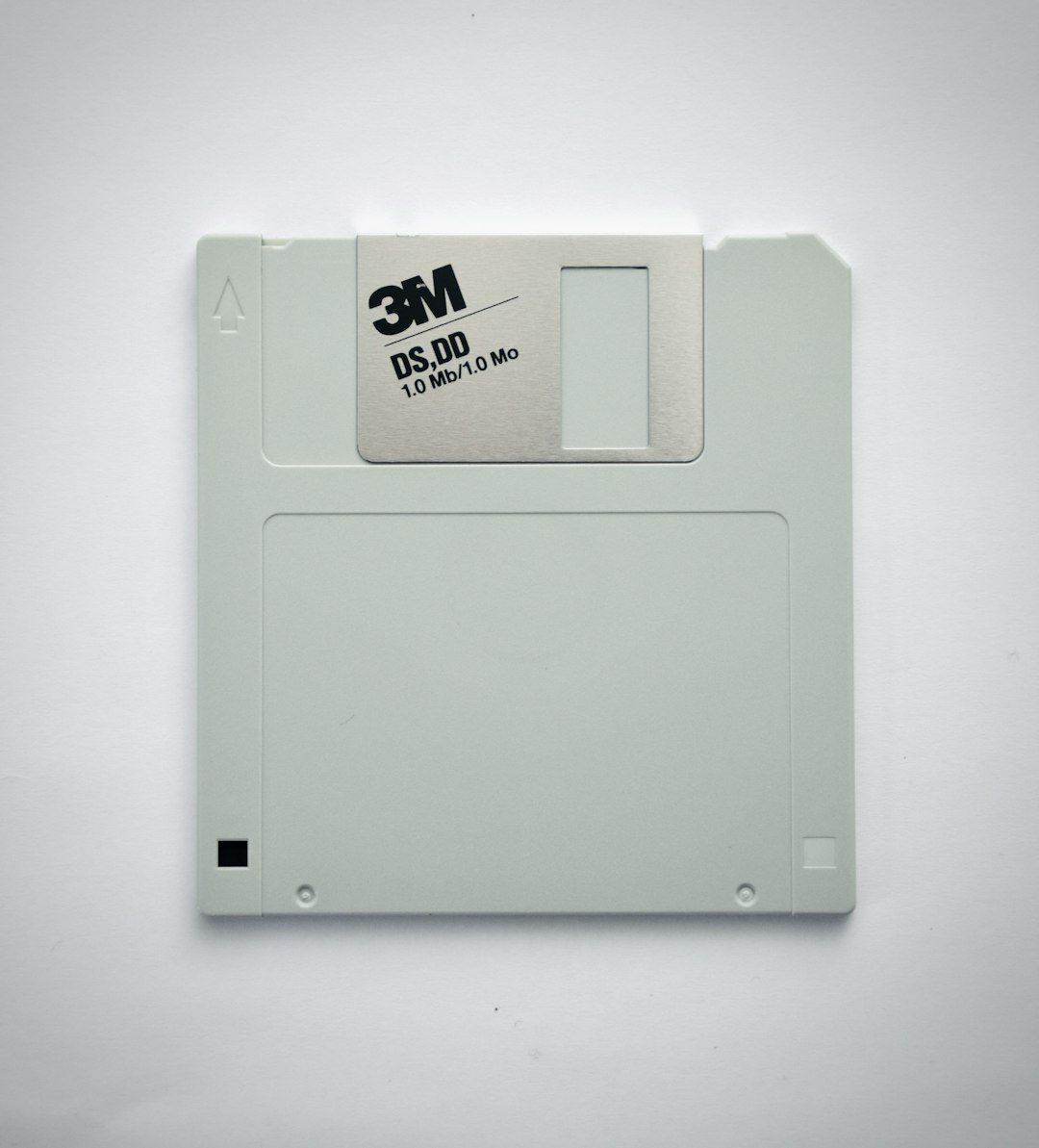
The 4 GB File Size Limit Explained
The most important limitation of FAT32 is its maximum individual file size of 4 GB minus 1 byte (exactly 4,294,967,295 bytes). This restriction is a direct result of how FAT32 manages file storage internally.
FAT32 uses a 32-bit field to store file size information. A 32-bit unsigned integer can represent values from 0 to 4,294,967,295. Since file size is recorded in bytes, that number becomes the absolute maximum size for any single file stored on a FAT32 partition.
What this means in practical terms:
- You cannot store a 5 GB video file on a FAT32 drive.
- You cannot copy a large virtual machine disk image exceeding 4 GB.
- You cannot create a system backup file larger than 4 GB in a single piece.
Attempting to do so will result in an error such as “File is too large for the destination file system.”
Maximum Partition Size of FAT32
In addition to the file size restriction, FAT32 also has a maximum partition size limit.
Theoretically, FAT32 can support partitions up to 8 terabytes using 32 KB clusters. However, Windows imposes an artificial formatting limitation: it will not create FAT32 partitions larger than 32 GB using its built-in formatting tool.
That said, larger FAT32 partitions—up to approximately 2 TB—can still be created using third-party utilities.
Important distinctions:
- Maximum file size: 4 GB minus 1 byte
- Theoretical maximum partition size: 8 TB
- Common practical partition size: Up to 2 TB
- Windows formatting limit: 32 GB
This difference between file size and partition size is often misunderstood. Even if you have a 1 TB FAT32 drive, you still cannot store a single file larger than 4 GB on it.
Why Does FAT32 Still Exist?
Given these limitations, one might wonder why FAT32 is still so widely used. The answer lies in compatibility.
FAT32 is supported by:
- Windows (all modern versions)
- macOS
- Linux distributions
- Game consoles (PlayStation, Xbox older systems)
- Smart TVs
- Cameras and DVRs
- Car infotainment systems
This universal compatibility makes FAT32 a “safe choice” when a storage device needs to work across many different platforms. For example, if you format a USB stick in FAT32, you can be almost certain it will be recognized by nearly any device.
Real-World Scenarios Where the Limit Becomes a Problem
While 4 GB might have seemed generous in the late 1990s, modern file sizes have grown dramatically.
Common modern files exceeding 4 GB:
- 4K and 8K video recordings
- High-bitrate Blu-ray rips
- Large Photoshop or design project files
- Disk images (ISO files)
- Virtual machine files
- Full system backups
For instance, a one-hour 4K video recording can easily surpass 10 GB. Attempting to store such a file on a FAT32 drive will fail outright.
This limitation frequently affects users transferring videos to USB drives for playback on televisions. Many smart TVs support FAT32 but not NTFS, which creates a practical obstacle.
How FAT32 Compares to NTFS and exFAT
To better understand the significance of the FAT32 file limit, it helps to compare it with modern file systems.
| Feature | FAT32 | NTFS | exFAT |
|---|---|---|---|
| Max File Size | 4 GB | 16 EB (theoretical) | 16 EB (theoretical) |
| Max Partition Size | Up to 8 TB (theoretical) | 8 PB | 128 PB |
| Compatibility | Very high | Primarily Windows | Very high (modern systems) |
| Journaling Support | No | Yes | No |
| Best For | Small removable drives | Internal Windows drives | Large USB and SDXC cards |
Key takeaway: exFAT was essentially created to replace FAT32 for flash storage, removing the 4 GB file size limitation while maintaining broad compatibility.
Image not found in postmetaCluster Size and Its Role
FAT32 organizes storage into clusters. Larger cluster sizes allow larger partitions but can result in wasted space when storing many small files. While cluster size influences storage efficiency and maximum partition size, it does not remove or change the 4 GB per-file limitation.
Even if you increase cluster size to the maximum allowed, the fundamental file size cap remains dictated by the 32-bit file size field.
Can You Work Around the 4 GB Limit?
There are only a few practical workarounds:
- Split the file into smaller parts using file compression tools like ZIP or RAR.
- Reformat the drive to exFAT or NTFS.
- Use specialized device-compatible formats if required by specific hardware.
Splitting files can be cumbersome and is generally considered a temporary solution. Reformatting to exFAT is typically the simplest and most effective approach for modern usage.
When Should You Avoid FAT32?
You should reconsider using FAT32 if:
- You regularly handle files larger than 4 GB.
- You work with high-resolution video production.
- You manage system backups or disk images.
- You require file permissions and encryption features.
Modern workflows often demand larger file capabilities. In such cases, sticking with FAT32 creates unnecessary limitations and frustration.
When Is FAT32 Still a Good Choice?
Despite its age, FAT32 remains suitable in certain situations:
- Small USB flash drives (under 32 GB)
- Devices requiring maximum compatibility
- Embedded systems and firmware updates
- Gaming console storage (older systems)
If your files are small—documents, music, or standard-definition video—the 4 GB limit may never become an issue.
Final Thoughts
The FAT32 file size limit of 4 GB is not a software bug or arbitrary restriction—it is a structural consequence of the file system’s 32-bit design. While FAT32 continues to serve a purpose due to its near-universal compatibility, it is increasingly outdated for modern storage needs.
As file sizes continue to grow, users frequently encounter this limit without fully understanding its cause. Knowing that FAT32 cannot store a single file larger than 4 GB allows you to make informed formatting decisions before transferring important data.
For maximum compatibility with large file support, exFAT has largely become the practical successor to FAT32. However, if your storage needs are modest and interoperability is your priority, FAT32 remains a dependable, if limited, file system.
In short, FAT32’s file size limit is simple, fixed, and unavoidable: 4 GB per file, no exceptions.