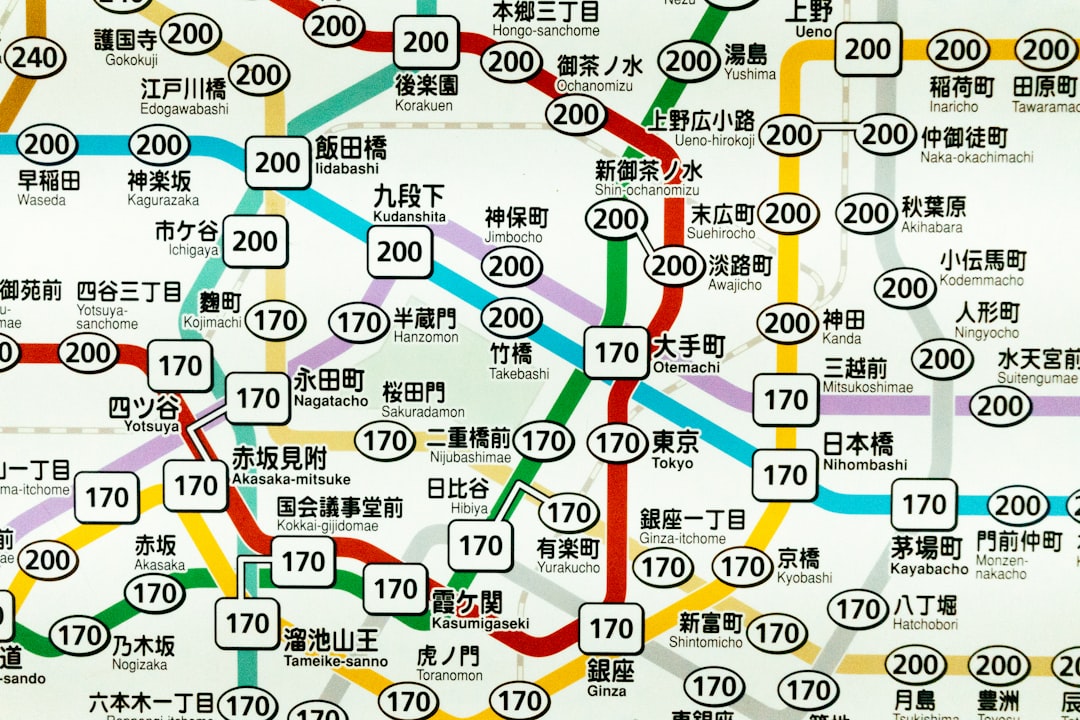
When organizing group tours—especially those in foreign destinations with limited internet connectivity—having reliable offline navigation is essential. For many tour operators, Sygic Travel has become a go-to application due to its robust offline maps and planning features. However, some tour groups have encountered serious setbacks due to offline maps not loading when they were most needed. This article explores a significant issue faced by a group touring company using Sygic Travel and outlines the device provisioning method that ultimately solved the problem and ensured consistent guide readiness.
TLDR
Group tour operators using Sygic Travel recently experienced critical failures with offline maps not loading on guides’ devices. The issue stemmed from inconsistent device configurations and outdated app caching. By implementing a standardized device provisioning method, the company ensured all guides received preloaded, functional apps ready for offline use. This not only resolved reliability issues but also improved operational efficiency for future tours.
Understanding the Problem: Offline Maps Not Loading
The distress began when multiple tour guides, spread across different countries, reported that their Sygic Travel maps wouldn’t load—even though they had downloaded all required maps during pre-departure prep. In some cases, the app would simply display a blank screen, while in others, it would crash entirely when opening offline content.
After collecting feedback and reviewing logs and system data, several key root causes emerged:
- Incomplete Downloads: Some devices reported only partial map downloads due to weak Wi-Fi during the syncing phase.
- App Version Fragmentation: More than five different app versions were in use simultaneously across guides, leading to inconsistent performance.
- Cache and Storage Problems: Low storage or corrupted cached files prevented the app from accessing the map files correctly.
These technical inconsistencies became more problematic when dealing with tight tour schedules, remote destinations, and the high expectations of travelers needing smooth, stress-free experiences.
The Business and Customer Impact
The consequences were significant. Without access to offline maps, guides had to rely on printed itineraries, third-party apps, or personal recollection. This led to:
- Delayed tours due to route confusion or missed landmarks.
- Frustrated customers who expected a seamless, technology-powered tour experience.
- Reputational damage as negative reviews circulated online, citing a lack of organization and preparedness.
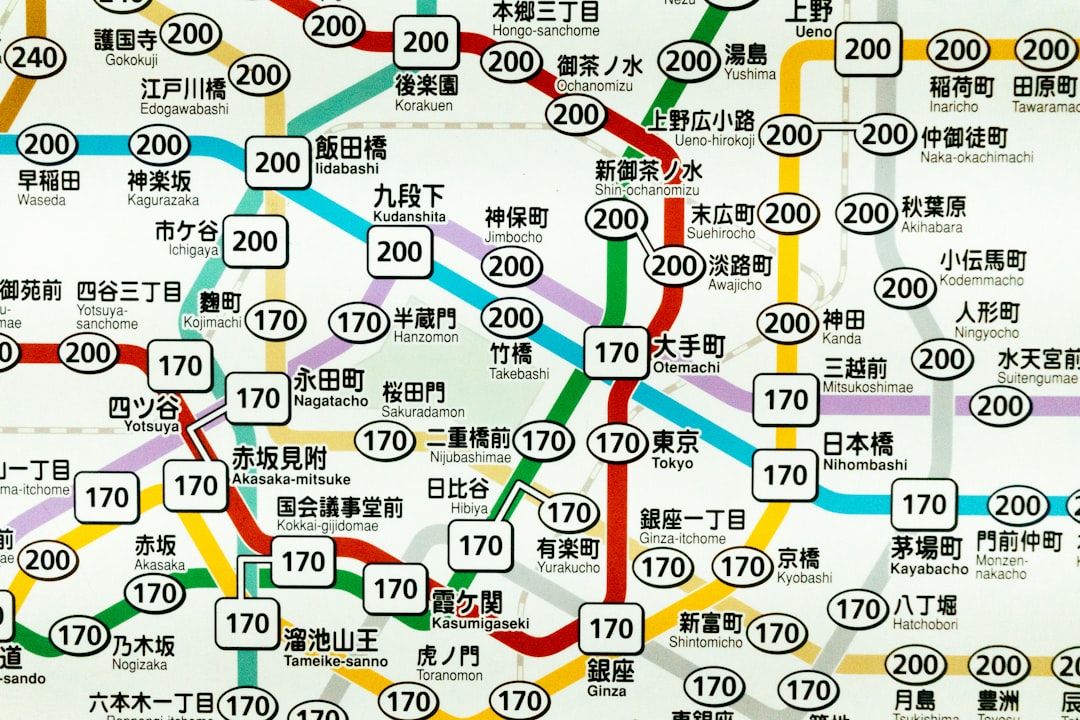
It became clear to the tour company that relying on each individual guide to maintain their own devices and apps was not only inefficient but also risky. They needed a centralized solution that ensured every guide would begin a tour with a fully functional and up-to-date navigation setup.
The Provisioning Solution: Standardizing Device Readiness
To address the dilemma, the company decided to implement a comprehensive Mobile Device Provisioning and Standardization Method. This process involved pre-configuring guide devices to meet strict readiness criteria before they were issued for use. Here’s how it worked:
Step 1: Develop a Standard Device Template
This template included:
- The latest version of Sygic Travel
- Pre-downloaded offline maps for all current tour destinations
- Blocked auto-updates to avoid compatibility issues mid-tour
- Custom tour route pins and daily schedules integrated
Step 2: Use Mobile Device Management (MDM) Tools
The team used cloud-based MDM software to push configurations to all guide devices at once. This removed the need for guides to manually install apps or download files. It also gave the operations team the ability to:
- Push urgent updates to devices remotely
- Monitor storage and system health
- Lock in preconfigured settings to avoid accidental changes
Step 3: Implement a Pre-Tour Device Certification Protocol
Before each tour, a “Tech Rep” certified that each guide’s device:
- Included all necessary maps downloaded and functioning
- Passed an airflow test (opening and scrolling through map sections)
- Had at least 30% storage buffer to avoid future caching issues
If any device failed the check, it was either refreshed remotely or swapped out for a spare device loaded with the approved template.
The Results: Improved Reliability and Confidence
After implementing the provisioning system, reliability soared. In the next travel season, over 95% of guides reported zero map loading issues. In fact, the majority found the devices to be more responsive and intuitive to use compared to before. Some additional benefits included:
- Reduced support tickets: Tech support requests from guides dropped by 80%.
- Higher guest satisfaction: Reviews now praised the professionalism and preparedness of the tour guides.
- Time saved: Devoting fewer hours to troubleshooting meant more focus on delivering meaningful travel experiences.

Even in remote areas like mountain ranges and desert trails, guides felt empowered knowing that their maps were right there, loaded, verified, and ready to go—all without needing to depend on unstable Wi-Fi or data connections.
Best Practices for Tour Operators Adopting Similar Setups
If your company is considering a similar solution, here are a few essential best practices you can follow:
- Use identical devices: Choose one or two device models and buy in bulk to ensure consistent behavior across your guide fleet.
- Lock versions: Test thoroughly and freeze app versions that you know work reliably. Avoid enabling auto-updates during peak travel periods.
- Regularly audit maps: Periodically verify that all maps and routes are still valid, especially before a new season begins.
- Train your teams: Teach guides basic troubleshooting and ensure they understand the importance of not altering device configurations on their own.
- Maintain spares: Keep a few extra pre-provisioned devices in each region to replace units that are lost or damaged on the fly.
Conclusion
Sygic Travel remains an excellent tool for tour operators—but like all powerful software, it requires proper setup and management to ensure reliability, especially when offline features are essential. By moving away from ad-hoc installations and toward a formal device provisioning model, the tour company turned a crisis into an opportunity for greater efficiency and dependability. With standardized configurations, mobile device management, and pre-tour checks, guides could now focus on providing unforgettable experiences rather than wrestling with vanishing maps.
For tour operators and travel businesses relying on digital tools in the field, the message is clear: consistency beats improvisation. Implementing even a modest provisioning system can mean the difference between tech-fueled chaos and smooth, well-directed journeys.