Choose Squarespace Email Campaigns if your website, store, and contact list already live inside Squarespace; choose Mailchimp if you need deeper automation, testing, segmentation, and reporting. That is the cleanest way to make the decision. Squarespace is simpler and faster for basic campaigns, while Mailchimp is stronger once email becomes a serious revenue channel.
TLDR: Squarespace Email Campaigns is best for small Squarespace sites that send newsletters, product updates, event reminders, or simple promotions. Mailchimp is better for growing lists, abandoned cart flows, advanced customer groups, and detailed performance reports. For example, a Squarespace shop with 800 subscribers sending two emails per month may save hours by staying inside Squarespace, while a store with 12,000 contacts could gain more from Mailchimp’s automation and segmentation. If email drives more than 15–20% of your monthly sales, Mailchimp is usually worth the extra setup time.
How the two platforms differ
Squarespace Email Campaigns is built into the Squarespace admin area. You can design emails using your site’s fonts, colors, products, blog posts, and images. That makes campaign creation quick. You do not need to move between tools or reconnect assets.
Mailchimp is a separate email marketing platform. It connects to Squarespace through integrations, embedded forms, or third-party tools. It offers more control over audiences, automations, analytics, and testing. It also has more settings to manage, which can slow down beginners.
The catch is that “more powerful” is not always better. If your team only sends one monthly newsletter, Mailchimp may feel like using accounting software to split a dinner bill. If you run campaigns by segment, track purchase behavior, and test subject lines weekly, Squarespace may feel too narrow.

Ease of use
Squarespace wins on simplicity. The editor feels familiar if you already manage a Squarespace website. You can pull in products, posts, images, buttons, and branding with little friction. A non-technical owner can usually build a decent campaign without outside help.
That matters. Most small businesses do not struggle because they lack features. They struggle because sending an email takes too long. Squarespace reduces that pain.
Mailchimp has a steeper learning curve. Its campaign builder is polished, but the platform includes audiences, tags, segments, journeys, forms, templates, reports, and compliance settings. Each part has value. Still, expect to waste time on setup if you only wanted to send a quick sale announcement.
Design and branding
Squarespace Email Campaigns has a clear advantage for brand consistency. Your website style can carry into your emails. This helps small brands look professional without hiring a designer.
Mailchimp offers many templates and more layout flexibility. It is strong for teams that want to test different email formats or create detailed promotional layouts. Yet it may require more manual work to match your Squarespace site exactly.
If visual consistency is your main concern, Squarespace is usually the cleaner choice. If experiment control matters more, Mailchimp has the edge.
Automation
This is where the gap becomes clear.
- Squarespace Email Campaigns supports basic automated emails, depending on your plan and site setup.
- Mailchimp supports richer customer journeys, welcome sequences, re-engagement emails, product follow-ups, date-based emails, and e-commerce triggers.
For a service business, Squarespace may be enough. A photographer can send a welcome email after someone joins a list. A yoga studio can announce workshops. A consultant can send a monthly note.
For e-commerce, Mailchimp is often stronger. You can build flows for first-time buyers, repeat customers, inactive customers, and high-value buyers. You can also create paths based on behavior. That can affect revenue in a real way.
Segmentation and contact management
Squarespace handles basic lists and subscriber groups well. You can collect signups from forms, checkout, and member areas. For simple communication, that works.
Mailchimp gives more detailed contact control. You can use tags, segments, predicted traits in some plans, purchase data, engagement levels, and custom fields. This allows cleaner targeting.
For example, a skincare shop might send one email to customers who bought moisturizer in the past 60 days and a different email to people who clicked on sunscreen but did not buy. That level of targeting is where Mailchimp starts to justify itself.

Analytics and reporting
Squarespace gives useful campaign metrics such as opens, clicks, unsubscribes, and basic performance. For many owners, that is enough. You can see whether people responded and whether traffic came back to your site.
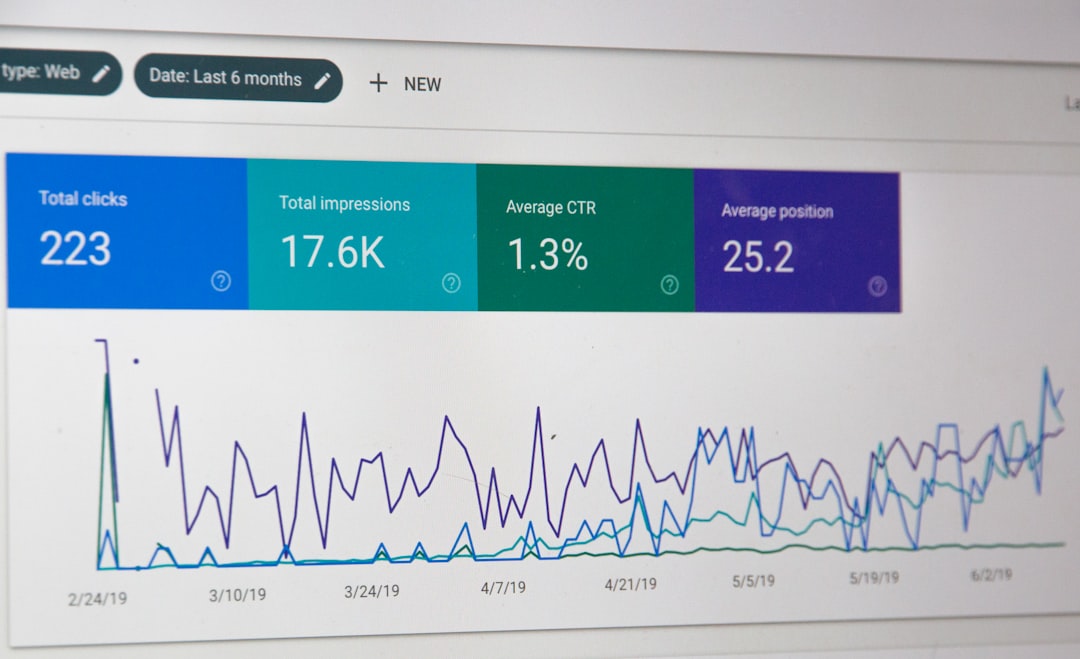
Mailchimp’s reporting is more detailed. You can review campaign comparisons, audience engagement, click maps, revenue tracking, automation reports, and testing results. If you make decisions based on data every week, Mailchimp gives you more to work with.
Honestly, it feels like Squarespace reports are built for checking performance, while Mailchimp reports are built for improving performance. That difference matters as your list grows.
E-commerce use
Squarespace Email Campaigns works nicely with Squarespace Commerce. You can promote products, announce collections, and keep the process inside one account. For a small shop, this is practical and efficient.
Mailchimp is stronger when you need sharper selling tools. Abandoned cart emails, product recommendations, customer win-back campaigns, and post-purchase sequences can become major revenue drivers. The setup takes more care, but the upside is higher.
A simple example: if 100 shoppers abandon carts each week and an automated Mailchimp flow recovers 8% of them, that is 8 extra orders. If your average order is $75, that flow could bring in about $600 per week before costs. Not every store will see that result, but the math shows why automation matters.
Pricing and value
Squarespace Email Campaigns is usually easier to budget for if you already use Squarespace. Plans are based on monthly email volume and feature access. For basic newsletters, costs can stay predictable.
Mailchimp pricing depends on contacts, features, and sending needs. Costs can rise as your list grows. That can be annoying if many contacts are inactive but still count toward billing. Clean your list often if you use Mailchimp.
Do not compare price alone. Compare price against time saved and revenue gained. A cheaper tool that blocks growth is not cheap. A more expensive tool that your team never uses is not wise either.
Deliverability and compliance
Both platforms support standard email marketing practices such as unsubscribe links and sender controls. Deliverability will still depend on your list quality, authentication settings, content, sending habits, and engagement.
Mailchimp gives more controls and guidance for larger senders. Squarespace keeps the process simpler for smaller senders. In both cases, avoid purchased lists. They damage sender reputation and often produce poor results.
When Squarespace Email Campaigns is the better choice
- You already run your site on Squarespace.
- You send simple newsletters or announcements.
- You want emails that match your website design.
- You have a small team and limited time.
- You do not need complex automation.
Squarespace is a strong fit for restaurants, creators, coaches, local stores, artists, event hosts, and small service businesses. It keeps email close to the website, which reduces admin work.
When Mailchimp is the better choice
- You need advanced automations.
- You want detailed segmentation.
- You run frequent campaigns.
- You sell online and track revenue from email.
- You need stronger reports and A/B testing.
Mailchimp is better for growing online stores, content brands, membership businesses, and teams that treat email as a sales system rather than a newsletter tool.
Final recommendation
If you are new to email marketing and use Squarespace, start with Squarespace Email Campaigns. It is faster, cleaner, and less distracting. You can build good habits without wrestling with too many settings.
If your needs are already more advanced, start with Mailchimp. It gives you more room to segment, test, automate, and measure. The extra setup is easier to accept when email has clear financial value.
The practical answer is simple: use Squarespace for ease and brand consistency. Use Mailchimp for growth, automation, and deeper reporting. Pick the tool that matches how your business actually sends email, not the one with the longest feature list.