Treat an SEO migration like a controlled release, not a design launch. Your top priority is simple: preserve every valuable URL, signal, internal link, and search intent that already earns traffic. A redesign can look beautiful and still crush organic revenue if redirects, metadata, crawl rules, or content parity are handled late. Build the SEO plan before code freezes, not after rankings start dropping.
TLDR: Before moving a site, crawl the old version, map every important URL to its new destination, test redirects, and track rankings before and after launch. For example, a retailer moving 4,200 URLs to a new ecommerce platform may protect 92% of organic traffic in the first month if high-value pages get exact 301 redirects and content stays intact. Without that mapping, the same site could lose 30% to 50% of non-brand clicks while Google reprocesses broken paths. The safest migrations are boring, checked twice, and measured daily.
Start With a Full SEO Inventory
Before anyone touches templates, run a full crawl of the current website. Use a crawler such as Screaming Frog, Sitebulb, or a similar tool to export URLs, status codes, title tags, meta descriptions, canonicals, headings, word counts, indexability, structured data, and internal links.
Then pull performance data from Google Search Console, analytics, rank tracking tools, backlink software, and ad landing page reports. The goal is to identify which URLs matter most. Some pages may look ordinary in the CMS but drive sales, leads, backlinks, or assisted conversions.
Honestly, it feels ridiculous how often migrations ignore this step. A page with five paragraphs and an ugly layout may be the one bringing in 18% of organic leads. If it disappears, the new website has a very expensive design problem.
- Export all indexable URLs from your crawl.
- Export organic landing pages from the past 12 months.
- Export backlink targets from your preferred SEO tool.
- Flag revenue pages, lead pages, and high-click blog posts.
- Mark pages that should be removed, merged, or improved.

Create a Redirect Map That Matches Intent
A redirect map is the migration safety net. Every old URL with value should point to the closest relevant new URL using a 301 redirect. Do not send everything to the homepage. That frustrates users and weakens topical relevance.
If an old page about “blue running shoes for women” moves, redirect it to the new women’s blue running shoes page. If the product is gone, send users to the closest category. If no good match exists, consider a custom 410 status for truly dead content, but use that carefully.
The catch is that many CMS export tools make this more annoying than it should be. Expect to waste time cleaning trailing slashes, capitalization issues, tracking parameters, and duplicate URL formats. One missed slash can create chains, loops, or soft 404s.
Your redirect map should include:
- Old URL
- New URL
- Redirect type
- Page priority
- Organic traffic
- Backlinks
- Testing status
Protect Content, Metadata, and Search Intent
Redesign projects often focus on visuals. Search engines care about meaning. If a page ranks because it answers a specific question, do not strip out the answer to make the layout cleaner.
Compare old and new pages before launch. Check copy length, headings, FAQs, product details, reviews, internal links, alt text, schema, and canonical tags. The page does not need to be identical, but it should satisfy the same intent at least as well as before.
Watch out for common content losses:
- Tabbed content removed during template changes.
- FAQ sections dropped because they looked cluttered.
- Category copy deleted from ecommerce pages.
- Reviews hidden behind scripts Google cannot read well.
- Internal links reduced by simplified menus or footers.
If you improve content during the move, great. Just avoid making every major change at once. When rankings shift, you need to know whether the cause was the URL move, the design, the copy, speed, or technical setup.
Check Technical SEO Before Launch
A staging site should be blocked from search engines. A live site should not be. That sounds obvious, yet “noindex” tags and blocked robots.txt rules still slip into production. It drives me crazy that one checkbox in a CMS can undo months of planning.
Before launch, run a technical review on the staging version and again after the site goes live. Confirm that:
- Canonical tags point to the correct final URLs.
- Robots.txt allows crawling of key sections.
- Noindex tags are removed from pages meant to rank.
- XML sitemaps include only clean, indexable URLs.
- Structured data validates without major errors.
- Pagination and filters do not create crawl traps.
- Mobile templates show the same core content.
- Page speed stays within a reasonable range.

Preserve Internal Links and Site Architecture
Redirects help, but internal links should still point directly to final URLs. If your new menu, footer, breadcrumbs, and related content blocks all link through redirects, you slow crawling and muddy signals.
Keep your most valuable pages close to the homepage where it makes sense. Important category pages, service pages, guides, and location pages should not be buried six clicks deep after launch. A cleaner design should not create a weaker structure.
Use breadcrumbs, contextual links, and HTML sitemaps where useful. These elements help visitors and search engines understand relationships between pages. They also spread authority to deeper content.
Plan the Launch Window Carefully
Do not launch before a long holiday, peak sales week, or Friday evening. If something breaks, you need developers, SEO staff, analytics access, and decision makers available.
A smart launch plan includes a rollback option, a redirect deployment checklist, DNS timing notes, analytics verification, and a log of every major change. Assign owners. Set deadlines. Avoid vague tasks like “check SEO.” Use tasks like “test top 500 redirects from crawl export.”
Right after launch, crawl the new site. Then crawl the old URL list and confirm that redirects resolve in one hop. Check server logs if available. Submit updated XML sitemaps in Google Search Console and Bing Webmaster Tools.
Monitor Rankings, Traffic, and Indexing After Launch
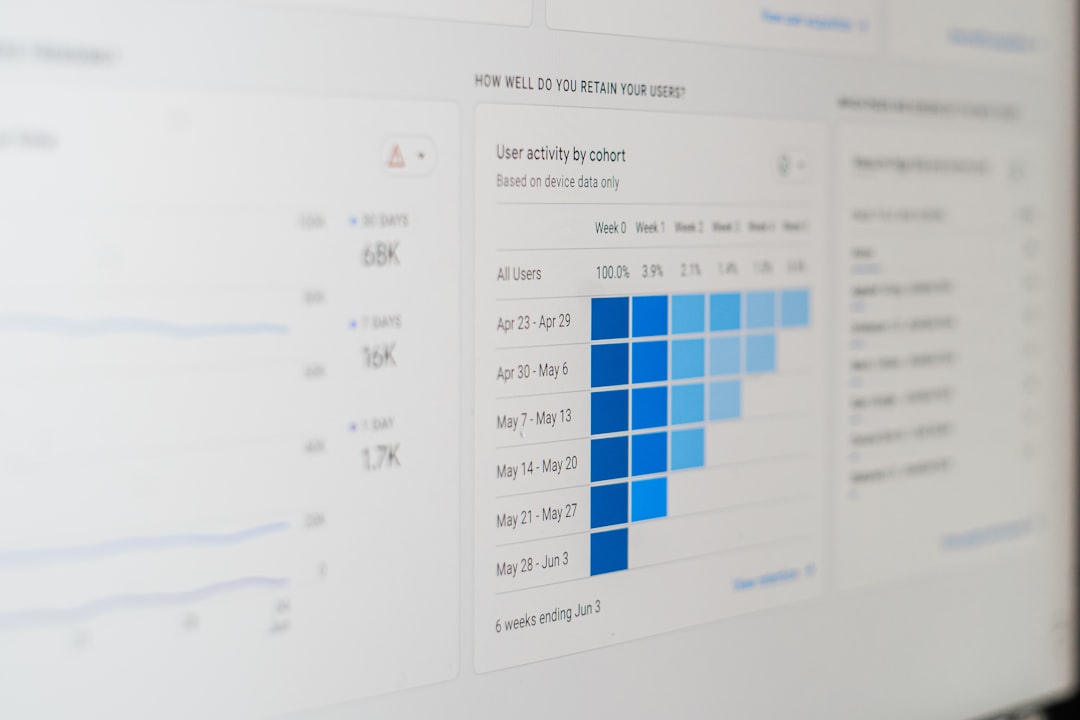
Some volatility is normal after a migration. Panic is not useful. Silence is worse. Track the right data every day for the first two weeks, then weekly for at least two months.
Focus on:
- Organic sessions and clicks by landing page.
- Top keyword rankings for priority pages.
- 404 errors and unexpected soft 404s.
- Redirect chains and redirect loops.
- Indexed page counts in Search Console.
- Conversions, not traffic alone.
A small dip of 5% to 10% can happen while search engines recrawl. A sharp drop of 25% or more usually signals a fixable issue. Common causes include missing redirects, blocked crawling, changed canonicals, lost content, JavaScript rendering problems, or internal links pointing to old URLs.
Build a Migration QA Checklist
A checklist keeps emotion out of the launch. Use it before, during, and after release. The best version is simple enough that people actually use it.
- Crawl old site and export all key data.
- Identify priority URLs by traffic, revenue, and backlinks.
- Create and review the redirect map.
- Compare old and new content for priority pages.
- Validate titles, descriptions, headings, and canonicals.
- Test structured data and mobile rendering.
- Confirm analytics and conversion tracking.
- Launch redirects and crawl old URLs.
- Submit XML sitemaps.
- Monitor errors, rankings, and revenue.
Final Advice: Do Less, Test More
The safest SEO migration is controlled. Change the design or the platform if you must, but avoid changing URLs, copy, content structure, tracking, and information architecture all at once unless there is a clear reason.
Protect what already works first. Then improve it after the new site settles. Organic rankings are not fragile by default, but careless migrations make them fragile. With a clean inventory, precise redirects, tested technical settings, and steady monitoring, a redesign can launch without turning search traffic into collateral damage.