Modern websites are expected to serve every visitor, including people who use screen readers, keyboard navigation, captions, magnification tools, voice commands, or other assistive technology. For a business, accessibility is not only a compliance matter; it is also a practical way to improve usability, strengthen trust, and reach a wider audience.
TLDR: Website accessibility solutions help businesses make digital content easier to use for people with disabilities while also improving the experience for all visitors. A small e commerce company, for example, may discover that fixing low contrast buttons and missing form labels reduces checkout abandonment by 12% within three months. The most valuable approach usually combines automated scans, manual audits, accessible design practices, staff training, and ongoing monitoring. Businesses that treat accessibility as a continuous process are better positioned to reduce legal risk and improve customer satisfaction.
Why Website Accessibility Matters for Business
Website accessibility refers to the practice of designing and maintaining digital experiences so that people with different abilities can perceive, understand, navigate, and interact with them. This includes people with visual, hearing, motor, cognitive, and neurological disabilities. It also benefits users in temporary or situational conditions, such as a person browsing in bright sunlight, using a cracked screen, or watching a video without sound.
For businesses, accessibility can influence brand reputation, conversion rates, search visibility, and legal exposure. Many accessibility improvements overlap with good user experience and search engine optimization. Clear headings, descriptive links, readable text, structured content, and fast navigation help both assistive technology users and general visitors.
Automated Accessibility Scanning Tools
Automated scanning tools are often the first solution businesses consider. These platforms check pages for common issues such as missing alternative text, poor color contrast, empty buttons, missing form labels, incorrect heading structure, and invalid ARIA attributes.
Benefits of automated tools include:
- Speed: They can scan many pages quickly.
- Consistency: They apply the same rules across a website.
- Reporting: They often generate issue lists for developers and content teams.
- Monitoring: Some tools provide scheduled scans and alerts when new problems appear.
However, automated scans cannot detect every barrier. A tool may confirm that an image has alternative text, but it cannot always determine whether that text is meaningful. It may also miss confusing navigation, unclear instructions, or poor keyboard flow. For this reason, automated scanning should be seen as a starting point, not a complete accessibility strategy.
Manual Accessibility Audits
Manual audits are more detailed evaluations performed by accessibility specialists. These experts test a website using assistive technologies, keyboard-only navigation, screen readers, browser zoom, and accessibility guidelines such as the Web Content Accessibility Guidelines, commonly known as WCAG.
A manual audit can uncover issues that automated tools miss, including:
- Menus that are technically visible but difficult to use with a keyboard
- Buttons that are announced unclearly by screen readers
- Forms that do not explain errors in a helpful way
- Interactive elements that trap focus or create confusion
- Content that is written in language that is too complex for the intended audience
For businesses with large websites, manual audits are often prioritized by page type. For example, an online retailer may first test the homepage, category pages, product pages, cart, checkout, account login, and customer support pages. This method helps address the most business-critical user journeys before expanding the audit to less visited areas.
Accessible Design Systems
An accessible design system is a collection of reusable components, standards, and documentation that help teams build consistent and inclusive digital experiences. It may include accessible buttons, forms, modals, navigation menus, typography rules, color palettes, and content patterns.
This solution is especially useful for growing businesses with several teams, products, or landing pages. Instead of fixing the same accessibility problem repeatedly, a business can build accessibility into the foundation of its interface. When a button component is accessible by default, every page using that component benefits.
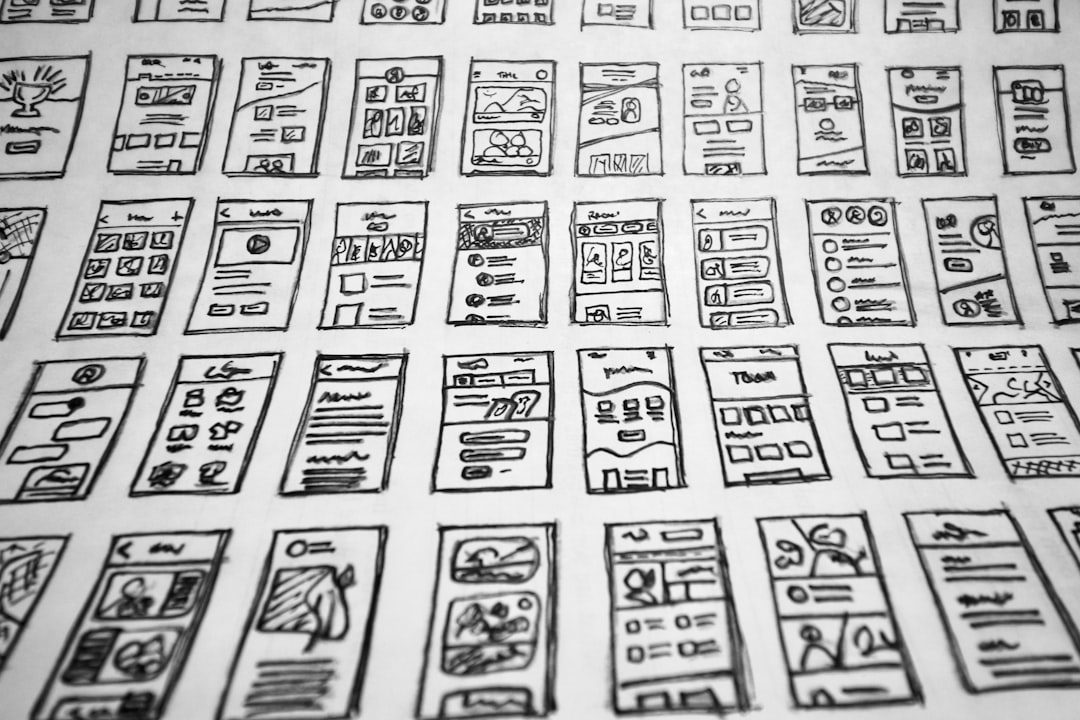
An effective design system should include contrast requirements, focus states, keyboard behavior, error messaging standards, and content guidance. It should also explain when and how to use ARIA attributes, since improper ARIA can make accessibility worse rather than better.
Captioning, Transcripts, and Audio Descriptions
Businesses that publish videos, webinars, podcasts, product demos, or training materials should consider media accessibility solutions. Captions help people who are deaf or hard of hearing, but they also support users in quiet workplaces, public transportation, or noisy environments. Transcripts make audio and video content searchable, scannable, and easier to translate.
Important media accessibility options include:
- Closed captions: Text synchronized with video speech and important sounds.
- Transcripts: Written versions of audio or video content.
- Audio descriptions: Narration that explains important visual details in videos.
- Accessible video players: Players that support keyboard controls and screen reader labels.
For companies that rely on product education or customer onboarding, accessible media can reduce support requests. When instructions are available in multiple formats, users are more likely to complete tasks independently.
Accessibility Overlays and Widgets
Accessibility overlays and widgets are tools that add an interface to a website, allowing visitors to adjust text size, contrast, spacing, or other display preferences. Some also claim to automatically resolve accessibility issues using scripts or artificial intelligence.
These tools can provide limited convenience, but businesses should evaluate them carefully. A widget may help some users customize their experience, but it does not replace accessible code, proper content structure, or meaningful testing. If the underlying website has inaccessible forms, broken keyboard navigation, or poor semantic markup, a widget may not solve the problem.
The best approach is to treat overlays as optional enhancements, not as the core accessibility solution. Businesses should still invest in audits, development fixes, and inclusive design practices.
Accessible Content and Copywriting
Accessibility is not only a technical concern. Content teams play a major role in making a website usable. Clear, structured, and descriptive content helps visitors understand information quickly and complete actions with confidence.
Businesses should consider the following content practices:
- Use descriptive headings that explain the section topic.
- Write link text that makes sense out of context, such as “download the pricing guide” instead of “click here.”
- Break long paragraphs into shorter sections.
- Use plain language where possible.
- Add meaningful alternative text to informative images.
- Avoid relying only on color to communicate meaning.
These content changes can improve accessibility while also making pages easier for busy customers to scan.
Staff Training and Internal Processes
Even the best tools will not create lasting accessibility if teams do not understand how to maintain it. Accessibility training helps designers, developers, marketers, editors, and product managers make better decisions in daily work.
Training may cover topics such as semantic HTML, keyboard testing, accessible color use, inclusive writing, document accessibility, and accessible social media posting. Businesses can also create internal checklists for new pages, campaigns, product launches, and design updates.
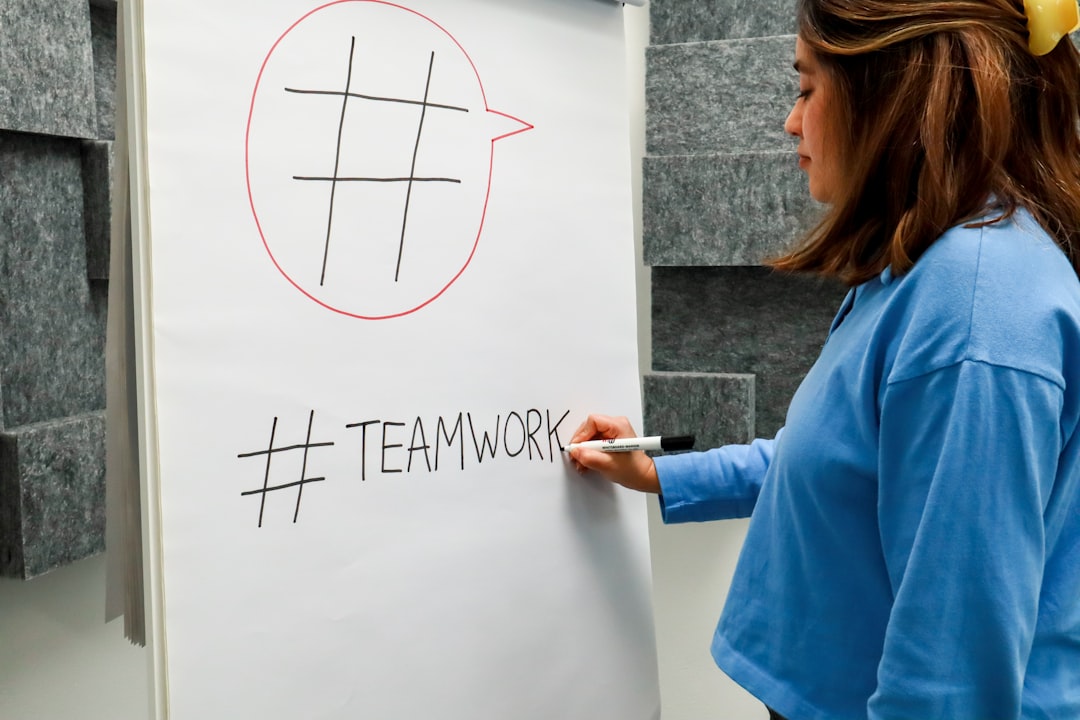
When accessibility becomes part of standard workflows, fewer problems reach production. This reduces the cost and effort of fixing issues later.
Ongoing Monitoring and Maintenance
Accessibility is not a one-time project. Websites change frequently as teams add products, publish articles, update plugins, redesign pages, and launch campaigns. Each change can introduce new barriers.
An effective maintenance plan may include:
- Monthly automated scans of key pages
- Quarterly manual testing of important user journeys
- Accessibility checks before major launches
- A public accessibility statement with contact information
- A documented process for responding to accessibility feedback
This ongoing approach helps businesses protect previous accessibility investments and demonstrate a good-faith commitment to inclusive digital service.
Choosing the Right Accessibility Solution
The most suitable accessibility solution depends on the size, complexity, and risk profile of the business. A small service company may begin with an automated scan, basic developer fixes, and improved content practices. A large financial, healthcare, education, or e commerce platform may need a full accessibility program with audits, governance, legal review, and continuous monitoring.
A balanced strategy usually combines several solutions: automated testing for scale, manual audits for depth, accessible design systems for consistency, staff training for prevention, and user feedback for real-world insight. Businesses that approach accessibility as part of quality assurance are more likely to create websites that work well for everyone.
FAQ
What is the best website accessibility solution for a business?
The best solution is usually a combination of automated scanning, manual auditing, accessible design practices, and ongoing monitoring. No single tool can identify or fix every accessibility issue.
Can automated tools make a website fully accessible?
No. Automated tools are useful for finding common technical issues, but they cannot fully judge usability, content clarity, keyboard experience, or whether alternative text is meaningful.
Are accessibility overlays enough for compliance?
Overlays may offer some user controls, but they should not be treated as a complete compliance solution. Businesses still need accessible code, structure, content, and testing.
How often should a business test its website for accessibility?
Important pages should be checked regularly, especially after redesigns, platform updates, or new content launches. Many businesses benefit from monthly automated scans and periodic manual audits.
Does accessibility improve SEO?
Many accessibility practices also support SEO, including clear headings, descriptive links, text alternatives, structured content, and readable page organization. While accessibility and SEO are different disciplines, they often reinforce each other.