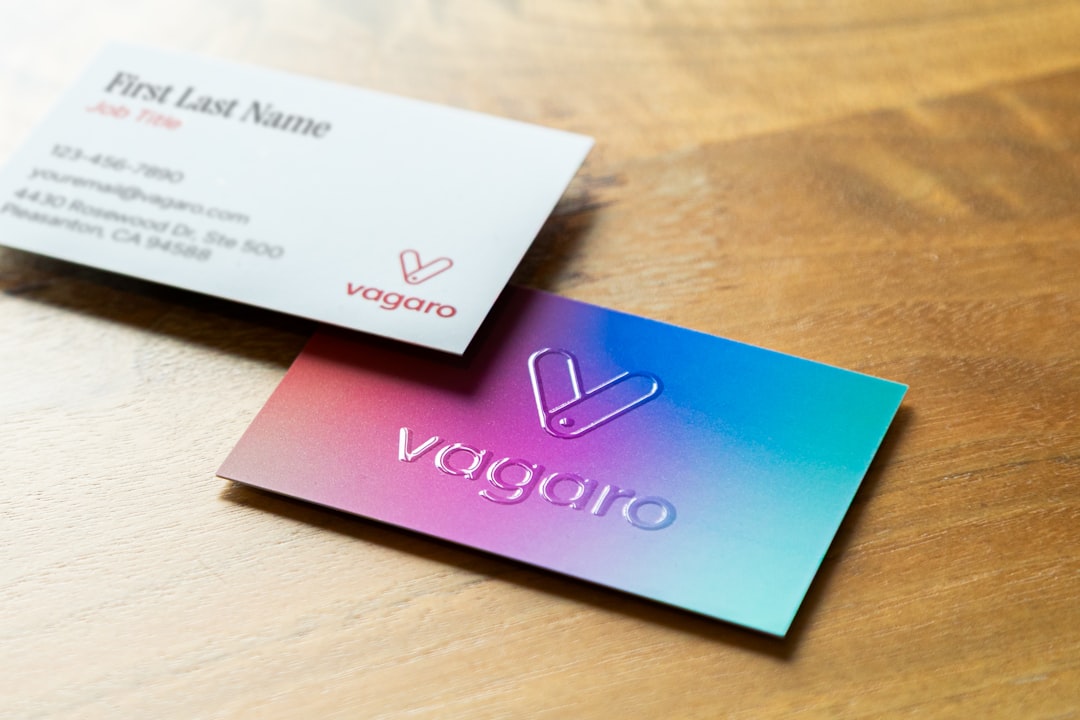
A business card is tiny. But it can do a big job. It can say, “Hi, I am serious,” “Hi, I am creative,” or even “Hi, please scan this code before you forget me.” The right software helps you make that little card look sharp, clear, and worth keeping.
TLDR: Good business card design software should be easy to use, flexible, and friendly to beginners. Canva, Adobe Express, VistaCreate, Figma, Adobe Illustrator, and Inkscape are all worth checking out. Pick a simple tool if you want speed. Pick a pro tool if you want full control.
Why the software matters
You can make a business card in many ways. You can use a template. You can start from a blank page. You can hire a designer. Or you can open design software and play until something great happens.
The software matters because it shapes the whole process. Some tools feel like a toy box. Some feel like a cockpit. Both can be useful. It depends on your skill, time, and patience.
A great business card tool should help with:
- Correct card size, so printing does not get weird.
- Templates, so you are not staring at a blank white box.
- Easy text editing, because names and titles must look clean.
- Logo support, so your brand looks polished.
- Export options, such as PDF, PNG, or JPG.
- Print safety, including bleed and margins.
Now let’s look at some tools that deserve a spot on your design radar.
Canva
Canva is one of the easiest choices for beginners. It is friendly. It is fast. It has many templates. You can search for “business card” and start editing in seconds.
This is great if you do not want to learn complicated design rules. You can drag things around. You can change colors. You can add your logo. You can try ten layouts before your coffee gets cold.
Canva is best for people who want a clean card without stress. It also works well for small teams. You can save brand colors and fonts in some plans. That keeps everything consistent.
Best for: beginners, freelancers, small businesses, fast designs.
Fun tip: Do not use every font you see. Canva has many. That does not mean your card needs twelve of them. Two fonts are usually enough.
Adobe Express
Adobe Express is another simple design tool. It is made for quick projects. It has templates, image tools, icons, and easy editing features.
It feels lighter than full Adobe design software. That is good. You do not need to be a design wizard to make something nice. You can choose a template, add your info, adjust the style, and export the result.
Adobe Express is useful if you already use Adobe products. It can fit nicely into that world. But it is still simple enough for new users.
Best for: quick cards, social media style designs, Adobe users, simple branding.
VistaCreate
VistaCreate is similar to Canva in many ways. It gives you templates, design items, images, and easy editing tools. It is colorful and beginner friendly.
If you want a card that feels bold, modern, or playful, this tool is worth a look. It has lots of visual styles. You can make something simple. You can also make something loud and artsy.
Just be careful with busy designs. A business card is small. If you add too much, people may need a microscope. And nobody wants to network with a microscope.
Best for: creative cards, bright designs, small brands, non designers.

Figma
Figma is a design tool loved by many digital designers. It is often used for websites and apps. But it can also make excellent business cards.
Figma is more flexible than basic template tools. You can control spacing, shapes, colors, and layout with precision. It also makes collaboration easy. A teammate can leave comments right on the design.
There is a small learning curve. Not a mountain. More like a hill with snacks at the top. Once you learn frames, grids, and alignment, it becomes very powerful.
Best for: startups, teams, designers, people who like clean layouts.
Helpful note: If you plan to print from Figma, check your export settings carefully. Printers may need specific file types, bleed, and color settings.
Adobe Illustrator
Adobe Illustrator is a professional design tool. It is not the simplest option. But it is one of the strongest.
Illustrator is great for vector design. That means logos, icons, lines, and shapes stay sharp at any size. If you want total control over your card, Illustrator can deliver it.
You can set exact dimensions. You can add bleed. You can manage colors. You can prepare print ready files. This is the kind of tool a professional designer may choose when every tiny detail matters.
The downside is the learning curve. It takes time. There are many buttons. Some buttons may look like they were invented by a space engineer. But once you learn the basics, it is very rewarding.
Best for: professional designers, print ready files, custom artwork, advanced branding.
Inkscape
Inkscape is a free vector design program. That word “free” is very nice. Especially when your budget is currently hiding under the couch.
Like Illustrator, Inkscape works well with vector graphics. You can create shapes, logos, icons, and layouts. It is powerful for a no cost tool.
The interface may feel a bit old at first. But it can do a lot. If you are patient, Inkscape can help you build a clean and professional business card without paying for software.
Best for: budget friendly design, vector art, DIY business owners, students.
MOO
MOO is known for printing. But it also offers tools to design cards before you order them. This is handy if you want to create and print in one place.
The design options are not as flexible as full design software. But the process is smooth. You choose a style, add your details, preview the card, and order prints.
This is a good choice if your main goal is to get quality cards delivered with less hassle. It is not the best playground for deep design experiments. But it is practical.
Best for: easy printing, premium card stock, simple ordering, polished finishes.

What to look for before you choose
Before you pick a tool, ask yourself a few simple questions.
- Do I need this fast? Choose Canva, Adobe Express, or VistaCreate.
- Do I need full control? Choose Illustrator, Figma, or Inkscape.
- Do I need to print right away? Try a print focused service like MOO.
- Am I making one card or a full brand system? For branding, use a more flexible tool.
- Will I update the card often? Pick software that saves editable files online.
Simple design rules for better cards
No matter which software you use, design rules still matter. Do not panic. They are simple.
- Keep it readable. Tiny text is not fancy. It is annoying.
- Use space. Empty space makes a card feel calm and premium.
- Pick strong contrast. Dark text on a light background works well.
- Limit colors. Two or three brand colors are enough.
- Add only key info. Name, role, phone, email, website, and maybe a QR code.
- Check spelling. A typo on 500 printed cards is a tiny paper tragedy.
Final thoughts
The best business card design software is the one you will actually use. If you want fast and easy, try Canva, Adobe Express, or VistaCreate. If you want more control, explore Figma, Illustrator, or Inkscape. If you want design and printing in one flow, MOO may be a smart option.
Keep the card simple. Make the text clear. Let your brand personality shine a little. A business card may be small, but with the right tool, it can still make a big entrance.