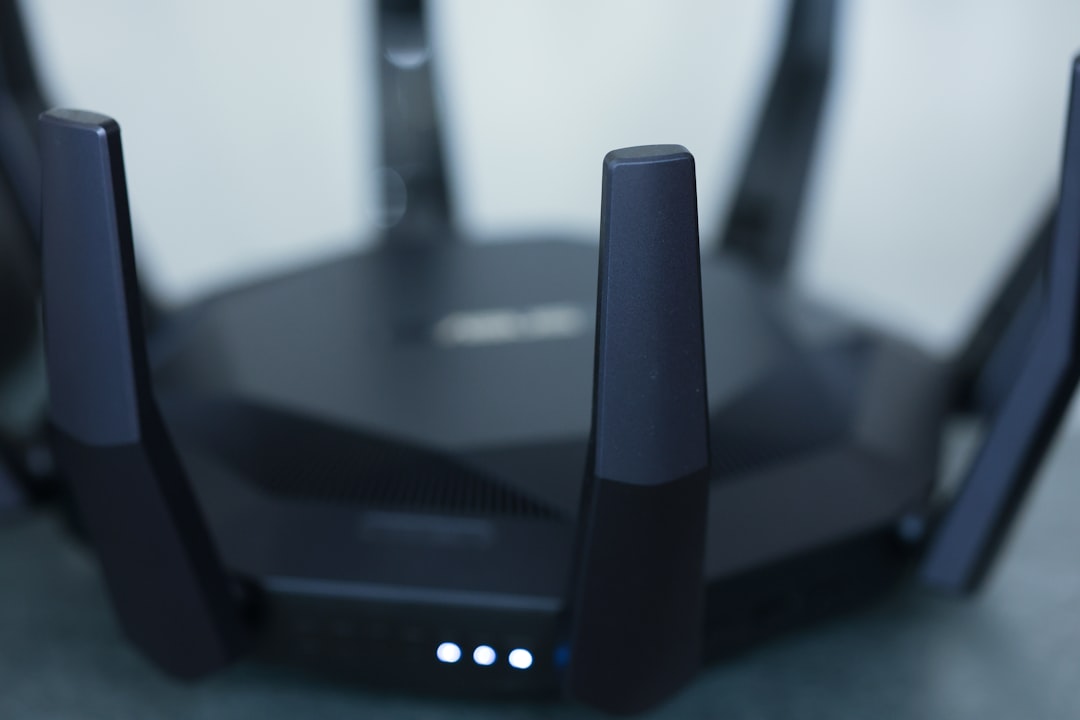
Smart homes are convenient because dozens of small devices can talk to apps, hubs, and cloud services without much effort from you. The problem is that an IoT network often becomes the least trusted corner of a home or office: it contains gadgets with weak passwords, slow security updates, and questionable data practices. Treating that network as a digital “junk drawer” is smart, but only if you keep the wrong devices out of it.
TLDR: Your IoT network should be reserved for low-trust smart gadgets, not sensitive equipment or devices that store private data. Keep computers, phones, storage drives, work systems, and medical or payment devices on a separate secure network. If a device is old, unsupported, or made by an unknown brand, think twice before connecting it at all.

1. Personal laptops and desktop computers
Your laptop or desktop is probably one of the most valuable devices you own from a cybersecurity perspective. It may contain saved passwords, tax documents, family photos, business files, browser sessions, and access to banking or email accounts. Placing it on the same network as cheap smart plugs, unknown sensors, or outdated cameras increases the risk that a compromised IoT device could be used as a stepping stone.
Instead, keep computers on a primary trusted network with stronger access controls. Your IoT network should be treated as semi-isolated, with limited permission to talk to anything else. If possible, configure your router so IoT devices can reach the internet but cannot initiate connections to your computers.
2. Smartphones and tablets
Phones and tablets are not just communication devices; they are authentication devices. They hold banking apps, password managers, two-factor authentication codes, personal messages, location history, and cloud photo libraries. Connecting them to your IoT network can expose them to unnecessary traffic from devices that may not be properly secured.
Use your main Wi-Fi network for personal mobile devices, and reserve the IoT network for gadgets that do not need to interact with your phone directly. If an app needs to set up a smart bulb or speaker, connect temporarily if required, finish setup, and then move your phone back to the trusted network.
3. Network attached storage devices
A NAS is essentially a private cloud server sitting in your home or office. It may hold backups, media libraries, client files, scanned documents, or entire drive images from other computers. Putting it on an IoT network is risky because many smart gadgets are poorly defended and may become infected or hijacked.
If malware reaches a NAS, the damage can be severe. Ransomware could encrypt backups, attackers could steal documents, or misconfigured sharing could expose private folders. Keep storage devices on a protected network segment and allow access only from devices that truly need it.
4. Work laptops and corporate devices
Work equipment should never be casually added to an IoT network. Even if your employer provides a VPN, endpoint security, and device management, your home network still matters. A compromised smart camera or thermostat could scan the local network, attempt credential attacks, or exploit services exposed by a laptop.
Corporate devices may also be subject to compliance rules. Connecting them to a low-trust network could violate company policy, especially in regulated industries. The safest approach is simple: keep work laptops, company phones, and office hardware on a trusted network or a dedicated work network.

5. Medical and health monitoring devices
Connected medical devices deserve special caution. This category can include blood pressure monitors, glucose monitors, sleep trackers, smart scales, oxygen monitors, and other health-related equipment. Some of these devices collect sensitive medical data; others may influence decisions about care or medication.
Not every health gadget is dangerous, but many depend on cloud accounts, mobile apps, and Bluetooth or Wi-Fi connections that users rarely review. If a device is essential to your health, do not place it on a cluttered IoT network full of unpatched products. Use a secure network, update its firmware, protect the associated account with a strong password, and enable multifactor authentication when available.
6. Payment terminals and point of sale devices
If you run a small business from home, a studio, a food stall, or a tiny retail location, do not connect payment terminals to the same network as smart lights, speakers, TVs, or cameras. Payment systems handle card data and transaction records, making them attractive targets for criminals.
Point of sale hardware should live on its own highly restricted network. That network should have strong encryption, a unique password, and minimal access to other devices. Mixing payment terminals with IoT gadgets may create compliance problems and unnecessary exposure. Convenience is not worth the risk when money and customer trust are involved.
7. Security systems you depend on for real protection
This one sounds counterintuitive because cameras, smart locks, alarms, and doorbells are commonly considered IoT devices. However, there is a difference between a convenience gadget and a security system you rely on to protect people or property. If a device controls access to your home, records sensitive footage, or triggers emergency alerts, it should not be treated like an ordinary smart bulb.
Cheap cameras and locks are especially concerning because they may ship with weak default settings, insecure cloud services, or long-forgotten firmware. For important security equipment, choose reputable brands, keep firmware updated, and consider placing them on a dedicated security network rather than a general IoT network. At minimum, isolate them from casual gadgets such as toys, plugs, and novelty devices.
8. Unsupported or no-name smart gadgets
The riskiest device is often the one that seemed harmless at checkout: a bargain smart plug, a generic camera, a Wi-Fi pet feeder, or a novelty lamp from an unknown manufacturer. These devices may never receive security patches. Some use hardcoded passwords, outdated encryption, or cloud servers with unclear privacy practices.
Before connecting any new gadget, ask a few practical questions:
- Does the manufacturer provide firmware updates?
- Can you change the default password?
- Does it require unnecessary permissions in its app?
- Can it work locally, or does it depend entirely on the cloud?
- Is the brand known and still supporting the product?
If the answer to most of these questions is “no,” the device may not belong on your IoT network at all. A cheap gadget can become expensive if it opens a path into your digital life.
How to build a safer IoT setup
The best defense is segmentation. Many modern routers allow you to create a guest network or a dedicated IoT network. Use a separate Wi-Fi name and password for smart devices, and avoid giving that network access to your main devices. If your router supports VLANs or advanced firewall rules, you can go further by blocking IoT devices from communicating with each other unless necessary.
Also follow a few basic habits:
- Change default passwords immediately.
- Use strong, unique passwords for device accounts.
- Update firmware regularly.
- Remove devices you no longer use.
- Disable features such as remote access when you do not need them.
- Review app permissions and cloud account settings.
An IoT network is useful because it limits the blast radius when a weak gadget fails. But it only works if you are selective about what joins it. Keep sensitive, valuable, and mission-critical devices on safer ground, and let the IoT network do what it does best: contain the gadgets you trust the least.