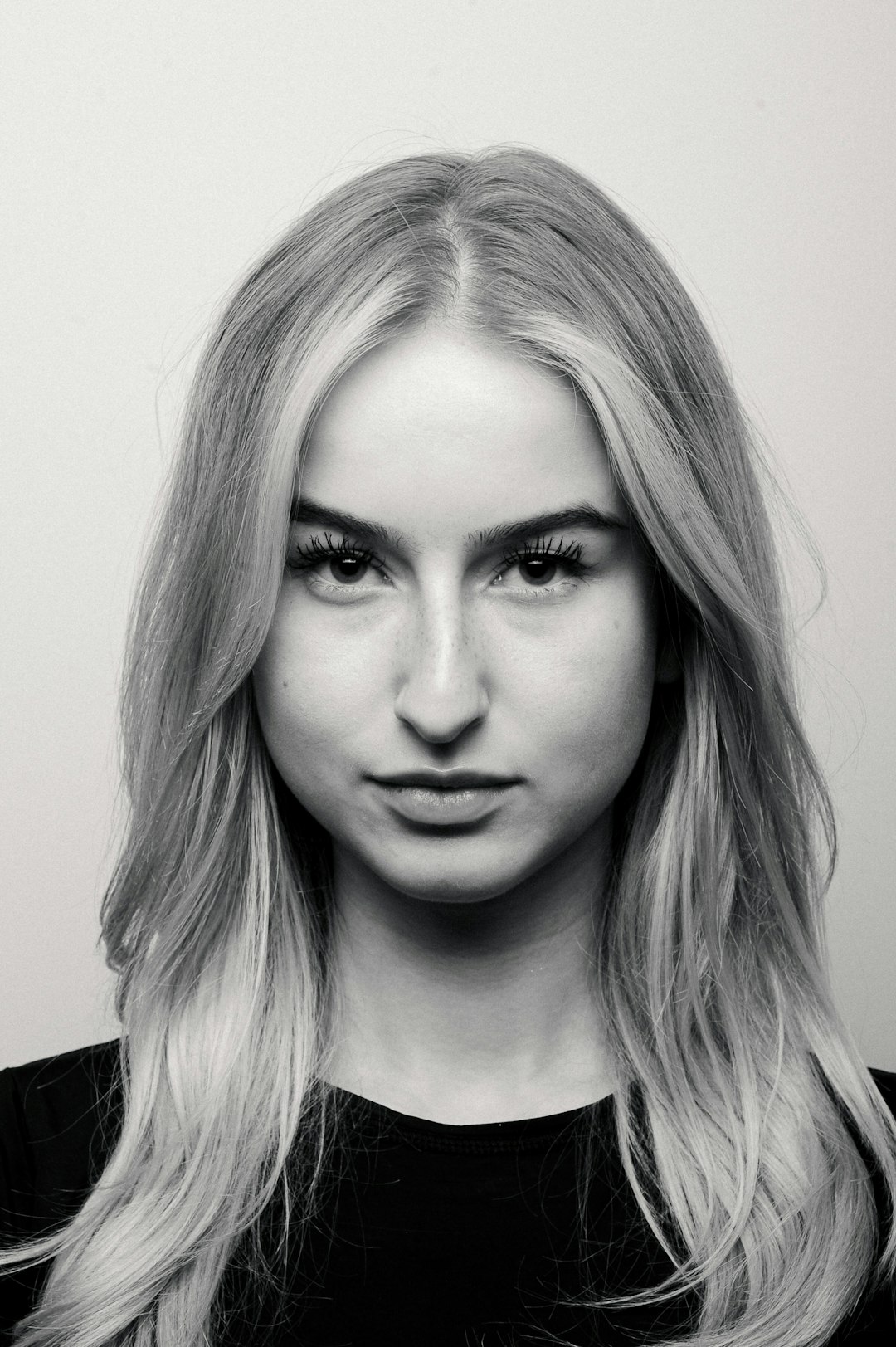
Your Facebook profile picture is tiny, but mighty. It is often the first thing people see when they search for you, message you, or check your comments. A sharp photo can say, “I am friendly, real, and ready to connect.” The good news? You do not need a design degree or a fancy camera.
TLDR: The best Facebook profile picture makers help you clean up your photo, improve lighting, remove messy backgrounds, and create a polished look fast. Canva, Adobe Express, Picsart, Fotor, BeFunky, and PFPMaker are great choices. Pick one that fits your style, budget, and comfort level. Keep your face clear, your background simple, and your vibe professional.
Why Your Facebook Profile Picture Matters
People judge profile photos very quickly. That sounds harsh, but it is true. A blurry selfie in a dark room may not send the right message. A clean, bright headshot feels more trustworthy.
This matters if you use Facebook for work, networking, freelancing, coaching, selling, or community groups. Even if you mostly use it for personal posts, a professional-looking photo can help you stand out.
A great Facebook profile picture should be:
- Clear: Your face should be easy to see.
- Bright: Good lighting makes you look fresh and awake.
- Simple: A busy background can distract people.
- Friendly: A natural smile goes a long way.
- On brand: Your colors and style should match your personality.
1. Canva
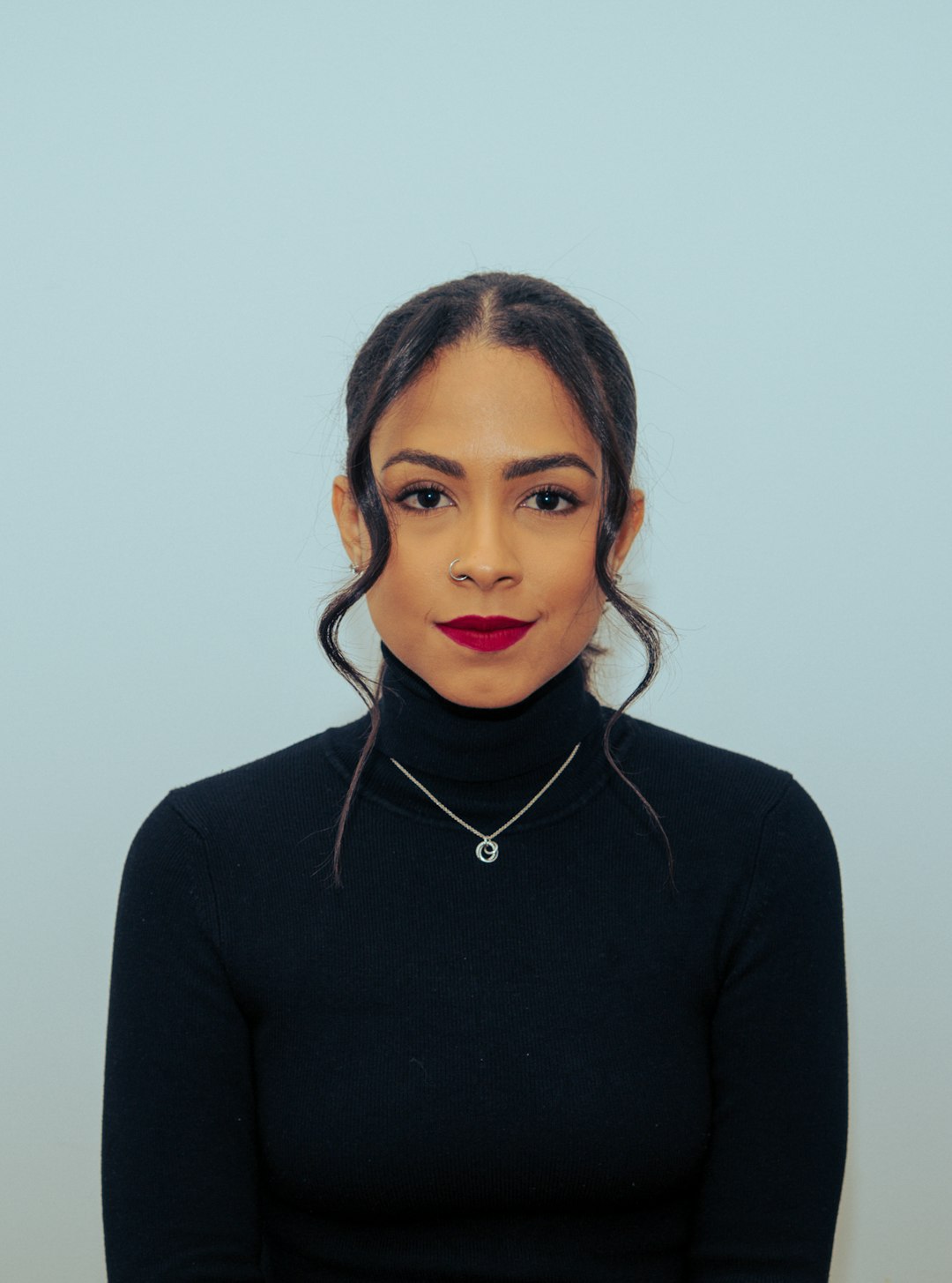
Canva is one of the easiest tools for making a polished Facebook profile picture. It has ready-made templates, background remover options, filters, frames, and simple editing tools. You can drag, drop, resize, and adjust everything without stress.
Canva is great if you want a profile picture that feels modern and neat. You can add a soft background color, a circle frame, or a small design accent. Just be careful not to add too much. Your face should still be the star.
Best for: Beginners, creators, small business owners, and anyone who wants a stylish look fast.
Fun tip: Use a background color that matches your personal brand. Blue feels calm. Green feels fresh. Yellow feels cheerful.
2. Adobe Express
Adobe Express is another strong choice. It feels clean and professional. It gives you quick tools for cropping, enhancing, resizing, and removing backgrounds. You can also use templates if you want something more designed.
This tool is useful if you want a sharp, business-friendly profile photo. It works well for consultants, teachers, marketers, job seekers, and business owners. The editing options are simple, but the results can look very polished.
Best for: People who want a refined look without using complex software.
Simple idea: Remove the background from your photo, then place yourself on a soft gray or white background. It looks clean and confident.
3. Picsart
Picsart is playful, creative, and full of effects. It can help you make a professional photo, but it also gives you room to add personality. You can clean up your image, smooth the background, adjust colors, and add subtle style.
The key word is subtle. Picsart has many fun effects. Sparkles? Glitches? Neon outlines? They can be cool, but they may not fit a professional Facebook profile. Use them carefully.
Best for: Creators, artists, influencers, and people who want a photo with personality.
Pro move: Use light retouching only. You want to look like yourself, just on a very good day.
4. Fotor
Fotor is a handy option for quick photo editing. It has tools for improving lighting, smoothing skin, cropping, and enhancing colors. It also offers background editing and portrait tools.
Fotor is nice if your original photo is decent but needs a little help. Maybe the lighting is dull. Maybe the colors feel flat. Maybe your face needs to stand out more. Fotor can help with that.
Best for: Quick upgrades, simple retouching, and clean portrait edits.
Easy win: Increase brightness a little. Add slight contrast. Do not overdo it. Nobody wants to look like a wax statue.
5. BeFunky
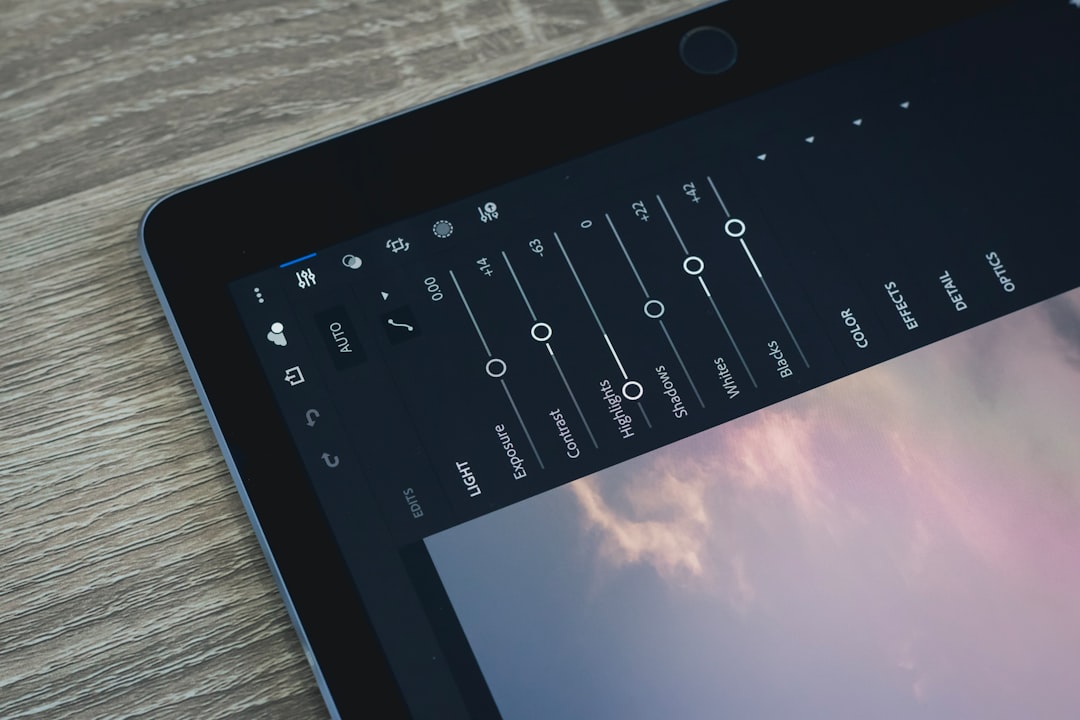
BeFunky is simple and friendly. It offers photo editing, touch-up tools, background options, and design features. The interface is easy to understand, which makes it great for people who do not want to click through endless menus.
You can use BeFunky to crop your profile photo into the right shape, brighten it, and create a clean look. It also has effects, but again, keep things balanced. A professional photo should not look like a cartoon poster unless that fits your brand.
Best for: Simple edits, quick polish, and users who want an easy tool.
Small tip: Crop close enough so your face is clear on mobile screens. Most people will see your picture very small.
6. PFPMaker
PFPMaker is made for profile pictures. That is its whole thing. You upload a photo, and it creates many profile picture styles for you. It can remove the background and place you in clean, colorful, or professional layouts.
This is a fun tool because it gives you lots of options quickly. You can compare different styles and pick the one that feels right. Some look corporate. Some look creative. Some look casual but still clean.
Best for: Fast profile picture creation with many choices.
Try this: Choose a version with a simple background and good contrast. Your head and shoulders should stand out clearly.
7. Remove.bg Plus Another Editor
Remove.bg is not a full profile picture maker, but it is very useful. It removes backgrounds fast. Then you can take the cutout image into Canva, Adobe Express, Fotor, or another editor.
This combo works well when your photo is good, but the background is messy. Maybe there is laundry behind you. Maybe a random lamp is growing out of your head. It happens. Remove the background and start fresh.
Best for: Cleaning up distracting backgrounds.
How to Choose the Right Tool
Not every tool is right for every person. Think about what you need most.
- Want fast and easy? Try PFPMaker or BeFunky.
- Want stylish templates? Try Canva.
- Want a polished business look? Try Adobe Express.
- Want creative effects? Try Picsart.
- Want better lighting and retouching? Try Fotor.
- Want to remove a messy background? Try Remove.bg with another editor.
The best tool is the one you will actually use. Do not spend three hours chasing perfection. A clean photo finished today is better than a perfect photo that never gets posted.
Quick Tips for a Professional Facebook Profile Picture
Before you start editing, choose a good photo. The tool can help, but it cannot perform magic on a blurry image from 2012.
- Use natural light when possible.
- Face the camera directly or at a slight angle.
- Keep your eyes visible.
- Use a simple background.
- Wear something that fits your goal.
- Smile in a natural way.
- Avoid heavy filters.
- Make sure the image looks good as a small circle.
Common Mistakes to Avoid
A professional profile picture does not need to be boring. But it should be clear. Avoid photos where you are too far away. Avoid sunglasses if people cannot see your eyes. Avoid group photos. Nobody should have to guess which person is you.
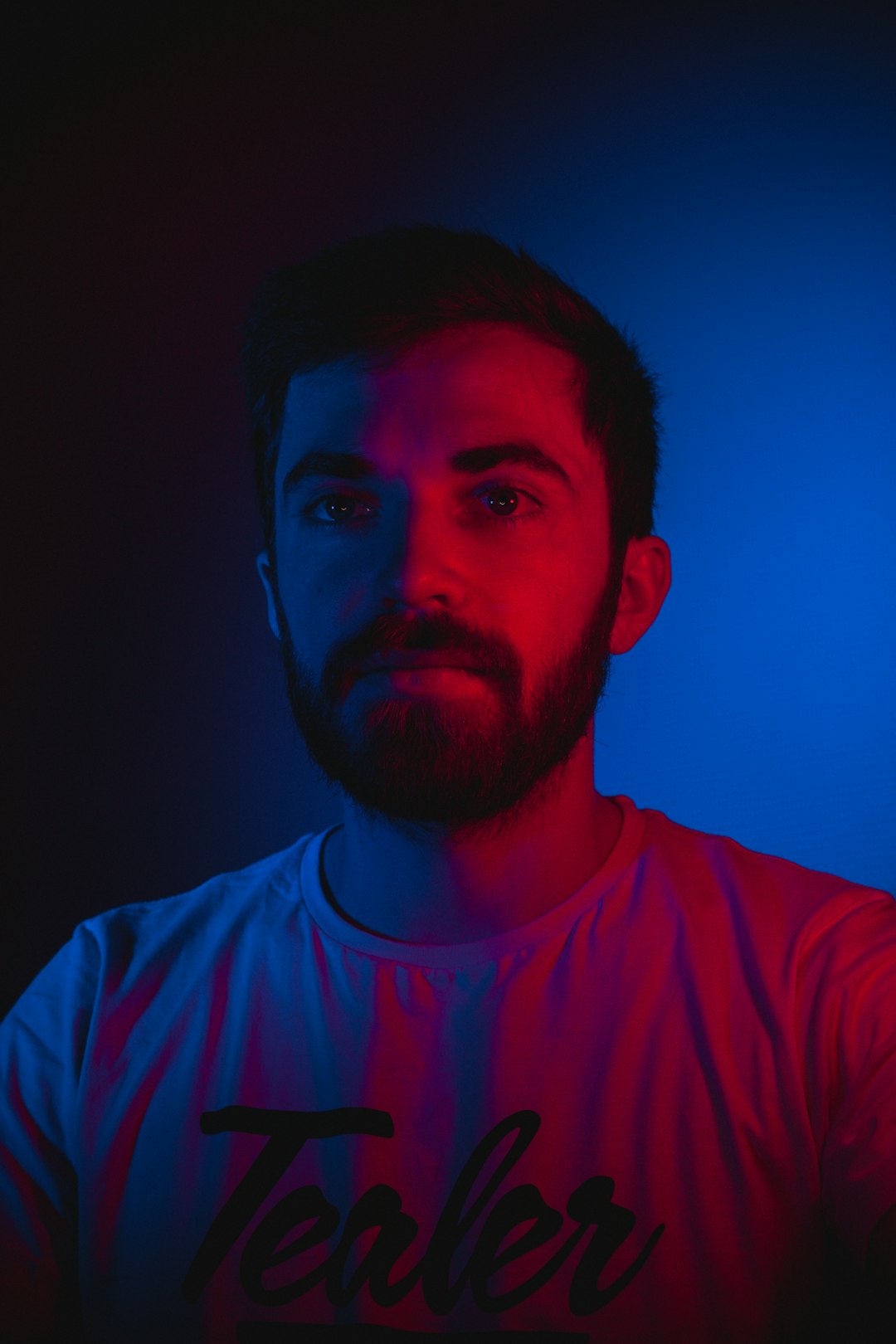
Also avoid over-editing. Super smooth skin, giant eyes, and strange lighting can feel fake. You want people to recognize you when they meet you in real life.
Final Thoughts
The best Facebook profile picture makers make you look clear, friendly, and professional. Canva is great for easy design. Adobe Express is great for a clean business style. Picsart adds creative flair. Fotor and BeFunky are great for quick edits. PFPMaker is perfect when you want many options fast.
Start with a good photo. Pick a simple tool. Keep your edits light. Then upload your new picture with confidence. Your Facebook profile will look sharper in minutes, and yes, your old blurry selfie can finally retire.