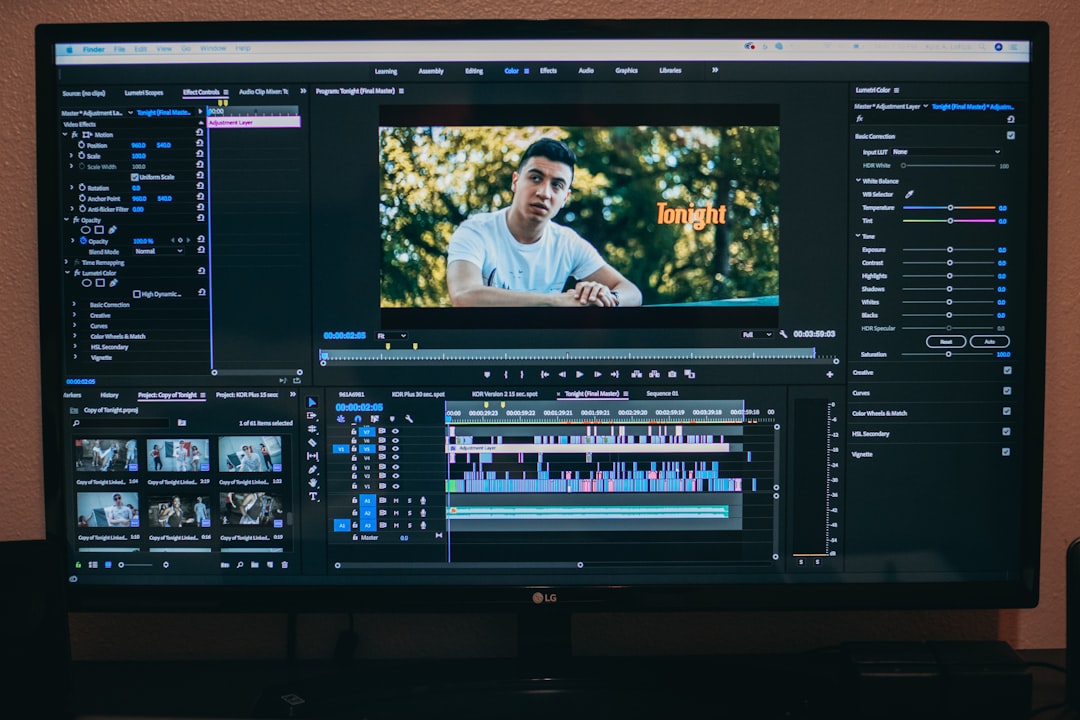
Editing one photo can feel easy. Editing five thousand photos can feel like teaching a cat to file taxes. This is where AI photo batch editors come in. They promise speed, style, and fewer late nights staring at sliders.
TLDR: Yes, AI photo batch editors can maintain consistency across large image sets, but they need clear rules, good input images, and human review. They are great at matching color, exposure, crops, backgrounds, and style. They are not magic robots with perfect taste. Think of them as fast assistants, not final art directors.
What Is an AI Photo Batch Editor?
An AI photo batch editor is a tool that edits many images at once. Instead of fixing each photo by hand, you set a style or goal. Then the AI applies it across the whole group.
It can do simple tasks. It can brighten photos. It can crop them. It can remove backgrounds. It can resize images. It can also do more advanced work. It can match skin tones. It can make product photos look uniform. It can remove shadows. It can even create a shared visual mood.
In simple terms, it is like a photo chef. You give it a big tray of image ingredients. It adds the same flavor to each one. Hopefully, nobody gets too much salt.
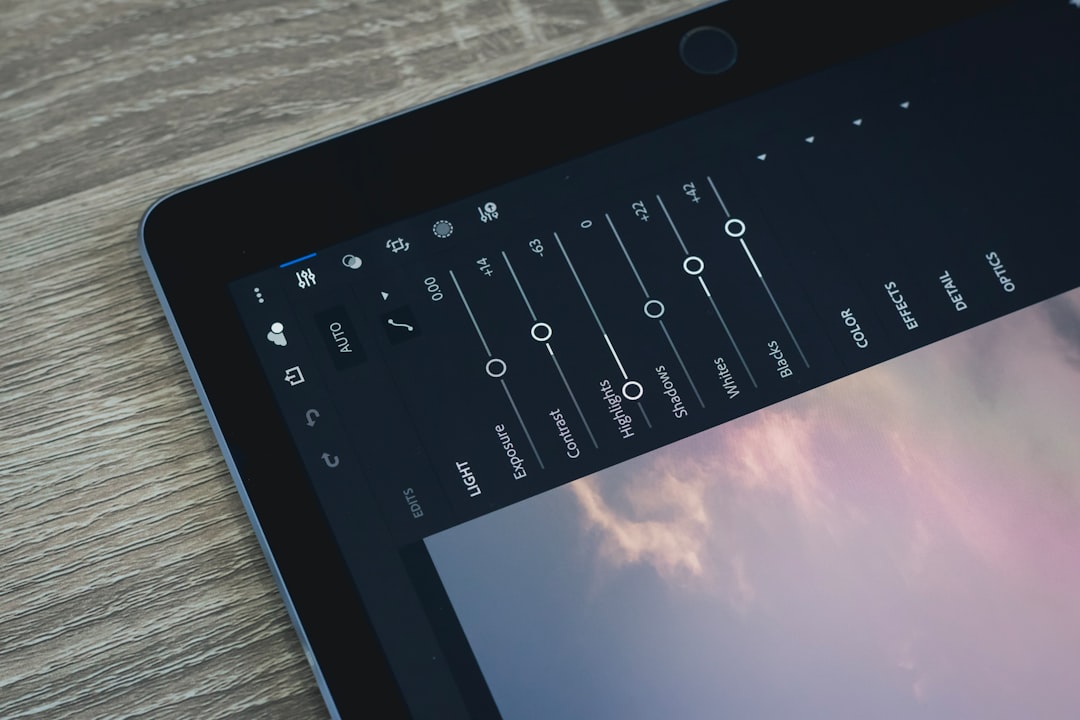
Why Consistency Matters
Consistency is the secret sauce of professional images. It helps everything feel connected. This matters a lot for brands, online shops, real estate listings, social media posts, food menus, and event galleries.
Imagine an online store. One shirt photo is warm and yellow. The next one is cool and blue. Another is dark. Another looks like it was taken inside a cave. Customers may feel confused. They may not trust what they see.
Now imagine the same store with clean, bright, matching photos. Each product has the same background. The same crop. The same brightness. The same neat look. It feels calm. It feels reliable. It feels like someone remembered to charge the camera.
That is why consistency matters. It builds trust. It saves time. It makes large image sets easier to browse. It also makes brands look more polished.
Can AI Really Keep Images Consistent?
Yes, it can. In many cases, it can do a very good job. AI is especially strong when the task has clear patterns. If you want all images to have the same size, background, exposure, and basic color style, AI can help a lot.
AI can study a sample image. It can learn the look you want. Then it can apply that look to the full batch. This is useful when you have hundreds or thousands of photos.
But there is a catch. AI works best when the photo set is not total chaos. If one image is a sunny beach photo, another is a dark concert photo, and another is a blurry dog wearing sunglasses, the AI may struggle. It can still try. But the results may vary.
So the answer is not just “yes.” The better answer is: Yes, if the image set and instructions are good.
What Makes AI Good at Batch Consistency?
AI tools are good at spotting patterns. They can detect faces. They can find edges. They can separate foreground from background. They can recognize color casts. They can compare images to a style target.
Here are common tasks where AI batch editors can shine:
- Exposure correction: Making dark photos brighter and bright photos less harsh.
- Color matching: Keeping whites white, skin natural, and colors balanced.
- Background removal: Cutting out products or people in a consistent way.
- Cropping and framing: Placing subjects in similar positions.
- Resizing: Making every image fit the same format.
- Noise reduction: Cleaning up grainy images.
- Style transfer: Applying a shared mood or visual look.
This is where AI feels almost magical. Not wizard magic. More like “my laundry folded itself” magic.
Where AI Can Still Mess Up
AI is clever. But it is not perfect. It does not always understand context. It may make choices that look technically correct but visually strange.
For example, AI may brighten every image. That sounds good. But what if one image is supposed to be dark and moody? It may remove the drama. It may turn a stylish night scene into a dentist office.
AI may also struggle with unusual subjects. Hair can be tricky. Transparent objects can be tricky. Shiny products can be very tricky. White products on white backgrounds may confuse it. So can complex shadows.
Here are common problems:
- Uneven skin tones: Faces may look different across images.
- Overedited colors: Greens may become neon. Reds may scream.
- Bad cutouts: Hair, fur, glass, and lace can look rough.
- Strange crops: Important details may be chopped off.
- Lost mood: The AI may flatten images that need emotion.
- Style drift: Later images may not match the first ones well.
This is why human review still matters. AI can do the heavy lifting. A person should still check the final look.
The Secret Is a Good Reference Image
One of the best ways to get consistent results is to use a reference image. This is your “gold star” photo. It shows the style you want.
The AI can use this image as a target. It can match color, contrast, brightness, and tone. This works well for product photos, portraits, weddings, food shoots, and real estate images.
But choose the reference carefully. Do not pick a weird image. Do not pick one with strange lighting. Do not pick the one where someone accidentally left a thumb in the corner.
A good reference image should be:
- Sharp and clear.
- Correctly exposed.
- Color accurate.
- Similar to the rest of the set.
- Close to your final desired style.
Think of the reference image as the team captain. If the captain is confused, the whole team may run the wrong way.
Good Input Means Better Output
AI batch editing works best when the original photos are somewhat consistent. They do not need to be perfect. But they should not be wildly different.
If you take photos in the same room, with the same lights, and the same camera settings, AI has an easier job. It can make the batch look polished. If every photo has different lighting, camera quality, and angles, AI has to work harder.
This is especially important for e-commerce. Product photos should be shot in similar conditions. Keep the camera distance steady. Keep the background simple. Keep lighting even. Your future self will thank you. Your AI tool will also stop sweating.
Here is a simple rule: The more consistent the source images are, the more consistent the edits will be.
Human Taste Still Wins
AI can match pixels. It can follow patterns. But taste is more than math. Sometimes a photo needs a special touch.
A wedding photo may need warmth. A fashion campaign may need drama. A food photo may need rich color. A medical image may need accuracy over beauty. AI may not always know which goal matters most.
That is why the best workflow is a team effort. Let AI handle the boring and repeated tasks. Let humans guide the creative choices.
A smart process looks like this:
- Pick your best sample images.
- Choose your desired style.
- Run a small test batch first.
- Review the results.
- Adjust settings or prompts.
- Run the full batch.
- Do a final quality check.
This saves time. It also prevents huge mistakes. Nobody wants to batch edit 8,000 images and then discover every white sofa has turned pale blue.
How AI Handles Different Types of Image Sets
Not all image sets are the same. Some are easy for AI. Some are sneaky little gremlins.
Product Photos
AI is often great here. Products usually need clean backgrounds, even lighting, and standard crops. If your photos are well shot, AI can make them look very consistent.
Portraits
AI can help with skin tone, exposure, eyes, and background blur. But be careful. Too much editing can make people look plastic. Humans are not action figures. Usually.
Real Estate Photos
AI can brighten rooms, straighten lines, and balance windows. It can make listings feel cleaner. But it should not mislead buyers. A cozy room should not become a palace from a fantasy movie.
Event Photos
These are harder. Lighting changes a lot. People move. Rooms vary. AI can still help, but review is important.
Social Media Sets
AI can keep posts on brand. It can match tone, color, and crop. This is perfect for feeds that need a planned look.

Prompts and Presets Are Your Steering Wheel
Many AI editors use prompts, presets, or style settings. These are instructions. Better instructions lead to better results.
A vague instruction is like saying, “Make it nice.” Nice how? Bright and clean? Warm and cozy? Bold and punchy? Soft and dreamy? The AI needs direction.
Better instructions sound like this:
- “Use a bright, clean product style with soft shadows.”
- “Match all photos to this warm indoor portrait look.”
- “Keep skin tones natural and avoid strong saturation.”
- “Crop every product centered with equal spacing.”
- “Use a white background and preserve product color accuracy.”
Clear prompts reduce surprises. They also help the AI stay on track across large batches.
How Large Is “Large”?
A large image set can mean 100 photos. It can mean 10,000 photos. The bigger the batch, the more important consistency becomes.
Small mistakes grow fast. If one crop is off, no big deal. If 2,000 crops are off, now you have a problem wearing a crown.
For very large batches, break the work into smaller groups. Group photos by lighting, subject, location, or product type. Then apply settings to each group. This gives the AI a cleaner job.
For example, do not edit outdoor, indoor, and night photos all in one giant batch. Split them. Your results will look better.
Quality Checks Are Not Optional
Even the best AI batch editor needs a final check. You do not need to inspect every pixel like a detective in a tiny hat. But you should review samples.
Check the first few images. Check the middle. Check the last few. Look for weird colors, bad crops, rough edges, and strange skin tones.
For important projects, use a checklist:
- Do all images match the target style?
- Are colors accurate?
- Are faces natural?
- Are products centered?
- Are backgrounds clean?
- Are shadows believable?
- Are file sizes and formats correct?
A few minutes of review can save hours of fixing later.
So, Can AI Maintain Consistency?
Yes, AI photo batch editors can maintain consistency across large image sets. They can do it very well when the task is clear. They are fast. They are tireless. They do not complain about resizing 3,742 images before lunch.
But they need help. They need good reference images. They need clear settings. They need organized batches. They need human eyes at the end.
The best way to use AI is not to expect perfection from one click. Use it as a powerful assistant. Let it handle the repetitive work. Then use your judgment to polish the final result.
In the end, AI is like a very fast intern with superpowers. It can clean up huge image sets in minutes. It can make your photos match. It can save your weekend. Just remember to check its work before it emails the boss.
Final Takeaway
AI photo batch editing is not just a trend. It is becoming a normal part of modern image workflows. It makes large projects faster and easier. It helps brands, creators, shops, and photographers stay visually consistent.
For the best results, keep your photos organized. Use a strong reference image. Test a small batch first. Give clear instructions. Review the final files.
Do that, and AI can be your consistency hero. Cape optional. Coffee recommended.