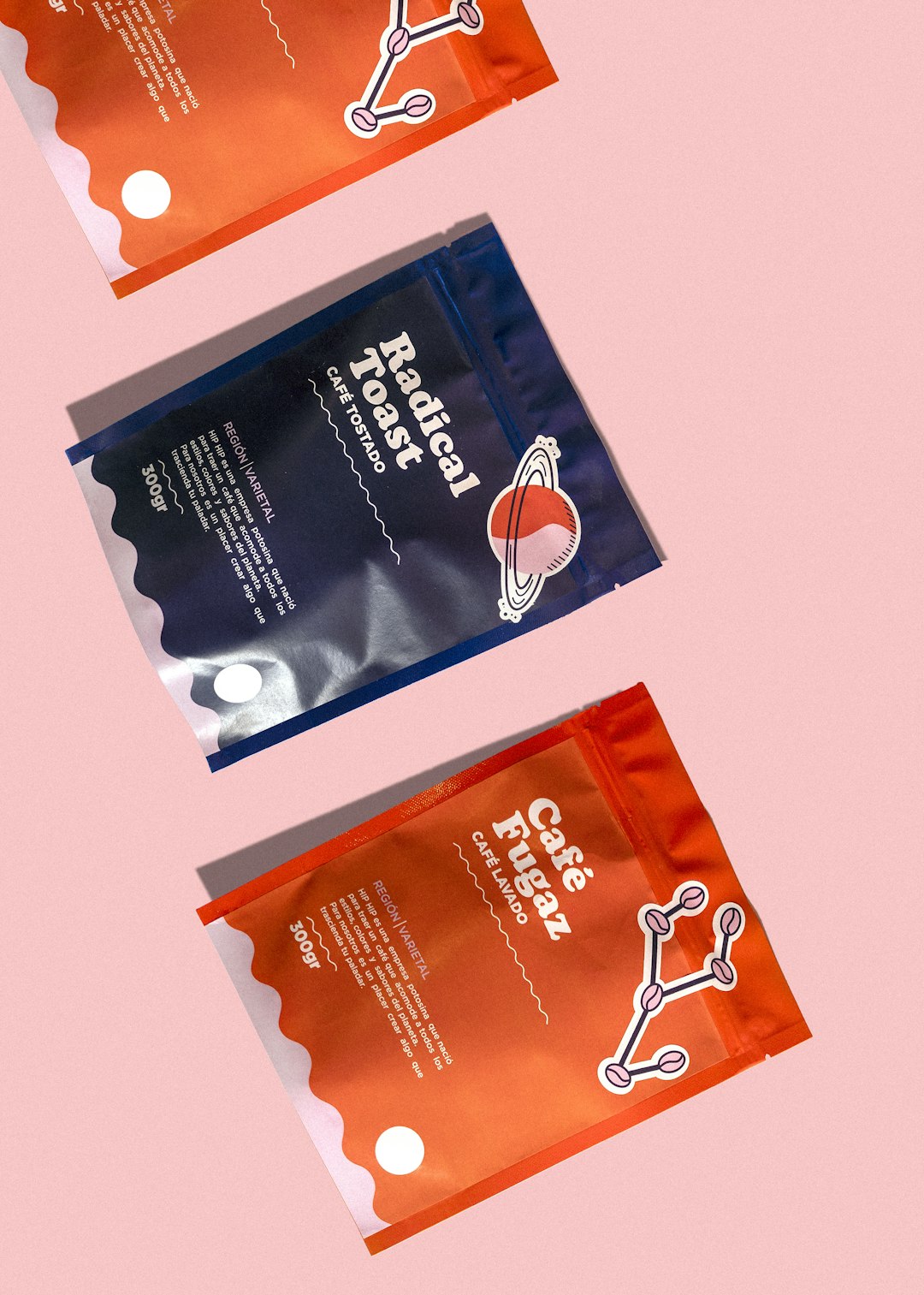
Creating a logo in 2026 is no longer a slow, expensive process reserved for companies with large design budgets. Today’s best logo generators combine AI-assisted design, editable templates, brand kits, font pairing, color psychology, and export-ready files to help founders, creators, and small businesses build a polished visual identity in minutes. The challenge is not finding a logo generator; it is choosing the right one for your brand’s stage, budget, and creative expectations.
TLDR: The best logo generators in 2026 are fast, affordable, and much smarter than older template-based tools. Looka, Canva, Adobe Express, Wix Logo Maker, Tailor Brands, and LogoAI stand out for different needs, from quick startup branding to full social media brand kits. Choose a tool that gives you editable vector files, commercial usage rights, and enough customization to avoid looking generic.
What Makes a Logo Generator “Best” in 2026?
A strong logo generator in 2026 does more than place an icon beside your business name. The best platforms now act like mini branding studios, helping you make decisions about typography, spacing, colors, layouts, and usage across digital and print channels.
When comparing tools, look for these features:
- AI personalization: The tool should ask about your industry, style preferences, audience, and brand personality.
- Editable designs: You should be able to change fonts, icons, colors, spacing, and layout.
- Vector file exports: SVG, EPS, or PDF files are essential for professional printing and scaling.
- Transparent backgrounds: PNG files are useful for websites, presentations, and social media posts.
- Brand kit options: A good platform should help extend your logo into business cards, social posts, email signatures, and web assets.
- Commercial license clarity: Always check whether you can legally use the final logo for business purposes.
1. Looka: Best Overall for Startup Branding
Looka remains one of the most popular logo generators for entrepreneurs who want more than a simple logo file. It uses AI to generate logo concepts based on your business name, industry, preferred styles, color choices, and symbols. The results are usually clean, modern, and well-suited for startups, consultants, ecommerce brands, and local service businesses.
What makes Looka especially useful is its brand kit. After generating your logo, you can create business cards, social templates, letterheads, invoices, and other branded materials. This is important because a logo rarely exists alone. It has to work on your website header, Instagram profile, product packaging, and pitch deck.
Best for: New businesses that need a complete visual identity quickly.
Potential drawback: Some designs can feel familiar if you do not customize them enough, so take time to adjust fonts, colors, and layouts.
2. Canva Logo Maker: Best for Flexibility and Social Media Branding
Canva is one of the most versatile design platforms available, and its logo maker is ideal for users who want creative control without learning professional design software. Instead of relying only on generated outputs, Canva gives you access to thousands of templates, icons, fonts, shapes, and design elements.
The biggest advantage of Canva is that your logo can immediately become part of a broader content system. Once you create a logo, you can use the same colors and typography across social posts, reels covers, presentations, flyers, and ads. For personal brands, coaches, creators, shops, and online communities, this is a major benefit.
Canva’s interface is beginner-friendly, but its output depends heavily on your taste. If you choose a trendy template and barely change it, your logo may not feel unique. For best results, customize the layout, use distinctive color combinations, and avoid icons that look overused.
Best for: Creators, content marketers, small businesses, and teams that regularly publish visual content.
Potential drawback: Some assets may have licensing limitations, so review usage rights carefully before finalizing a logo.
3. Adobe Express Logo Maker: Best for Clean, Professional Results
Adobe Express is a strong option for users who want a polished logo without opening Adobe Illustrator or Photoshop. It combines simple guided creation with Adobe’s design ecosystem, making it a good middle ground between automation and professional design standards.
The tool asks for your brand name, business category, and preferred visual style, then generates several logo options. You can customize colors, fonts, icons, and layouts. Adobe Express is particularly good for minimal, modern, and editorial-looking designs, especially when paired with Adobe’s strong typography resources.
If you already use Adobe tools, Adobe Express fits naturally into your workflow. For business owners who may eventually hire a designer, it can also provide a useful starting point or brand direction.
Best for: Brands that want a clean, professional aesthetic and may use other Adobe products.
Potential drawback: It may feel less playful or template-rich than Canva for users who want highly decorative designs.
4. Wix Logo Maker: Best for Website-First Brands
Wix Logo Maker is particularly helpful if your brand’s first major touchpoint will be a website. The tool generates logos based on your industry and style preferences, then allows you to customize the design. Its real strength is how easily the logo can be connected with Wix website templates, business cards, and other online assets.
For service providers, restaurants, freelancers, fitness studios, beauty professionals, and local businesses, Wix offers a practical path from logo creation to web presence. You can create your logo and then build a matching website experience without jumping between multiple platforms.
The generated designs tend to be simple and commercially friendly. That is useful for clarity, though you may need to spend extra time refining the concept if you want something highly distinctive.
Best for: Businesses planning to build or redesign their website soon.
Potential drawback: The most valuable package options may cost more if you need full commercial files and branding assets.
5. Tailor Brands: Best for Business Branding Packages
Tailor Brands is designed for entrepreneurs who want more than a design file. Its logo generator is part of a broader business platform that can include brand assets, website tools, domain-related services, and business setup features depending on your location and plan.
The logo creation process is straightforward: enter your business information, choose preferred styles, and review AI-generated concepts. Tailor Brands often produces clean, practical logos that work well for consultants, trades, wellness brands, and professional services.
One reason founders like Tailor Brands is that it reduces decision fatigue. Instead of handing you a blank canvas, it narrows your options and guides you toward a cohesive result. That can be valuable if design is not your strength and you want to move quickly.
Best for: Entrepreneurs who want branding tools bundled with other business-building services.
Potential drawback: Subscription pricing may not appeal to users who only need a one-time logo purchase.
6. LogoAI: Best for AI-Generated Brand Systems
LogoAI focuses heavily on AI-driven logo generation and brand identity creation. It can produce a wide range of logo layouts and then apply them to branded materials such as posters, social media graphics, business cards, and presentation assets.
What makes LogoAI interesting in 2026 is its emphasis on consistency. A professional brand is not just about having a good logo; it is about using the same visual language everywhere. LogoAI helps translate your logo into different formats so your brand feels more organized from the beginning.
The platform is a good choice for digital-first businesses, software products, agencies, and ecommerce stores that want multiple design assets quickly. As with all AI logo tools, however, the best results come from thoughtful editing. Do not simply accept the first design you like. Test variations, compare color schemes, and check how the logo looks at small sizes.
Best for: Digital brands that want AI-generated logo concepts plus supporting visuals.
Potential drawback: Some generated symbols may feel abstract, so make sure the final mark still communicates your brand clearly.
7. Namecheap Logo Maker: Best Free Option for Simple Logos
Namecheap Logo Maker is a surprisingly useful free tool for people who need a basic logo quickly. It is especially appealing for side projects, early-stage ideas, temporary landing pages, personal experiments, and budget-conscious founders.
The tool asks a few style questions, then generates logo options that you can download. While it may not offer the same depth of customization or advanced brand systems as paid platforms, it is fast and easy to use. If you are validating a business idea and do not want to invest in branding yet, this can be a practical starting point.
Best for: Early experiments, simple websites, and founders with very limited budgets.
Potential drawback: Designs may require further refinement if you plan to build a serious long-term brand.
8. Fiverr Logo Maker: Best for Combining AI with Human Designers
Fiverr Logo Maker offers an interesting hybrid model. It uses logo designs created by real designers and adapts them based on your business name, industry, and preferences. If you like a design style, you can often connect with the designer for additional customization or brand work.
This makes Fiverr Logo Maker useful for business owners who want the speed of automation but still appreciate the option of human support. It is also a good path if you expect to need more design work later, such as packaging, brand guidelines, or marketing graphics.
Best for: Businesses that want quick logo options with access to freelance design help.
Potential drawback: Quality and originality can vary, so compare options carefully before purchasing.

How to Choose the Right Logo Generator
The best logo generator depends on what you need after the logo is created. If you only need a quick mark for a test project, a free or low-cost tool may be enough. If you are launching a serious company, prioritize professional file formats, brand kits, and licensing clarity.
Use this simple guide:
- Choose Looka if you want an all-around branding package for a startup.
- Choose Canva if you create frequent marketing and social media content.
- Choose Adobe Express if you prefer clean design and strong typography.
- Choose Wix Logo Maker if your website is your main priority.
- Choose Tailor Brands if you want logo creation bundled with business tools.
- Choose LogoAI if you want AI-generated brand assets beyond the logo.
- Choose Namecheap Logo Maker if you need a free, simple starting point.
- Choose Fiverr Logo Maker if you may want designer assistance later.
Tips for Creating a Professional Logo with AI
Even the best logo generator cannot replace good judgment. To create a logo that looks professional, keep it simple. Avoid using too many colors, complicated icons, or decorative fonts that become unreadable at small sizes. A great logo should work in black and white, fit inside a social media profile circle, and remain recognizable on both a website and a printed card.
Before finalizing your design, ask these questions:
- Does the logo match the personality of my brand?
- Is it easy to read at small sizes?
- Does it look different enough from competitors?
- Will the design still feel relevant in three to five years?
- Do I have the right file formats and commercial usage rights?
It is also wise to show your top two or three logo options to people in your target audience, not just friends. A logo for a luxury skincare brand, for example, should be judged by potential skincare buyers. A logo for a cybersecurity startup should feel trustworthy to business decision-makers.
Final Thoughts
Logo generators in 2026 are powerful enough to help almost anyone create a professional-looking brand identity, but the best results still come from thoughtful choices. AI can generate options quickly, yet your strategy determines whether the logo feels meaningful, memorable, and credible.
If you want the strongest overall experience, Looka is a great starting point for complete startup branding. If you need flexibility and ongoing content creation, Canva is hard to beat. For clean design quality, Adobe Express is excellent, while Wix Logo Maker, Tailor Brands, LogoAI, Namecheap Logo Maker, and Fiverr Logo Maker each serve specific needs.
The most professional logo is not necessarily the most complex one. It is the one that communicates clearly, scales beautifully, and helps customers remember your brand. Choose a generator that gives you control, take the time to customize the result, and treat your logo as the foundation of a larger brand system.