
Building a smart home is no longer a futuristic dream reserved for technology enthusiasts. With today’s affordable devices and user-friendly platforms, almost anyone can turn a regular house or apartment into a connected, intelligent living space. From controlling lights with a voice command to monitoring security cameras from a smartphone, smart home technology offers convenience, energy efficiency, and peace of mind. For beginners, however, knowing where to start can feel overwhelming.
TL;DR: A smart home connects devices like lights, thermostats, cameras, and speakers so they can be controlled remotely or automatically. Beginners should start small with a central hub or voice assistant, reliable WiFi, and a few essential devices like smart bulbs or plugs. Choosing compatible products and focusing on security and privacy is crucial. Expansion can happen gradually as confidence and needs grow.
What Is a Smart Home?
A smart home uses internet-connected devices to automate and remotely control household systems such as lighting, heating, security, and entertainment. These devices communicate with each other through WiFi, Bluetooth, Zigbee, Z-Wave, or other protocols. Most are controlled through a smartphone app, a central hub, or a voice assistant.
Instead of manually turning off lights or adjusting the thermostat, smart systems allow homeowners to:
- Control devices remotely from anywhere
- Schedule automated actions based on time or conditions
- Use voice commands for hands-free operation
- Monitor home security in real time
For beginners, understanding these core capabilities helps clarify what is truly needed versus what is simply appealing.
Step 1: Strengthen the Foundation — Your WiFi Network
A smart home is only as reliable as its internet connection. Before adding any devices, it is wise to evaluate the strength and coverage of the home’s WiFi network.
Key considerations include:
- Router quality: A modern dual-band or tri-band router can handle multiple connected devices.
- Coverage: Larger homes may require mesh WiFi systems for consistent signal strength.
- Security: Strong passwords and WPA3 encryption are recommended.
Without reliable connectivity, devices may respond slowly, disconnect frequently, or fail to automate properly.
Step 2: Choose a Smart Home Ecosystem
Before purchasing devices, beginners should select a primary ecosystem. This ensures compatibility and simplifies control. Popular ecosystems typically revolve around voice assistants or specific operating systems.
Most ecosystems offer:
- Voice assistant integration
- A central app for device management
- Routine or automation building features
- Compatibility with third-party brands
Choosing one main platform reduces frustration caused by incompatible devices or juggling multiple apps.
Step 3: Start Small with Essential Devices
Beginners are often tempted to automate everything at once. A smarter approach is to begin with a few impactful devices and expand gradually.
Smart Speakers or Displays
Smart speakers serve as central control points. They allow voice commands, music streaming, reminders, and integration with other smart devices. Displays add visual feedback, video calls, and camera monitoring.
Smart Bulbs
Smart lighting is affordable, easy to install, and dramatically improves daily convenience. Users can:
- Dim lights without special switches
- Change color temperature
- Schedule lighting routines
- Control lights remotely
Because installation usually requires only replacing a bulb, it is a beginner-friendly starting point.
Smart Plugs
Smart plugs transform ordinary appliances into controllable devices. Coffee makers, fans, and lamps can be automated without replacing them. This makes smart plugs a cost-effective introduction to automation.
Step 4: Expand to Comfort and Energy Efficiency
Once the basics are in place, homeowners can focus on comfort and energy savings.
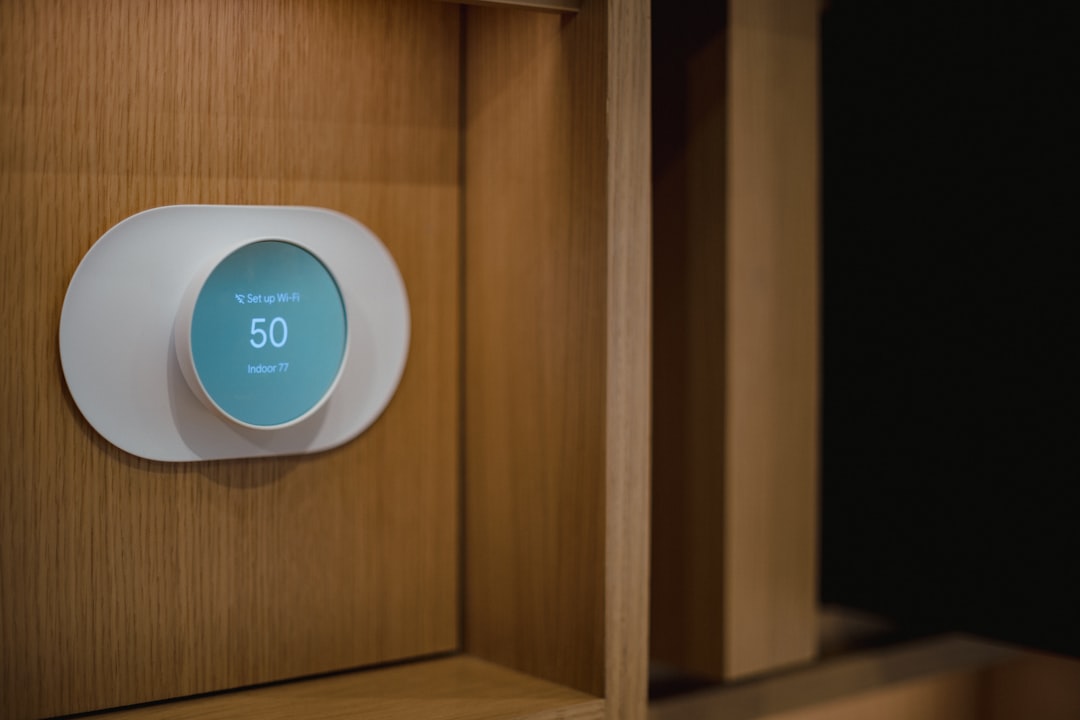
Smart Thermostats
Smart thermostats learn patterns and adjust heating or cooling accordingly. Many provide energy reports and suggestions. Over time, they can reduce utility bills while maintaining consistent comfort.
Smart Blinds and Curtains
Automated window coverings can open in the morning and close at night, improving insulation and privacy. They can also be linked to temperature sensors for enhanced energy efficiency.
Smart Sensors
Motion, temperature, and humidity sensors play a quiet but powerful role. For example:
- Lights turn on automatically when someone enters a room.
- Bathroom fans activate when humidity rises.
- Notifications are sent if unexpected movement is detected.
Sensors elevate smart homes from simple remote control systems to intelligent environments.
Step 5: Improve Security and Safety
Security is a major motivator for building a smart home. Modern devices offer real-time monitoring and prompt alerts.
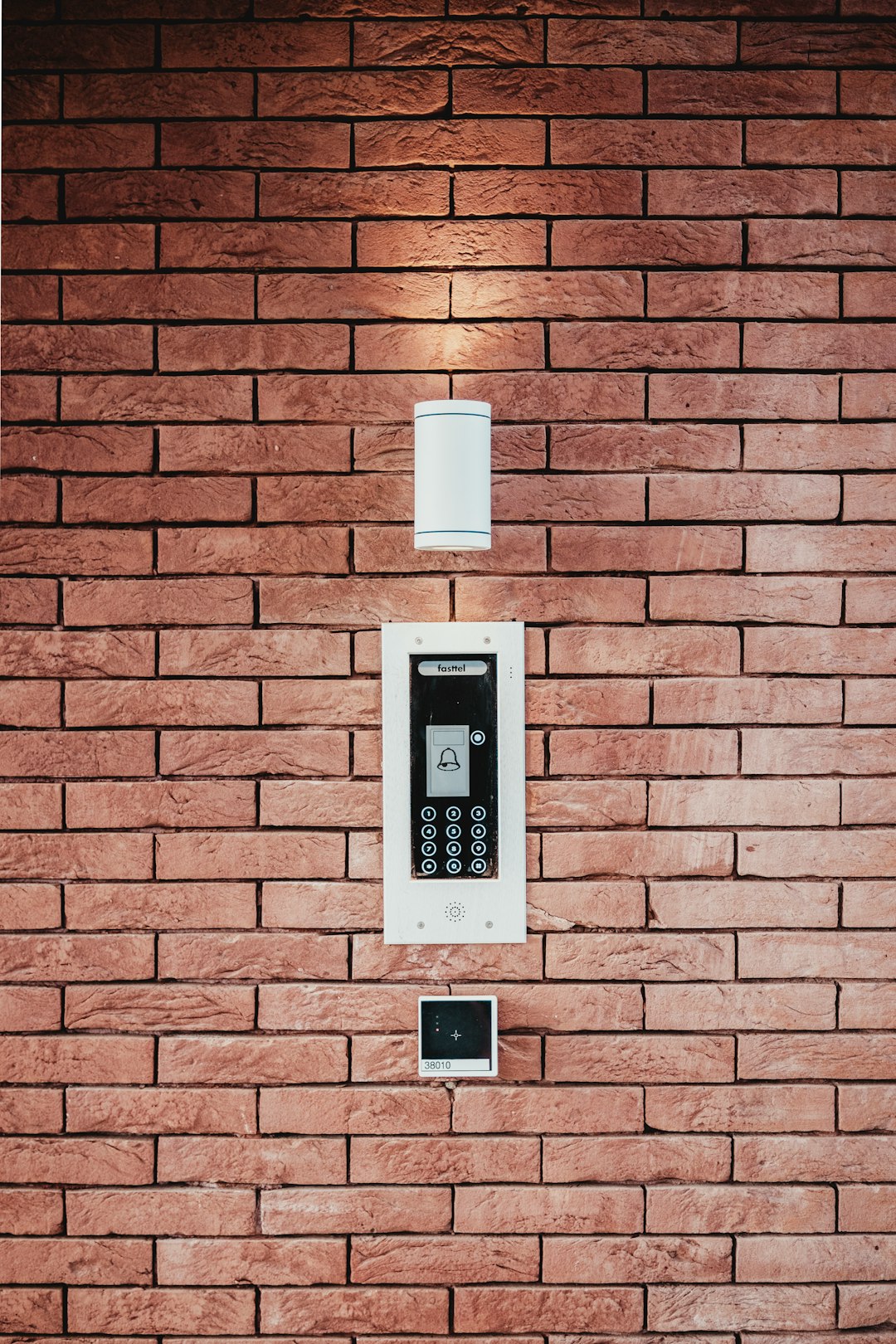
Smart Cameras and Doorbells
Video doorbells allow homeowners to see and speak with visitors through their smartphones. Outdoor and indoor cameras provide live feeds and motion alerts.
Smart Locks
Smart locks eliminate the need for physical keys. Temporary digital access can be granted to guests or service providers. Many models integrate with other devices to trigger actions like turning on lights when the door unlocks.
Smoke and Carbon Monoxide Detectors
Connected detectors send alerts directly to a phone, even when the homeowner is away. This adds an extra layer of safety beyond traditional alarms.
Step 6: Create Automations and Routines
The real power of a smart home lies in automation. Rather than manually controlling each device, routines allow multiple actions to occur simultaneously.
Examples include:
- Morning routine: Lights gradually brighten, thermostat adjusts, and news plays automatically.
- Away routine: Doors lock, cameras activate, and non-essential devices turn off.
- Bedtime routine: Lights dim, doors lock, and alarms activate.
Most ecosystems make routine creation simple through drag-and-drop or guided setup options.
Privacy and Security Considerations
While smart homes offer convenience, protecting personal data is essential. Beginners should:
- Use strong, unique passwords for each device or account.
- Enable two-factor authentication when available.
- Regularly update device firmware.
- Review privacy policies and data collection practices.
Taking these precautions minimizes risks and ensures safe adoption of connected technologies.
Budgeting for a Smart Home
A smart home does not need to be built overnight. A phased approach makes the investment manageable.
Beginner budget strategy:
- Start with a smart speaker and two or three bulbs.
- Add smart plugs or a thermostat next.
- Gradually expand with security devices and advanced automations.
By spreading purchases over several months, homeowners can learn what features they truly value before committing to larger upgrades.
Common Mistakes Beginners Should Avoid
- Buying incompatible devices: Always verify ecosystem support.
- Ignoring WiFi limitations: Weak networks cause frequent frustration.
- Overcomplicating automation: Start simple and refine gradually.
- Neglecting updates: Outdated firmware can create vulnerabilities.
A thoughtful, incremental approach keeps the process enjoyable rather than stressful.
The Future of Smart Living
Smart home technology continues to evolve with artificial intelligence, energy monitoring, and enhanced interoperability standards. As devices become more compatible and user-friendly, adoption is expected to grow rapidly. For beginners starting today, the journey is easier than ever.
Ultimately, building a smart home is not about filling spaces with gadgets. It is about creating an environment that adapts to lifestyle, increases safety, and reduces everyday friction. By focusing on essentials, maintaining strong security practices, and expanding gradually, anyone can transform a standard house into an intelligent, responsive home.
Frequently Asked Questions (FAQ)
- 1. How much does it cost to start a smart home?
Beginners can start for a relatively low investment with a smart speaker and a few bulbs. Costs increase as more devices are added, but expansion can happen gradually. - 2. Does a smart home require professional installation?
Most entry-level devices are designed for easy DIY installation. More complex systems, like integrated security or wired automation, may require professional assistance. - 3. Can smart home devices work without the internet?
Some devices offer limited local control, but most features such as remote access and voice control require an internet connection. - 4. Is a smart home safe from hacking?
While no system is completely immune, strong passwords, regular updates, secure WiFi settings, and two-factor authentication significantly reduce risk. - 5. What is the best first device to buy?
Many beginners start with smart lighting or a smart speaker because they are affordable, easy to install, and provide immediate convenience. - 6. Can renters build a smart home?
Yes. Many smart devices, such as bulbs, plugs, cameras, and speakers, require no permanent modifications and are suitable for rental properties.