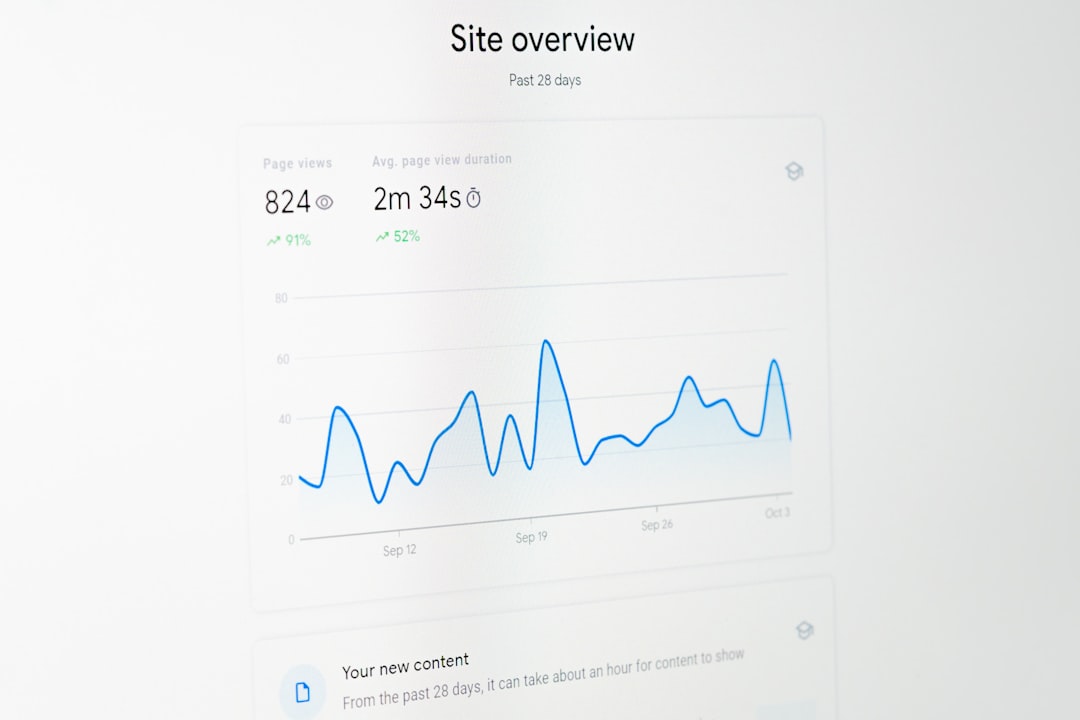
Capturing full web pages automatically has become an essential capability for developers, marketers, QA teams, and SaaS platforms. Whether you need visual records for compliance, automated previews for user-submitted links, or scheduled monitoring of site changes, a reliable website screenshot API can save hours of manual effort. These tools allow you to programmatically capture web pages as images or PDFs, often with advanced options like full-page rendering, mobile emulation, JavaScript execution, and international geo-targeting.
TLDR: Website screenshot APIs allow you to automatically capture web pages as images or PDFs at scale. The best solutions offer full-page rendering, JavaScript support, mobile emulation, and customization features. In this article, we explore five powerful screenshot APIs and compare their strengths, pricing models, and ideal use cases. If you want reliable, automated web page capture without managing headless browsers yourself, these tools are worth considering.
Let’s explore five powerful website screenshot APIs that stand out for reliability, scalability, and feature sets.
1. ScreenshotAPI.net
ScreenshotAPI.net is a straightforward and developer-friendly API designed for fast and scalable web page capture. It supports rendering modern JavaScript-heavy websites and can generate both image (PNG, JPEG, WebP) and PDF outputs.
What makes it attractive is its simplicity. You send a request with the target URL and your preferred settings, and the service returns a clean screenshot—no complex browser management required.
Key Features:
- Full-page and viewport screenshots
- JavaScript rendering support
- Mobile and desktop user-agent switching
- PDF export option
- High-resolution device scaling
It’s especially useful for SaaS products generating link previews, marketing agencies creating automated audit reports, or developers integrating visual capture into web apps.
Best for: Lightweight integrations and startups that want simple implementation with reliable output.
2. URLBox
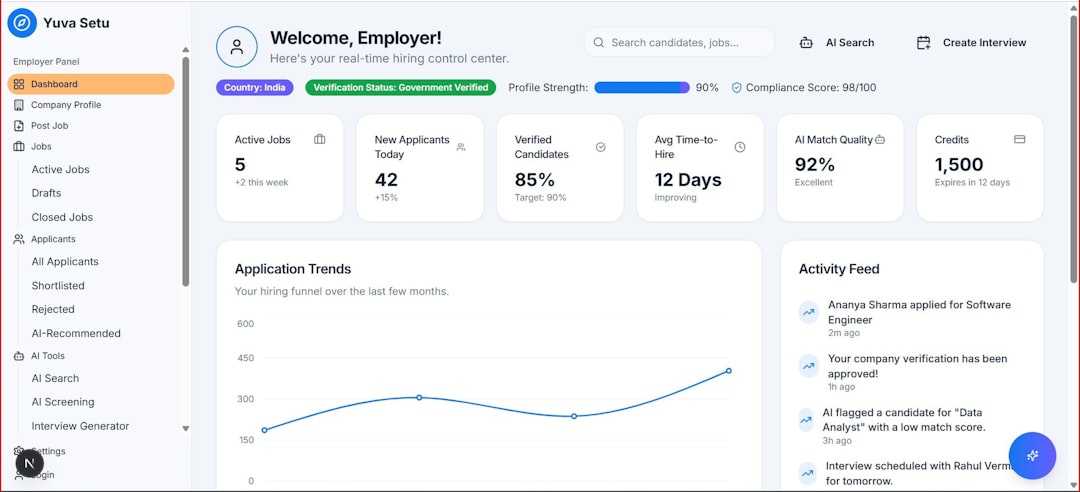
URLBox is another powerful website screenshot API known for flexibility and customization. It supports full-page screenshots of dynamic websites and allows detailed configuration such as custom viewport sizes, delays, cookies, and authentication.
One standout feature is its ability to handle login-protected content by injecting cookies or authentication headers. This makes it popular among QA teams and enterprises needing authenticated captures for internal reporting.
Key Features:
- Handles modern JavaScript frameworks
- Custom cookies and headers support
- Delayed capture options
- Transparent background support
- Video and animated GIF capture
This makes URLBox particularly strong for advanced monitoring systems and automation tools that require granular control.
Best for: Teams that need fine-tuned rendering settings and support for complex, authenticated environments.
3. ApiFlash
ApiFlash focuses heavily on Chrome-based rendering, offering high-fidelity screenshots powered by a headless Chrome engine. It delivers pixel-perfect captures and supports extensive customization options.
One major advantage is reliability with difficult pages. Sites that rely heavily on asynchronous content loading or JavaScript frameworks like React or Vue are generally rendered accurately.
Key Features:
- Based on Google Chrome rendering engine
- Full-page and custom dimension captures
- CSS injection support
- Delayed rendering and wait-until options
- Secure HTTPS delivery
Developers who want consistent “what-you-see-is-what-you-get” results often gravitate toward Chrome-based rendering services like ApiFlash.
Best for: High-accuracy rendering of complex web apps and visual regression testing.
4. Screenshotlayer
Screenshotlayer is known for its scalability and strong global infrastructure. It uses a cloud-based rendering engine and allows businesses to capture websites worldwide with customizable resolution and device settings.
It’s particularly appealing for global brands monitoring localized web versions, advertisements, or compliance placements across regions.
Key Features:
- Full-page capture
- Multiple output formats
- Custom screen dimensions
- Bulk capture capability
- Geo-location targeting
Businesses tracking competitor pages, ad placements, and brand mentions can benefit from its high-volume processing abilities.
Best for: Large-scale monitoring and international capture requirements.
5. Abstract Website Screenshot API
Abstract offers a clean and developer-centric website screenshot API focused on stability and ease of use. It integrates seamlessly with other Abstract APIs, making it convenient for developers building interconnected automation workflows.
While it may not offer as many deep customization features as some competitors, its reliability and simplicity make it ideal for routine screen capture tasks.
Key Features:
- JavaScript rendering support
- Full-page capture
- Simple REST integration
- Secure cloud infrastructure
Its straightforward pricing and clean documentation make onboarding quick and painless.
Best for: Developers who value simplicity and stable performance.
Comparison Chart
| API | Full Page Capture | JavaScript Rendering | Customization Level | Best Use Case |
|---|---|---|---|---|
| ScreenshotAPI.net | Yes | Yes | Moderate | General SaaS integrations |
| URLBox | Yes | Yes | High | Authenticated and complex pages |
| ApiFlash | Yes | Chrome-based | High | Pixel-perfect rendering |
| Screenshotlayer | Yes | Yes | Moderate | Global monitoring and bulk capture |
| Abstract | Yes | Yes | Basic to Moderate | Simple, stable integrations |
Key Features to Consider Before Choosing
Not all screenshot APIs are equal, and your needs will dictate the best choice. Here are some important considerations:
- JavaScript Rendering: Essential for modern websites.
- Full-Page Capture: Critical for documentation and compliance.
- Custom Viewports: Helpful for mobile vs desktop previews.
- Authentication Support: Required for capturing gated content.
- Scalability: Important for bulk automated workflows.
- Speed and Latency: Affects real-time applications.
You should also evaluate pricing tiers, rate limits, customer support, and SLA guarantees—especially if the API will power a revenue-generating feature in your product.

Common Use Cases
To better understand how these APIs deliver value, here are some practical scenarios:
- Visual Archiving: Record snapshots of sites for legal or compliance requirements.
- Link Previews: Automatically generate thumbnails for shared URLs.
- SEO Monitoring: Track SERP changes visually over time.
- Brand Monitoring: Capture competitor or partner web pages regularly.
- QA Testing: Run visual regression tests during deployments.
- Content Moderation: Capture user-submitted URLs for review.
Instead of maintaining your own headless Chrome cluster—which involves server overhead, browser patching, and scaling challenges—these APIs abstract all that complexity away.
Final Thoughts
Automated website screenshot APIs have evolved significantly, offering high-quality rendering and robust customization options without requiring extensive DevOps effort. Whether you need full-page captures for compliance audits, dynamic rendering for modern JavaScript apps, or bulk global monitoring, there’s a solution that fits your workflow.
If you’re building a SaaS product, running QA automation, or managing digital marketing campaigns, integrating a screenshot API can dramatically improve efficiency. Instead of worrying about browser maintenance and scaling, you can focus on building features and delivering value.
Ultimately, the right choice depends on your technical requirements, volume needs, and desired level of customization. By understanding the strengths of each API outlined above, you’ll be well-equipped to choose the solution that aligns best with your goals.