
In a world where digital marketing dominates conversations, the humble business card continues to play a powerful role for local businesses and service providers. Whether handed out at networking events, left behind after a service call, or displayed at a community bulletin board, a well-designed business card reinforces professionalism and strengthens brand recognition. Today’s top-rated business card tools make it easier than ever for small business owners to create high-impact designs without hiring expensive agencies.
TLDR: Business cards remain essential for local businesses that rely on personal connections and in-person networking. Modern design tools like Canva, Vistaprint, Adobe Express, Moo, and VistaCreate offer affordable, user-friendly solutions tailored to small business needs. The best platforms combine customization options, print quality, branding consistency, and ease of use. Choosing the right tool depends on budget, design experience, and printing preferences.
Why Business Cards Still Matter for Local Businesses
For service providers such as plumbers, electricians, real estate agents, beauticians, and consultants, trust is built face-to-face. A business card acts as a tangible reminder of that interaction. Unlike digital ads that disappear with a scroll, a business card can sit on a desk or refrigerator for months.
Effective business cards:
- Reinforce brand identity through logos, colors, and typography
- Create credibility by presenting polished contact information
- Encourage referrals when shared among friends and neighbors
- Support local marketing efforts at community events
With modern tools, even businesses with limited technical skills can design cards that look professionally crafted.
Key Features to Look for in a Business Card Tool
Before selecting a platform, business owners should evaluate what matters most for their operations. The following criteria can help narrow the options:
- Ease of Use: Drag-and-drop editors are ideal for beginners.
- Customization: Flexible templates allow for brand alignment.
- Print Options: Paper stock, finishes, and special effects enhance quality.
- Integration: Logo uploads, QR codes, and social links add functionality.
- Pricing: Affordable packages are critical for small budgets.
Some platforms focus heavily on printing services, while others specialize in design flexibility.
Top-Rated Business Card Tools
1. Canva
Canva remains one of the most popular tools among small business owners. Known for its intuitive drag-and-drop interface, it offers thousands of business card templates that can be customized in minutes.

Key advantages:
- Extensive template library
- Simple editing tools for beginners
- Free and paid plan options
- Direct printing or downloadable print-ready files
Best for: Local businesses looking for affordable and easy design solutions without advanced technical knowledge.
2. Vistaprint
Vistaprint is widely recognized for its end-to-end printing services. In addition to business cards, it offers cohesive branding materials such as flyers, banners, and signage.
Key advantages:
- High-quality printing with various finishes
- Frequent discounts and bulk order deals
- Glossy, matte, raised print, and specialty options
- Logo assistance services available
Best for: Service providers who want professional-grade printing without managing external print shops.
3. Adobe Express
Adobe Express delivers advanced design capabilities with simplified controls. While more robust than basic tools, it remains accessible to non-designers.
Key advantages:
- Premium typography and graphics
- Creative Cloud integration
- Brand kit features for color and font consistency
- Professional-grade customization
Best for: Businesses that want a refined, branded design with greater creative control.
4. Moo
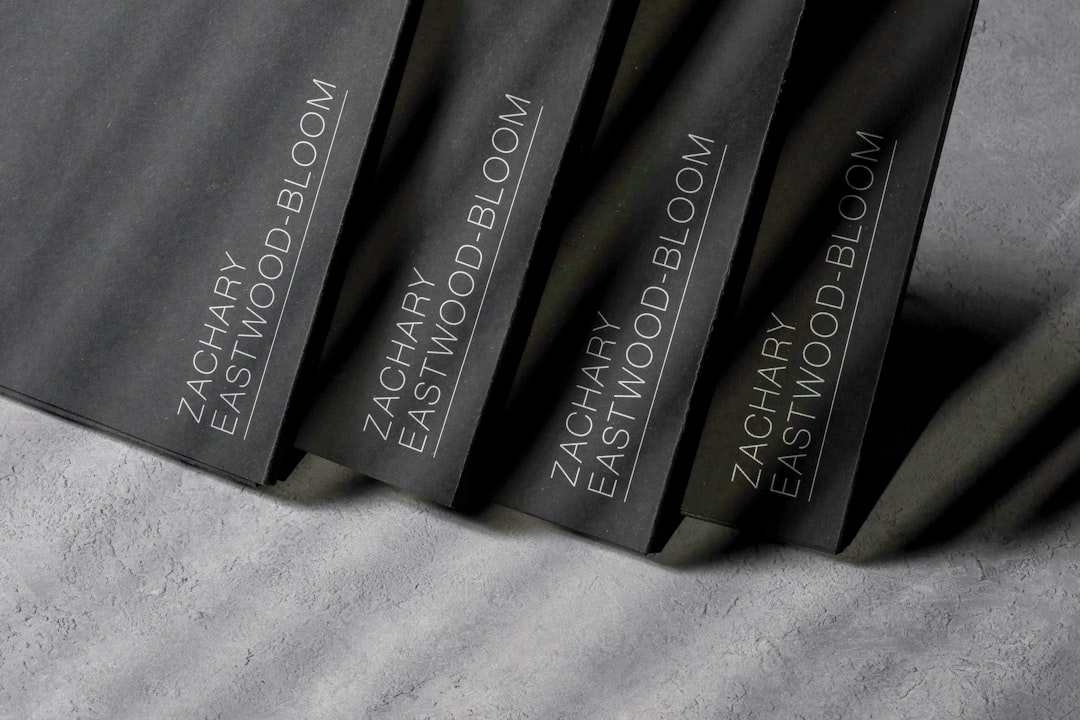
Moo stands out for premium print finishes and distinctive card formats. It offers unique features like printing different designs on each card within the same pack.
Key advantages:
- Luxury paper stocks
- Foil stamping and special finishes
- Multiple designs per pack
- Square and mini card formats
Best for: High-end service providers such as real estate agents, interior designers, and consultants seeking a memorable impression.
5. VistaCreate
VistaCreate offers a balance between ease of use and creative flexibility. It provides ready-made templates optimized for print.
Key advantages:
- Intuitive layout tools
- Extensive icon and image libraries
- Brand kit functionality
- Affordable subscription plans
Best for: Businesses wanting visually engaging cards without high design costs.
Comparison Chart of Top Business Card Tools
| Tool | Ease of Use | Design Flexibility | Printing Services | Best For | Starting Cost |
|---|---|---|---|---|---|
| Canva | Very Easy | Moderate to High | Yes | Beginners and small budgets | Free plan available |
| Vistaprint | Easy | Moderate | Extensive | Bulk printing and promotions | Varies by quantity |
| Adobe Express | Moderate | High | Limited direct printing | Strong brand control | Free and paid plans |
| Moo | Easy | Moderate | Premium | Luxury presentation | Higher premium pricing |
| VistaCreate | Very Easy | Moderate | Download for external print | Creative small teams | Free and paid plans |
Design Tips for Effective Business Cards
Even with the best tool, design decisions determine impact. Successful local business cards often follow these principles:
- Keep it simple: Avoid clutter and excessive text.
- Use readable fonts: Legibility is crucial at small sizes.
- Include essential details: Name, title, phone, email, website.
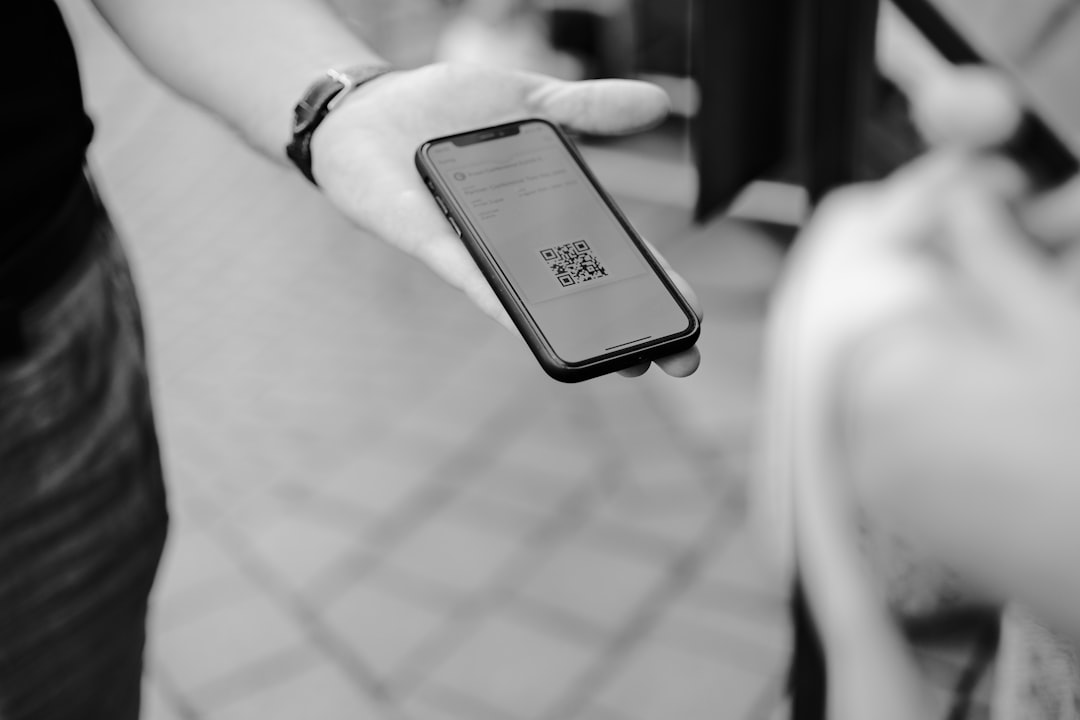
- Add a QR code: Direct customers to booking or service pages.
- Choose quality paper: Thickness enhances perceived reliability.
For service providers who operate in clients’ homes, adding a short tagline such as “24 Hour Emergency Service” or “Locally Owned and Operated” can reinforce trust and availability.
Digital Integration: Bridging Physical and Online Presence
Modern business cards are no longer just paper rectangles. Many business owners now incorporate digital elements to enhance interaction.
Popular integrations include:
- QR codes linking to booking forms
- NFC-enabled cards for instant phone contact sharing
- Social media icons for brand engagement
- Google review links to encourage testimonials
By combining traditional networking tools with digital accessibility, local businesses can maximize returns from every card handed out.
Budget Considerations for Small Businesses
Cost is often a deciding factor for local entrepreneurs. Fortunately, most top-rated platforms offer scalable pricing. Entry-level designs can cost little to nothing when using free templates and exporting print-ready files. Printing costs depend on:
- Paper thickness
- Finish type
- Quantity ordered
- Shipping speed
Bulk ordering typically reduces per-card costs, making it practical for service providers who distribute cards frequently.
Final Thoughts
Business cards remain a cornerstone of local marketing strategies. With today’s intuitive design tools and professional print services, small business owners can create visually compelling cards without advanced design expertise. The right platform depends on individual needs: affordability, customization depth, or premium finishes.
By leveraging top-rated business card tools and following strong design principles, local entrepreneurs can ensure every introduction leaves a lasting impression.
Frequently Asked Questions (FAQ)
1. Are business cards still effective for local businesses?
Yes. Business cards are particularly effective for local service providers who interact with customers face-to-face. They reinforce credibility and make referrals easier.
2. What is the best free business card design tool?
Canva and VistaCreate both offer strong free plans with customizable templates suitable for most small business needs.
3. Should small businesses choose matte or glossy cards?
Matte finishes provide a modern, understated look and are easier to write on. Glossy finishes enhance color vibrancy and visual impact.
4. How many business cards should a service provider order?
It depends on customer volume, but many local professionals start with 250 to 500 cards and reorder as needed.
5. Is it worth investing in premium finishes?
For industries where presentation matters—such as real estate, consulting, or design—premium finishes can significantly enhance brand perception.
6. Can QR codes really improve engagement?
Yes. QR codes simplify the process of visiting a website, booking a service, or leaving a review, increasing the likelihood of customer action.