Rebranding can be a daunting task for any organization, but for nonprofits operating on limited budgets, it might seem nearly impossible. However, with strategic planning, the right free tools, and a step-by-step design workflow, even small teams can achieve professional-level results. In this article, we’ll take a closer look at how one nonprofit successfully revamped their logo while keeping costs close to zero.
TL;DR: A nonprofit on a tight budget rebranded their logo using a structured design approach and only free tools. By leveraging software like Canva, Figma, and open-access font libraries, they created a new visual identity that aligned with their mission and values. Clear planning, stakeholder feedback, and iterative design were key to success. This guide walks you through each step and recommends tools that deliver high-quality outcomes without draining your budget.
Understanding the Why Behind the Rebrand
Before diving into color palettes and typography, it’s crucial to pinpoint why a rebrand is needed. For the nonprofit in our case study—a community-based literacy foundation—their existing logo no longer reflected the expanded scope of their services or their updated mission statement. Stakeholders also reported the design appeared dated and lacked clarity on digital platforms.
With no funds allocated for design services, the team committed to a DIY approach using free design tools and a carefully structured process.
Step-by-Step Approach to Rebranding
The success of a low-budget rebrand often hinges on process. Below is the staged strategy that helped the team build a logo they were proud to showcase.
1. Define Objectives and Brand Identity
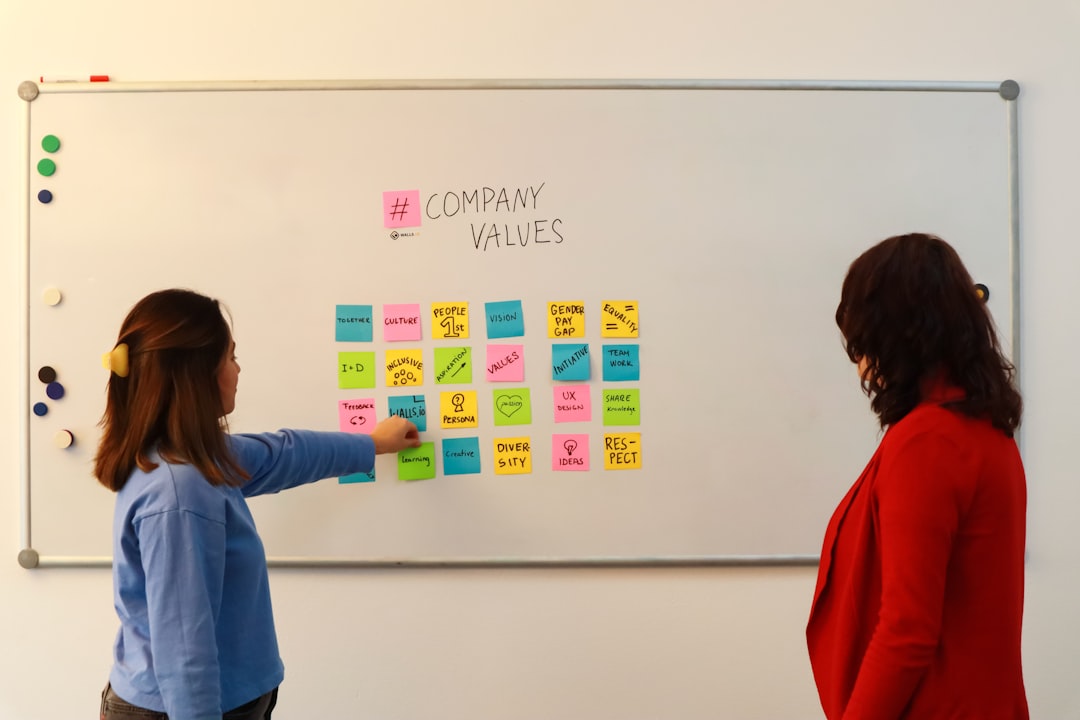
You can’t create a meaningful logo without knowing what it must represent. The nonprofit organized one strategy session to clarify:
- Mission and vision — What’s the organization striving toward?
- Core values — What principles guide their work?
- Key audiences — Who needs to connect with the brand?
These insights were summarized in a simple one-page brand brief, which served as a creative compass for future steps.
2. Audit the Existing Brand Assets
The team conducted an honest review of their existing logo and visual system. Strengths were documented, but weaknesses—such as poor scalability, outdated colors, and unclear symbolism—confirmed the need for a full redesign.
3. Brainstorm and Sketch Concepts
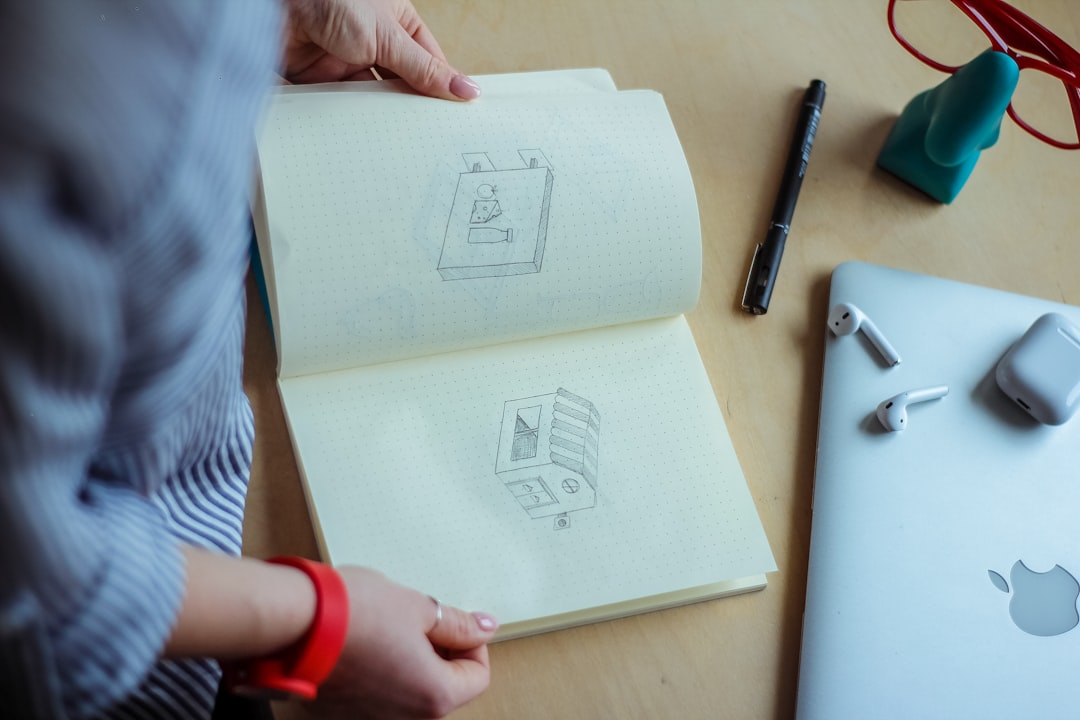
Armed with a clear direction, team members held an internal sketch session using basic tools—pen, paper, and inspiration from other nonprofits.
They also gathered visual ideas from sites like:
4. Choose the Right Free Design Tools
Professional-grade logos don’t require expensive software. The team used the following free tools that collectively covered all design needs:
- Canva — Easy to use for layout design and logo prototyping
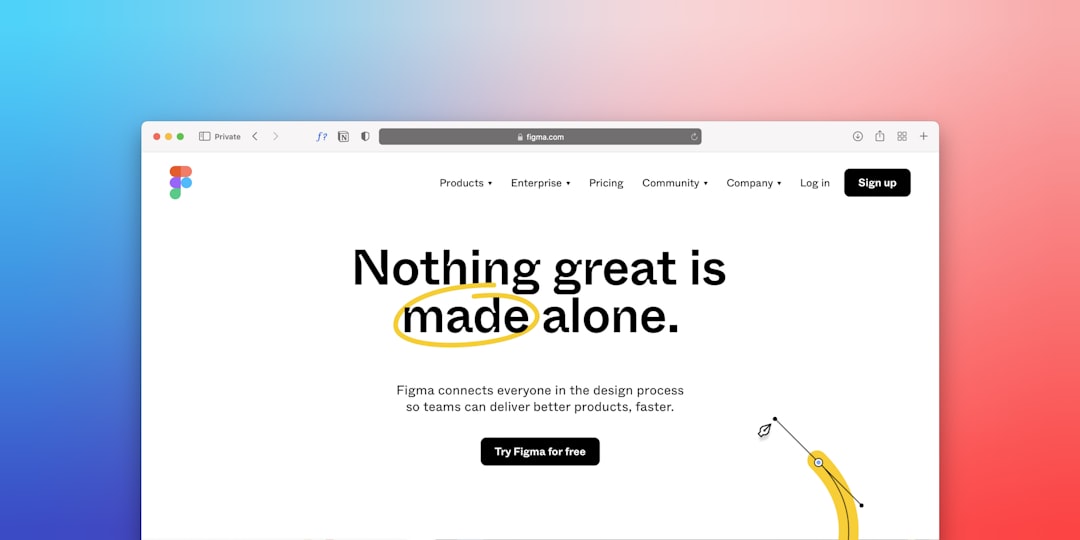
- Figma — Industry-grade vector tool perfect for refining the final design
- Font Squirrel and Google Fonts — Free, high-quality typefaces
- Coolors — Free palette generator to explore harmonious color schemes
Each tool brought unique strengths without any subscription costs, and the learning curve was manageable even for non-designers on the team.
5. Develop Digital Drafts and Iterate
Next, the team translated their best paper sketches into Canva, creating multiple digital drafts. Four primary candidates emerged and were ported into Figma for more precise adjustments: grid alignment, stroke weight adjustments, and balance testing.
Multiple versions were tested in different digital contexts—email headers, social media posts, and mobile screens—to evaluate legibility and impact at scale.
6. Gather Feedback and Refine
Stakeholder feedback was critical. Digital files were shared with:
- Board members
- Program beneficiaries
- Partner organizations
- Marketing volunteers
Constructive criticism highlighted some inconsistencies in font scaling and color saturation, which were resolved in the next design iteration.
7. Finalization and Exporting
After selecting the final design, the team used Figma to export the logo in multiple formats:
- SVG for scalability
- PNG with transparent background
- JPEG for general use
- PDF for brochures and print materials
They also created two variants for different uses: a horizontal lock-up version and a compact square format ideal for social avatars.
Results and Impact
The new logo brought immediate improvements to the nonprofit’s visual presence:
- Clearer identity – The new mark emphasized literacy and forward growth visually.
- Improved engagement – Social media posts using the new logo saw a 37% increase in interactions within a month.
- Stronger brand cohesion – Volunteers and staff reported a greater sense of pride and consistency.
The launch was accompanied by a social media post explaining the meaning behind the design elements, which further connected their audience to the brand story.
Key Takeaways for Nonprofits
Rebranding on a budget is entirely feasible with thoughtful planning and the right tools. Here’s what your nonprofit can learn from this approach:
- Define your goals from the start — Align your branding with your mission and audience.
- Use free tools strategically — Tools like Figma, Canva, and Coolors are powerful when used correctly.
- Stakeholder input is vital — Gather feedback early and often to make informed decisions.
- Simplicity wins — Focus on clarity and scalability over complexity.
Recommended Free Tools Summary
| Tool | Purpose | Website |
|---|---|---|
| Figma | Vector design and layout | figma.com |
| Canva | Sketching and layout concepts | canva.com |
| Coolors | Color palette generation | coolors.co |
| Font Squirrel | Free commercial-use fonts | fontsquirrel.com |
| Google Fonts | Web-safe typography | fonts.google.com |
Conclusion
Nonprofit organizations often face the challenge of revitalizing their brand image without the luxury of a generous design budget. But as demonstrated in this case, it’s possible to achieve professional-level rebranding with zero-cost tools, team creativity, and a structured approach.
By following a clear process and embracing accessible technology, nonprofits can create logos and identities they can be proud of – ones that elevate their mission and amplify their impact.