
So you’ve got a brilliant idea. Maybe it’s a new small business, a blog, a product line, or even your personal brand. And now you need a logo and a website. But — uh-oh — you’ve only got one afternoon.
Don’t panic! This guide will show you how to create a simple, clean logo and launch a matching one-page website. You’ll use free or budget-friendly tools, and have fun while doing it.
TL;DR
You can create a sleek logo and basic matching website in just one afternoon. Use free tools like Canva and Carrd or WordPress. Keep your look simple and re-use your logo colors and fonts across the website. Focus on clarity and style — done is better than perfect!
Step 1: Have a Quick Brand Vibe Check
Before you start pushing pixels around, think about the vibe you want.
Ask yourself:
- Is your brand playful or professional?
- Who is your audience — kids, business owners, hobbyists?
- Do you want calm colors or bold ones?
Jot down 3-5 adjectives (like “fresh, bold, fun” or “elegant, modern, minimal”). These will be your design compass.
Step 2: Create Your Logo (30-60 minutes)
This part is more fun than you think — and it doesn’t require a design degree.
Free Tools to Use:
- Canva – Best for drag-and-drop ease
- Looka – Good for AI-powered logos
- LogoMakr – Simple and very fast
Go to one of these tools and start with your brand name. Play with fonts and icons that match your vibe. Less is more — avoid super-detailed emblems!

Tips for Winning Logos:
- Use 1–2 fonts only. Pair a strong bold font with a simple one if needed.
- Stick to 2–3 colors. Use color palette sites like Coolors.co to find combos.
- Test in black and white. Make sure your logo still looks good without color.
Export It:
Save your logo in PNG format (both with and without a background). Download a high-resolution version and a smaller web one. You’re going to need it in multiple spots.
Step 3: Pick Your Website Platform (10 minutes)
Now that you’ve got your logo, it’s time to build the site around it!
You don’t need to code. There are magical tools that do the heavy lifting for you:
Platforms:
- Carrd – Best for simple, beautiful one-page sites
- WordPress.com – Good for blogs and more pages
- Wix – Drag-and-drop with lots of design freedom
Sign up and choose a template that fits your vibe. Don’t stress. You can always change it later.
Step 4: Build the Website (60–90 minutes)
Here’s the magic formula to match your logo with the rest of your site:
- Use your logo colors for the site palette. This creates instant harmony.
- Use the same or matching fonts. Be consistent between logo and text.
- Use spacing and big headings. Let it breathe. Clarity looks beautiful.
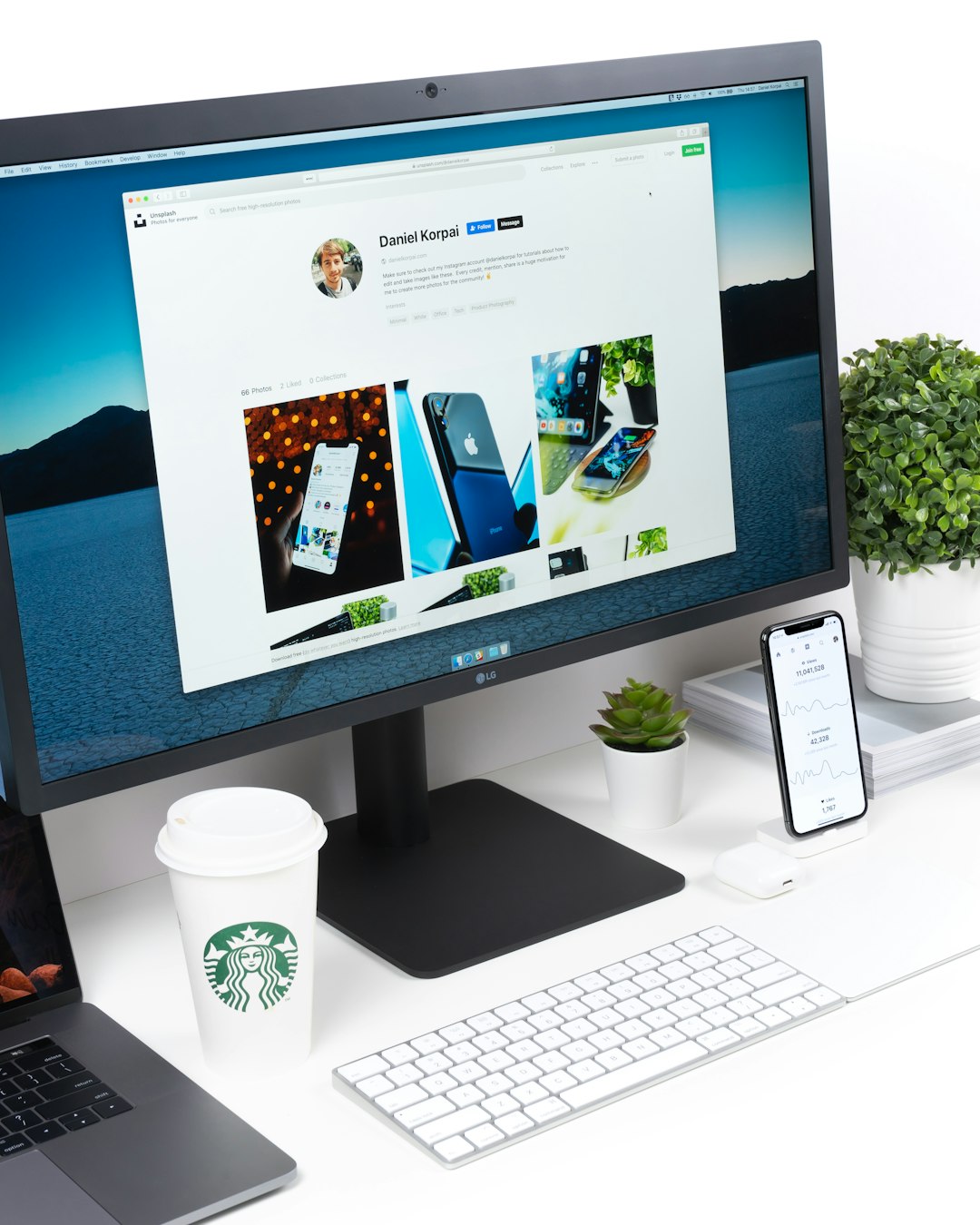
Add These Must-Have Sections:
- Header: Your logo and one-sentence tagline
- About: A few sentences about who you are or what you offer
- Photos or Icons: Adds interest — even just one image can help
- Contact: Email, phone, or a form (most platforms have built-in contact forms!)
Step 5: Make It Pop
Once the bones are in place, let’s add a little flare.
Here’s how to make your site feel awesome:
- Use bold buttons — Make your “Sign up” or “Contact” buttons unmissable.
- Add animation or scroll effects — Carrd and others let you add slides or fades easily.
- Include testimonials or quotes — Even one sentence from a friend can add impact.
Step 6: Connect a Domain (Optional, 15 minutes)
If you have one afternoon, this might be optional. But if you’re feeling zesty, here’s how:
- Buy your domain on Namecheap, GoDaddy, or directly from your site builder.
- Connect it using the builder’s domain settings (usually under “Settings” → “Domain”)
Example: “brightsundae.com” instead of “brightsundae.carrd.co” feels real and polished.
Step 7: Check Everything and Hit Publish
Give your site a quick test:
- Click all the links — do they work?
- Resize the site — does it look good on phones?
- Proofread! Spelling counts 🙂
Once it’s ready, smash that “Publish” button. Bam! You’re live.
Bonus: Keep It Evolving
Congrats, you’ve now created a logo and website in one afternoon. 🎉 But don’t stop here. You can always keep improving.
Ideas for what to do next:
- Add a mailing list or newsletter sign-up
- Post regular updates or blog entries
- Share your site on social media or in your email signature
Final Thoughts
People think logo and website design take weeks or thousands of dollars. But with the tools we have today, you can go live in a few focused hours.
Stick to the basics: consistent colors, readable fonts, and clean layout.
And most importantly — have fun with it! Your brand is an expression of you.
Now go out there and show the world what you made!