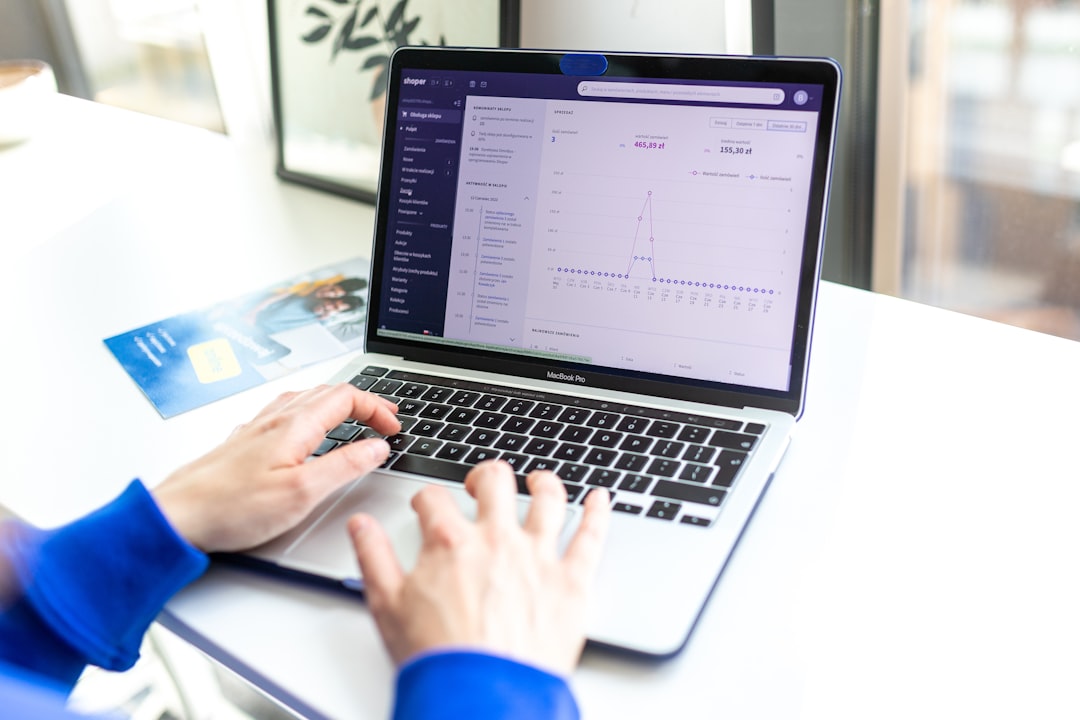
Creating a logo and designing a matching website in a single afternoon might sound ambitious, but with today’s tools and streamlined workflows, it’s entirely achievable. Whether you’re starting a new business or launching a personal project, bringing your digital identity to life quickly – and professionally – can give you a head start in today’s fast-paced world.
TL;DR
You can create a modern logo and launch a basic matching website in just one afternoon using free or affordable tools. Focus on minimal design, consistent colors and fonts, and responsive website builders. Prioritize clarity and professionalism over complexity. With the right tools and a plan in place, you can go from concept to launch in just a few hours.
Step 1: Define Your Brand in 30 Minutes
Before opening any design software, you need a clear vision. A strong brand identity forms the foundation for your visual elements. Spend no more than half an hour answering these core questions:
- What does your business or project offer? (1-2 sentence elevator pitch)
- Who is your target audience? Be specific – niche audiences produce better design direction.
- What personality or tone matches your brand? (e.g., modern, playful, elegant, corporate)
- Do you have any colors or symbols in mind? These could come from existing associations or be purely aspirational.
This quick brainstorm session will inform your design choices and keep your visuals focused and meaningful.
Step 2: Design a Logo in Under 1 Hour
With AI-powered tools and online logo makers, designing a decent logo can be done in under an hour – no design degree necessary. To get started quickly, we recommend the following approach:
Choose the Right Tool
Some excellent logo design tools that are either free or low-cost:
- Looka: AI-based, intuitive, and includes brand assets.
- Canva Logo Maker: Drag-and-drop interface with hundreds of templates.
- Shopify Hatchful: Logo creation with industry-specific templates.
Pro Tip: Stick to a clean, minimalist design. It will be more versatile for both web and print.
Design Considerations
- Typography: Choose a legible font that reflects your brand’s tone. Sans-serif fonts work well online.
- Colors: Limit yourself to 1-2 primary colors. Use your earlier brand brainstorm for guidance.
- Symbol or Icon: If you use one, make sure it’s scalable and simple. Avoid clutter or overly complex images.
Once you finalize your logo, download it in multiple formats: PNG for websites, SVG for scalability, and perhaps PDF for printing needs.
Step 3: Set Up a Matching Color and Font Palette
For a cohesive look, ensure that your soon-to-be website reflects your logo’s aesthetic. Use the same colors and typography choices across both platforms. Here’s how you can extract and use your design elements:
- Use a color picker tool like Coolors to extract the HEX codes of your logo colors.
- Choose 1-2 fonts that match the logo – one for headings, one for body text. Google Fonts is a great resource.
- Create a quick style guide in a document or even a sticky note: Color 1 (HEX), Color 2 (HEX), Font 1 (Name), Font 2 (Name).
Step 4: Create a Basic Website in 1.5 to 2 Hours
Web development used to require days of coding. Today, no-code platforms make it more accessible than ever. Your goal here is a clean, one-page or multi-section website with your logo, brand colors, and essential information.
Pick a Platform
All of these platforms allow building a small but professional website quickly:
- Wix: Drag-and-drop builder with full customization. Ideal for visual drags and quick layout placement.
- Squarespace: Sleek templates and easy-to-use CMS. Great for creatives and personal brands.
- Webflow: More advanced but lets you design with precision.
- Framer: Recently popular for startups and landing pages, with good integrations for analytics.
Website Must-Haves
Regardless of the platform, make sure your page includes:
- Hero Section: Logo, short value proposition, maybe a CTA button.
- About Section: A few sentences on who you are / what your project is.
- Services or Offerings: List features or benefits briefly. Use icons and short text for readability.
- Contact Info: Email, social media, or a simple contact form.
Paste your HEX colors in your builder’s theme settings, apply your fonts, and upload your logo in the navigation and hero sections for brand consistency.
Step 5: Final Polishing and Launch
You’re almost there. Now it’s time to tie everything together and hit “Publish.” Follow this rapid checklist to polish your creation:
- Responsiveness: Check that your site looks great on mobile and tablet screens.
- Readability: Use adequate line spacing, short paragraphs, and bullet points where possible.
- Links and Buttons: Test all links and ensure buttons do something. Add hover effects for polish.
- SEO Basics: Add a simple title tag and meta description. Most builders have this section under “Settings.”
Pro Tip: Connect a custom domain if available. It instantly boosts credibility compared to a platform subdomain.
Optional Extras (Time Permitting)
If you have extra time or want to add more polish, consider the following:
- Add social media icons linking to your profiles.
- Include testimonials or proof points (star ratings, logos of past clients, etc.)
- Set up analytics like Google Analytics or Plausible for tracking visits and behavior.
Conclusion
Launching a cohesive brand presence no longer requires weeks of planning or thousands in budget. By focusing on essentials – brand clarity, thoughtful design, and consistent execution – you can go from zero to online in just a few focused hours. Keep things simple, clean, and aligned, and your logo-and-website combo will carry a professional air that inspires confidence.
Remember: It doesn’t have to be perfect; it just has to be real and ready. You can always iterate later.