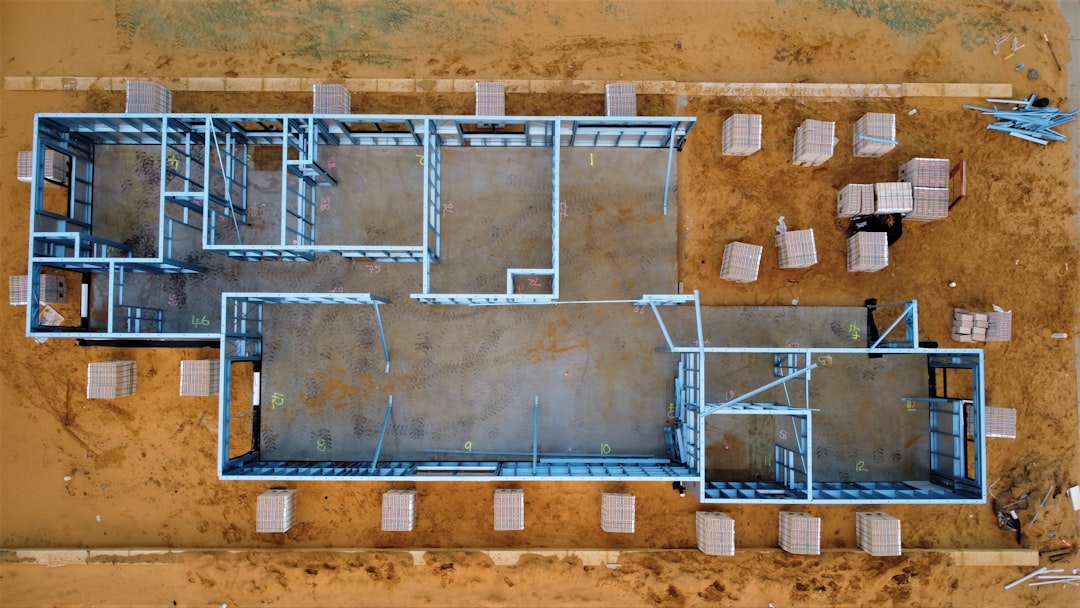
Planner 5D has become one of the most widely used home design applications for individuals who want to design interiors and exterior spaces without specialized technical training. It bridges the gap between professional architectural software and beginner-friendly design tools, offering a flexible platform suitable for homeowners, real estate professionals, students, and interior designers alike. Whether you are planning a renovation, staging a property, or simply experimenting with ideas, Planner 5D aims to provide a practical and visually intuitive solution.
TLDR: Planner 5D is a user-friendly home design software that allows you to create 2D and 3D floor plans, furnish interiors, and visualize spaces with realistic rendering. It is suitable for beginners and professionals looking for quick conceptual designs. While powerful and accessible, advanced features may require a paid subscription. It works across devices, making project management flexible and convenient.
What Is Planner 5D?
Planner 5D is a digital interior and home design platform that enables users to create floor plans and furnished spaces in both 2D and 3D modes. Unlike traditional CAD programs, it does not require knowledge of architectural drafting. The software focuses on intuitive drag-and-drop functionality while still offering precise dimension controls.
The platform is available as:
- Web-based software accessible through a browser
- Desktop applications for Windows and macOS
- Mobile apps for iOS and Android devices
This multi-platform accessibility ensures that users can work from virtually anywhere, whether reviewing plans on a tablet or making structural changes from a desktop computer.
Core Features You Should Understand
1. 2D Layout Creation
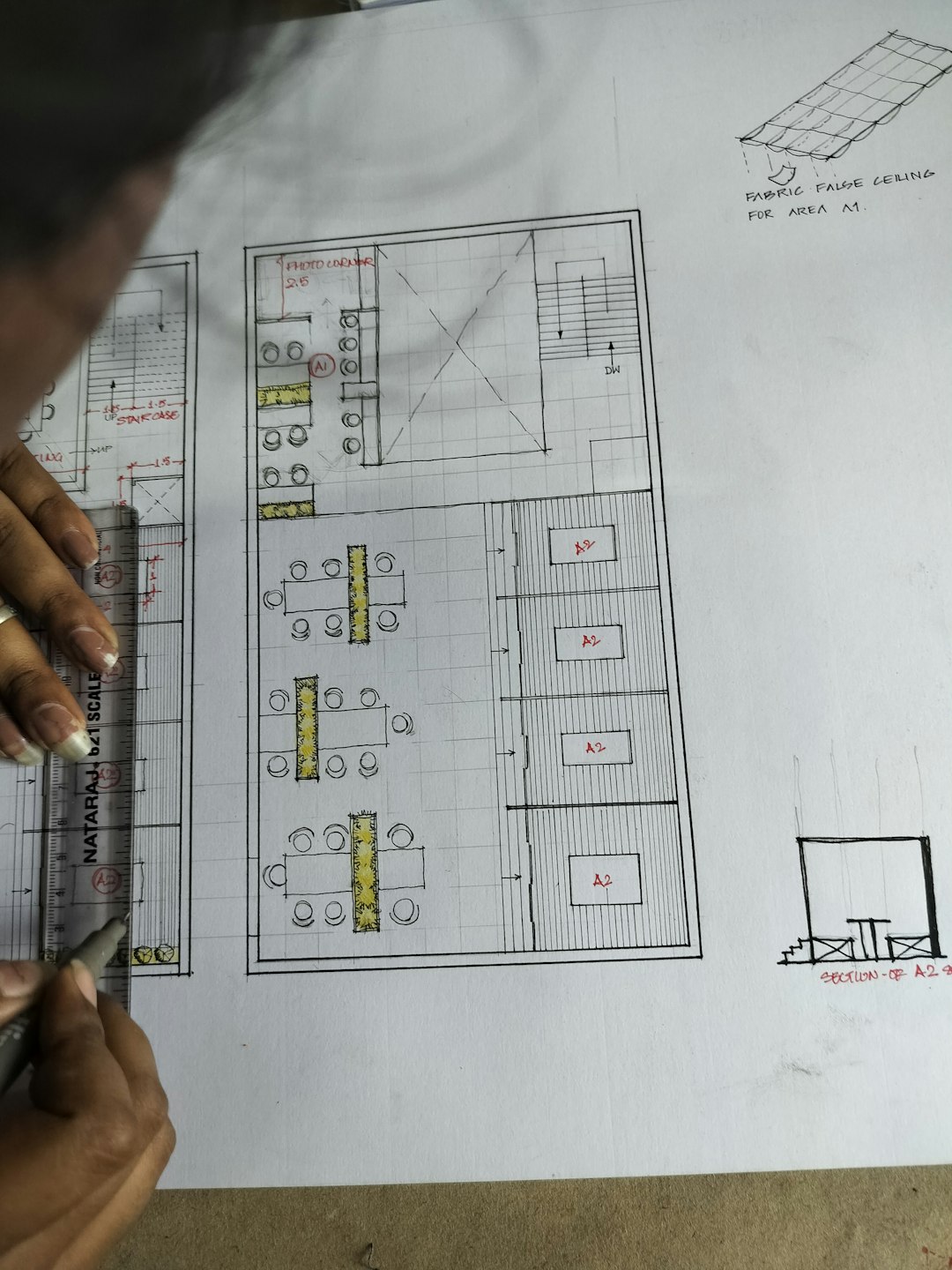
The design process typically begins in 2D mode. Here, you can:
- Create walls with precise measurements
- Add doors, windows, and structural elements
- Define room sizes and shapes
- Adjust wall thickness and ceiling height
The interface is designed to be self-explanatory, making it suitable for users with minimal experience.
2. 3D Visualization
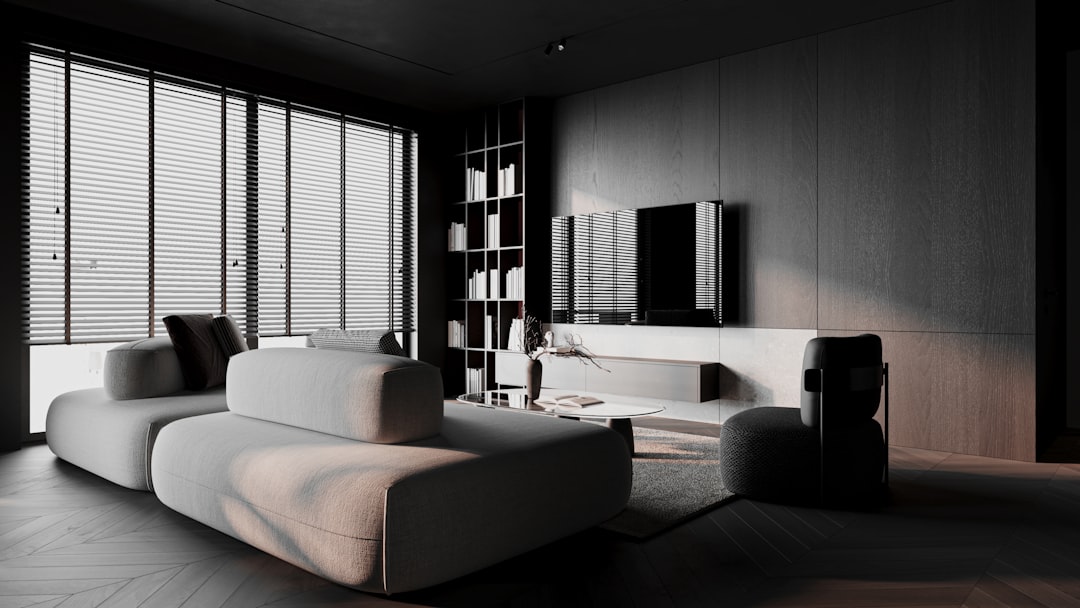
Once the structural layout is ready, users can switch seamlessly to 3D mode. This allows for:
- Full spatial visualization
- Realistic material rendering
- Furniture placement and layout adjustment
- Light and shadow simulation
This feature is particularly valuable for clients and stakeholders who may struggle to interpret flat technical drawings.
3. Furniture and Object Library
Planner 5D offers an extensive catalog of furniture, décor items, appliances, and outdoor elements. Items are categorized by room type, making navigation simple.
You can customize many objects by:
- Adjusting dimensions
- Changing materials and colors
- Rotating or scaling to fit unique layouts
Advanced textures and finishes offer added realism, though some premium assets are locked behind subscription plans.
4. AI and Smart Tools
Planner 5D integrates AI-based tools that can assist with layout recognition and automated design generation. Users can upload a floor plan image, and the software attempts to convert it into an editable digital layout.
These smart features can significantly reduce drafting time but may still require manual refinement for complete accuracy.
Planner 5D Free vs Paid Version
Understanding the differences between plans is essential before committing to the platform.
| Feature | Free Version | Paid Version |
|---|---|---|
| 2D & 3D floor planning | Yes | Yes |
| Basic furniture catalog | Limited selection | Full access |
| High-quality renders | Limited | Advanced rendering |
| Custom textures | No | Yes |
| Multi-platform sync | Yes | Yes |
For casual users testing ideas, the free version may be sufficient. However, professionals or serious renovators typically benefit from the full catalog and rendering capabilities available under paid plans.
Who Should Use Planner 5D?
Planner 5D is versatile enough to serve multiple audiences:
- Homeowners planning renovations or redesigns
- Interior designers creating mockups for clients
- Real estate agents staging property visuals
- Students learning spatial planning fundamentals
- DIY enthusiasts experimenting with layouts
While it does not replace advanced CAD or BIM systems for structural engineering, it delivers strong conceptual visualization capabilities.
Benefits of Using Planner 5D
Ease of Use
The drag-and-drop interface allows most users to begin designing immediately without formal training.
Cross-Device Functionality
Projects synchronize across devices, enabling consistent workflow continuity.
Visual Realism
The 3D rendering engine provides high-quality images suitable for presentations and approvals.
Cost Efficiency
Compared to professional-grade architectural tools, Planner 5D is significantly more affordable.
Limitations to Consider
No software is without limitations. Before adopting Planner 5D, evaluate these factors:
- Limited structural precision compared to professional CAD programs
- Premium object restrictions in the free version
- Rendering limitations without subscription
- Internet dependence for web version performance
For construction documentation requiring engineering approval, specialized architectural tools remain necessary.
Step-by-Step Overview: Getting Started
If you are new to Planner 5D, consider this structured approach:
- Create a new project and define basic measurements.
- Draw walls and structural components in 2D mode.
- Insert doors and windows while maintaining scale accuracy.
- Switch to 3D mode to evaluate proportions.
- Add furniture and decor from the library.
- Adjust materials and lighting for realism.
- Render high-quality images for sharing or presentation.
Maintaining organized project naming conventions is advisable, especially if managing multiple properties or client accounts.
Best Practices for Professional Results
To ensure your designs maintain a polished and credible appearance, consider these best practices:
- Always verify room dimensions before designing furnishings.
- Use consistent material palettes for cohesive aesthetics.
- Adjust lighting settings to avoid unrealistic shadows.
- Declutter overly complex scenes to enhance clarity.
- Export high-resolution renders when presenting to clients.
Additionally, avoid overcrowding designs with excessive decorative elements, as this can distract from functional layout evaluation.
How It Compares to Traditional Design Software
Planner 5D occupies a middle ground between beginner sketching apps and advanced CAD solutions. Unlike engineering-focused platforms, it prioritizes accessibility and conceptual visualization rather than construction documentation.
Professionals often use Planner 5D in early-stage ideation before transitioning into detailed drafting software. This workflow speeds up communication and client feedback loops.

Data Security and Cloud Storage
Planner 5D stores projects in the cloud, enabling automatic saving and synchronization. This reduces the risk of local data loss. However, as with any cloud-based solution, users should:
- Use strong account passwords
- Enable secure authentication when available
- Backup critical render exports locally
For organizations, reviewing data policies before large-scale adoption is recommended.
Final Thoughts
Planner 5D stands as a practical and accessible design solution that simplifies home and interior planning without sacrificing visual quality. It offers a suitable balance between usability and functionality, making it particularly effective for conceptual design and renovation planning. While not a complete replacement for advanced architectural software, it provides more than enough capability for most visualization needs.
For homeowners and professionals alike, understanding its features, limitations, and optimal workflows ensures you gain maximum value from the platform. When used strategically, Planner 5D becomes not just a design tool but a reliable planning partner in transforming ideas into structured, visually compelling spaces.