
Your logo is the tiny flag your business waves at the world. It shows up on your website, invoices, social posts, packaging, and email signature. A great logo can make a small business feel polished fast. The good news is this: you do not need a giant design budget to get one.
TLDR: Online logo makers can help entrepreneurs create clean, professional logos for much less than hiring a full design agency. The best tools are easy to use, offer strong templates, and let you download files for web and print. Try Canva, Looka, Hatchful, Wix Logo Maker, Tailor Brands, or Adobe Express if you want a logo that looks sharp without draining your startup budget.
Why online logo makers are worth a look
Starting a business is exciting. It is also expensive. There are websites to build, products to test, ads to run, and coffee to buy. So much coffee.
A custom logo from a designer can be amazing. But it may cost hundreds or thousands of dollars. That is not always possible when you are just getting started. Online logo makers give you a faster path. They use templates, icons, fonts, colors, and smart editing tools. You pick what fits your brand. Then you make it your own.
Are these tools perfect? No. A logo maker will not replace a full branding team. But for many entrepreneurs, it is more than enough. You can create something clean, modern, and useful in under an hour.
The trick is choosing the right tool. Some are simple. Some are smarter. Some are better for social media. Some are better for print. Let’s look at six strong options.

1. Canva
Best for: Entrepreneurs who want control and easy editing.
Canva is one of the friendliest design tools online. It feels less like software and more like playing with digital stickers. That is a good thing. You can start with a logo template, change the name, swap colors, try fonts, and move everything around.
Canva is great if you want a logo plus matching brand materials. You can make social posts, business cards, flyers, presentations, and banners in the same place. This helps your brand look consistent. Consistency makes you look more professional.
The free plan has many useful features. Paid plans unlock more templates, brand kits, and premium elements. If you want quick designs for social media, Canva is a strong pick.
Why entrepreneurs like it:
- It is very easy to use.
- There are many logo templates.
- You can create matching marketing materials.
- It works well for beginners.
Watch out for: Some templates are popular. Your logo may look similar to another brand if you do not customize it enough. Change the colors. Try a different font. Add your own twist.
2. Looka
Best for: Entrepreneurs who want an AI guided logo process.
Looka asks you questions first. It wants to know your business name, industry, style, and color preferences. Then it creates logo ideas for you. This is helpful if you do not know where to start.
The results often look polished. You can edit the layout, colors, symbols, and fonts. Looka also offers brand kits, social media files, and business card designs. That makes it useful if you want more than a basic logo file.
Looka is not the cheapest option on every plan. But it can still cost much less than hiring a designer. It is a nice middle ground between “I need help” and “I still want choices.”
Why entrepreneurs like it:
- It gives many logo ideas quickly.
- The designs feel modern.
- It is good for people with no design experience.
- You can build a simple brand kit.
Watch out for: AI generated logos can feel a bit generic. Take time to edit the design. Do not accept the first option just because it looks okay. Make it feel like your business.
3. Hatchful by Shopify
Best for: New online store owners and side hustlers.
Hatchful is a free logo maker from Shopify. It is simple, fast, and beginner friendly. You choose your business type, visual style, and where you plan to use the logo. Then Hatchful creates logo options for you.
This tool is great for ecommerce brands, small shops, makers, and creators. If you are opening a candle shop, fitness brand, bakery, or dropshipping store, Hatchful can help you get started without stress.
The designs are not always as flexible as Canva or Adobe Express. But the process is very smooth. You can get a logo pack with files for different platforms. That is handy when you need something today.
Why entrepreneurs like it:
- It is free to use.
- It is very fast.
- It is built with small businesses in mind.
- It gives you useful file formats.
Watch out for: Customization is more limited. If you want deep design control, you may feel boxed in. But if you want speed, Hatchful is a winner.
4. Wix Logo Maker
Best for: Entrepreneurs who also need a website.
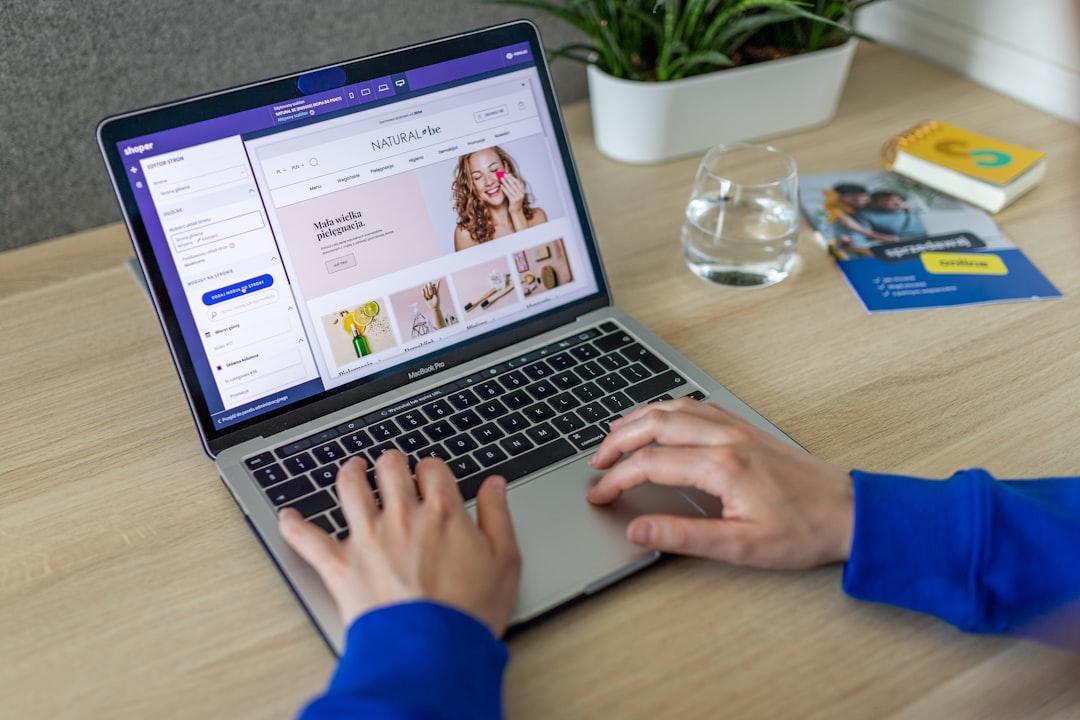
Wix Logo Maker is a smart choice if your logo and website are both on your to do list. It asks questions about your brand style. Then it creates logo options based on your answers. You can edit the colors, fonts, icons, and layout.
The biggest benefit is the connection to Wix’s website tools. If you plan to build a site with Wix, your branding can flow into your website more easily. That saves time and keeps things looking neat.
The logo maker is easy to understand. You do not need design training. Just pick what feels right, then adjust it until it looks like your brand.
Why entrepreneurs like it:
- It pairs well with website building.
- The setup process is simple.
- You can edit designs before buying.
- It offers files for online and print use.
Watch out for: Check the file package before you pay. Make sure it includes what you need, such as transparent backgrounds, vector files, and high resolution images.
5. Tailor Brands
Best for: Entrepreneurs who want a full business identity kit.
Tailor Brands is more than a logo maker. It offers tools for branding, business setup, websites, social media, and more. This can be useful if you want one place to manage many early business tasks.
The logo maker uses your answers to create designs. You choose styles you like. Then the tool suggests options. You can edit the final design and create branded assets from it.
Tailor Brands is strong for people who want guidance. It feels like a business launch assistant. If you want to move fast and keep things organized, it may be a good fit.
Why entrepreneurs like it:
- It offers more than logo creation.
- It helps build a basic brand system.
- It is beginner friendly.
- It can support other startup needs.
Watch out for: Some features may require subscriptions. Look at the pricing before you commit. Make sure you only pay for tools you will actually use.
6. Adobe Express
Best for: Entrepreneurs who want stylish templates and trusted design tools.
Adobe Express is a simpler, lighter design tool from Adobe. You do not need to be a Photoshop wizard. You can choose a logo template and edit it in your browser. It has strong fonts, clean layouts, and useful design elements.
Adobe Express is good for entrepreneurs who care about style but do not want complex software. You can also create social graphics, flyers, videos, and other brand content. This makes it a handy tool after your logo is done.
It has a free version and paid features. If you already use Adobe tools, it may fit nicely into your workflow.
Why entrepreneurs like it:
- It has attractive templates.
- It is easier than advanced Adobe software.
- It works well for social media content.
- It connects with other creative tools.
Watch out for: Some premium assets need a paid plan. Also, like Canva, templates can be shared by many users. Customize your logo so it does not feel copied.
How to choose the right logo maker
All six tools can help. But the best one depends on your goal.
- Choose Canva if you want total ease and lots of design choices.
- Choose Looka if you want AI to suggest polished ideas.
- Choose Hatchful if you want a free and fast startup logo.
- Choose Wix Logo Maker if you also need a website.
- Choose Tailor Brands if you want a wider business branding toolkit.
- Choose Adobe Express if you want stylish templates from a trusted creative brand.
Before you pick, ask yourself a few simple questions.
- Do I need a logo only, or a full brand kit?
- Will I use this logo on packaging or print materials?
- Do I need social media templates too?
- Do I want free tools, or can I pay a small amount?
- Do I want full control, or do I want the tool to guide me?
Quick tips for making your logo look professional
A tool can help, but your choices still matter. A lot. Here are simple logo rules that work.
- Keep it simple. Tiny details disappear fast.
- Use readable fonts. Fancy is fun. Clear is better.
- Limit your colors. Two or three colors are enough.
- Check it in black and white. A strong logo works without color.
- Test it small. Your logo should still look good as a profile picture.
- Avoid trend overload. Trends fade. Simple lasts longer.
- Download the right files. Get PNG, SVG, and high resolution files if possible.
Also, think about your audience. A playful logo may be perfect for a kids’ brand. It may not work for a law firm. A sleek logo may be great for tech. It may feel cold for a handmade cookie business. Match the logo to the feeling you want people to have.
What files should you get?
This part sounds boring. It is not. It is the difference between “nice logo” and “why is my logo blurry on this banner?”
Try to get these files:
- PNG with transparent background: Great for websites and social media.
- SVG: Best for resizing without losing quality.
- PDF: Useful for print vendors.
- JPG: Handy for simple online use.
- Color versions: Full color, black, and white.
If a logo maker charges for high quality files, read the details first. The cheapest package may not include everything. Paying a little more can be worth it if you need print ready files.
Final thoughts
Your first logo does not need to be perfect forever. It needs to help you launch. It needs to look clean. It needs to make your business feel real.
Online logo makers are perfect for that job. They are quick, affordable, and simple. They give entrepreneurs a way to create a professional first impression without spending a fortune.
So pick a tool. Play with colors. Try fonts. Make a few versions. Show them to people you trust. Then choose one and move forward.
Your logo is not the whole business. Your product, service, and customer experience matter more. But a good logo opens the door with style. And when you can get that for less, that is a smart move.