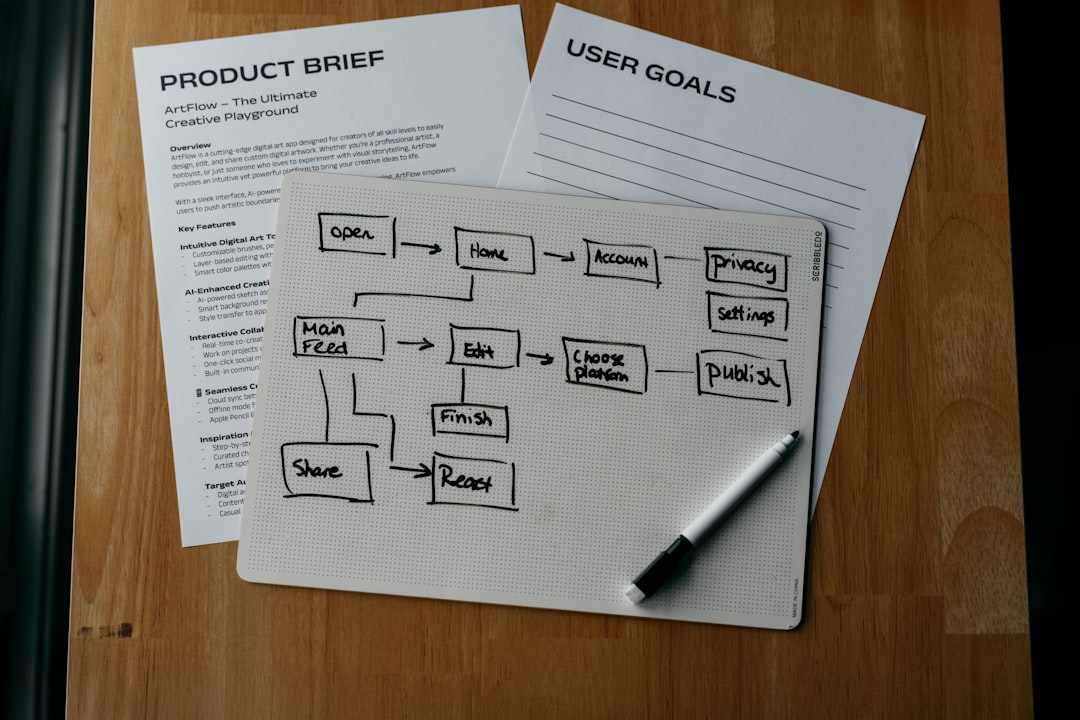
The strongest Phrase alternatives for simpler translation management are Lokalise, Smartling, Crowdin, Transifex, and memoQ TMS. Each suits a different team shape, from product squads pushing weekly app updates to enterprise groups that need strict review control. The best pick depends on how much automation, developer access, vendor coordination, and quality control the team really needs.
TLDR: Teams that find Phrase too complex, too costly, or too developer-heavy should compare tools by workflow speed, integrations, reviewer experience, and reporting. For example, a 14-person SaaS team shipping in 8 languages could cut translation handoff time by around 35% by moving strings, screenshots, and approvals into one shared workspace. Lokalise is strong for product teams, Smartling suits larger content programs, Crowdin works well for software communities, Transifex fits continuous localization, and memoQ TMS helps teams with heavier linguistic review.
Why Teams Replace Phrase
Phrase is powerful, but power can turn into friction. Some teams want fewer setup steps. Others want simpler pricing, faster onboarding, or cleaner review flows for nontechnical stakeholders.
It drives localization managers crazy when a small string update turns into a chain of exports, branch checks, Slack reminders, and missed approvals. Even an extra 18 seconds per key can become painful when a release includes 1,200 strings. That is where a lighter or more focused translation management system can help.
1. Lokalise
Lokalise is often the first Phrase alternative considered by product and mobile app teams. It focuses on software localization, design context, developer integrations, and smooth collaboration between engineers, translators, product managers, and designers.
The tool connects with GitHub, GitLab, Bitbucket, Figma, Jira, Slack, and common mobile frameworks. This makes it useful for teams that release often and cannot afford messy copy handoffs.
- Best for: SaaS teams, mobile apps, web platforms, and agile product groups.
- Key strengths: Screenshots, design previews, branching, automations, and API support.
- Possible downside: Smaller teams may need time to set up workflows properly.
Lokalise works best when localization is tied directly to product development. Translators can see where strings appear, reviewers can comment in context, and engineers can avoid manual file chasing.
2. Smartling
Smartling is a strong option for companies with high content volume and formal localization operations. It supports websites, apps, documents, marketing content, and enterprise translation programs.
Its visual context tools are useful. Reviewers can see translated copy inside page layouts instead of guessing from isolated text. That reduces awkward line breaks, missing context, and tone problems.
- Best for: Enterprise teams, marketing departments, ecommerce brands, and global content teams.
- Key strengths: Visual context, workflow control, analytics, vendor management, and translation quality checks.
- Possible downside: It can feel too large for teams that only need basic string management.
Smartling suits teams that want structure. Expect stronger reporting, deeper workflow rules, and more support for managed translation services. Honestly, it can feel like too much software for a small app team, but for large content programs, that extra structure can save real money.
3. Crowdin
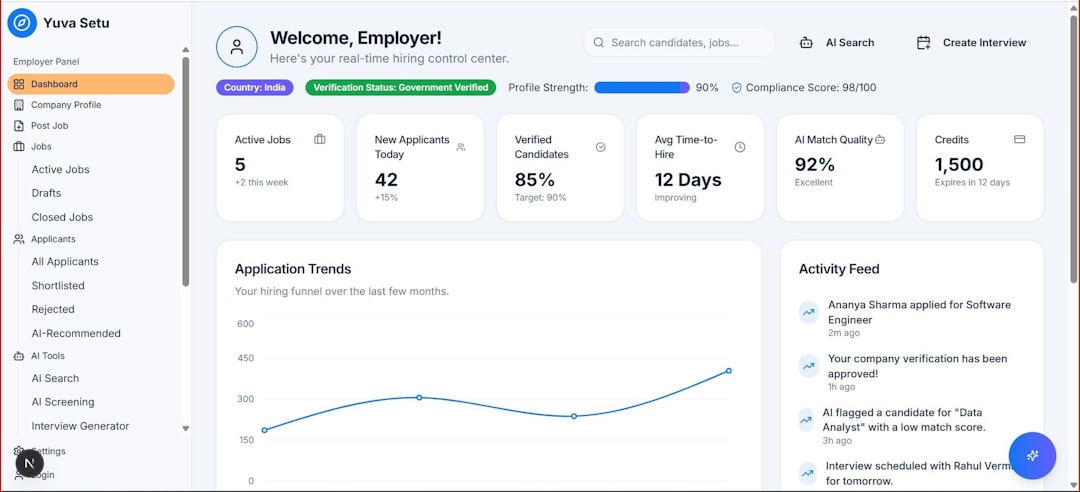
Crowdin is popular with software teams, game studios, open source projects, and companies that involve community translators. It offers a friendly interface, strong integrations, and flexible project setup.
Crowdin supports Git-based workflows, over-the-air content delivery, screenshots, translation memory, glossaries, machine translation, and approval steps. It also makes contributor management easier than many heavier systems.
- Best for: Open source projects, games, developer-led teams, and community localization.
- Key strengths: Git integrations, contributor roles, public projects, screenshots, and automation.
- Possible downside: Complex enterprise governance may require extra planning.
For teams that rely on volunteers or distributed reviewers, Crowdin feels practical. It keeps translation tasks visible and reduces the need for spreadsheet-based coordination. That alone can prevent a painful last-minute string freeze.
4. Transifex
Transifex is built for continuous localization. It helps teams sync content from code repositories, websites, apps, and digital products. It is a good fit when content changes often and releases cannot wait for long translation cycles.
One major benefit is its support for live and connected workflows. Product teams can push source content, collect translations, and publish updates with less manual work.
- Best for: Web apps, digital platforms, documentation sites, and teams shipping frequent updates.
- Key strengths: Continuous localization, translation memory, glossary support, integrations, and content syncing.
- Possible downside: Some teams may want richer visual review tools.
Transifex makes sense for teams that care about speed. If a company updates product copy every week, waiting on file uploads and email approvals gets old quickly. This tool helps reduce those slow handoffs.
5. memoQ TMS
memoQ TMS is different from the lighter product-focused platforms on this list. It is built for serious translation operations, language service providers, and companies with detailed linguistic requirements.
Its strengths include translation memory, terminology control, quality assurance, project templates, and advanced reviewer workflows. Teams with legal, medical, financial, or technical content may value that depth.
- Best for: Translation departments, agencies, regulated industries, and quality-focused teams.
- Key strengths: Linguistic QA, terminology, translation memory, project control, and vendor support.
- Possible downside: It may feel less simple for product managers and developers.
memoQ TMS is not the cleanest pick for a small startup trying to translate a landing page. It is better for teams that need process discipline and deep language control.
Quick Comparison
| Tool | Best Use Case | Main Advantage |
|---|---|---|
| Lokalise | Product and app localization | Strong developer and design workflows |
| Smartling | Enterprise content localization | Visual context and reporting |
| Crowdin | Software and community projects | Flexible contributor management |
| Transifex | Continuous digital localization | Fast content syncing |
| memoQ TMS | High-quality translation operations | Advanced linguistic control |
How Teams Should Choose
Teams should start with their pain point. If developers lose time moving files, Lokalise or Crowdin may help. If marketing pages and campaigns are the main workload, Smartling may fit better. If releases happen constantly, Transifex deserves close attention. If quality review matters more than speed, memoQ TMS is a safer bet.
Cost also matters. A tool that saves five hours per release can pay for itself quickly. For instance, if three team members each spend two hours per week fixing localization handoffs, that is 312 hours per year. Cutting that by half gives the team almost four full workweeks back.
The simplest tool is not always the cheapest one. It is the tool that removes repeat work, keeps reviewers informed, and lets translators see enough context to avoid guesswork.
FAQ
What is the best Phrase alternative for software teams?
Lokalise and Crowdin are strong choices for software teams. Lokalise fits product-led teams that need design context. Crowdin works well for developer-heavy and community-based projects.
Which alternative is best for enterprise localization?
Smartling is often a strong enterprise option. It offers visual review, reporting, workflow control, and support for larger content programs.
Which tool is best for continuous localization?
Transifex is a good fit for continuous localization. It helps teams sync and publish content often, especially for web apps and digital platforms.
Is memoQ TMS too complex for small teams?
For many small teams, yes. memoQ TMS is better suited to teams that need advanced QA, terminology control, and structured translation operations.
How should a team compare translation management tools?
Teams should compare integrations, workflow setup, reviewer experience, automation, reporting, translation memory, and pricing. A short pilot with real content usually reveals problems faster than a feature checklist.