The world is full of smart devices. Your watch counts your steps. Your fridge talks to your phone. Your doorbell shows you who is outside. This is the magic of the Internet of Things, or IoT. But with all this magic comes risk. Every connected device can be a tiny open door for hackers. So we need to protect them. The good news? You do not need to be a security expert to get started. You just need to follow some smart and simple steps.
TLDR: IoT devices are convenient but can create security risks if not protected. Use strong passwords, keep devices updated, and secure your network. Turn off features you do not need and choose trusted brands. Small actions make a big difference in keeping your smart home or office safe.
What Is IoT Security and Why Does It Matter?
IoT security means protecting connected devices from hackers. These devices include cameras, speakers, thermostats, cars, and even medical tools. Many of them collect data. Some control important systems. If hacked, they can leak private information. Or worse, allow someone to control them.
Think of each device like a window in your house. The more windows you have, the more you must check the locks. IoT security is about checking those locks.

1. Change Default Passwords Immediately
Many IoT devices come with default passwords. These passwords are often simple. Hackers know them. They are listed online.
When you buy a new device:
- Log in right away.
- Change the default username and password.
- Create a strong and unique password.
A strong password:
- Has at least 12 characters.
- Includes letters, numbers, and symbols.
- Is not easy to guess.
Tip: Use a password manager. It helps you create and store secure passwords.
2. Keep Firmware and Software Updated
Devices have software inside them. This is called firmware. Companies release updates to fix bugs and security holes.
If you ignore updates, you leave the door open.
Best practices:
- Turn on automatic updates if available.
- Check for updates regularly.
- Replace devices that no longer receive updates.
Old devices are risky. If a company stops supporting a product, it may never fix new security problems.
3. Secure Your WiFi Network
Your WiFi router is the heart of your IoT system. If it is weak, everything is weak.
Do these things first:
- Change the default router password.
- Use WPA3 or at least WPA2 encryption.
- Disable remote management unless truly needed.
You can also create a separate network just for IoT devices. Many routers allow a “guest network.” Put smart gadgets there. Keep laptops and phones on your main network.
This way, if one device is hacked, others stay safer.
4. Turn Off What You Do Not Need
Some IoT devices come with many features. You may not use all of them. Each active feature is a possible risk.
For example:
- Remote access.
- Voice control.
- Universal Plug and Play (UPnP).
- Bluetooth when not needed.
Go into the settings. Turn off features you do not use. Less is more in security.
5. Use Device Authentication
Authentication means proving who you are. Many modern devices support extra layers of protection.
If available:
- Turn on two factor authentication (2FA).
- Use biometric login like fingerprint or face recognition.
- Link devices only to secure accounts.
With 2FA, even if someone steals your password, they still need a second code. That extra step often stops attackers.
6. Buy From Trusted Brands
Not all smart devices are created equal. Very cheap products may skip important security steps.
Before buying:
- Research the company.
- Read security reviews.
- Check how often they release updates.
- See if they have a privacy policy.
A trusted company invests in security. A random brand may disappear next year.
7. Monitor Your Network Traffic
This sounds technical. But it can be simple.
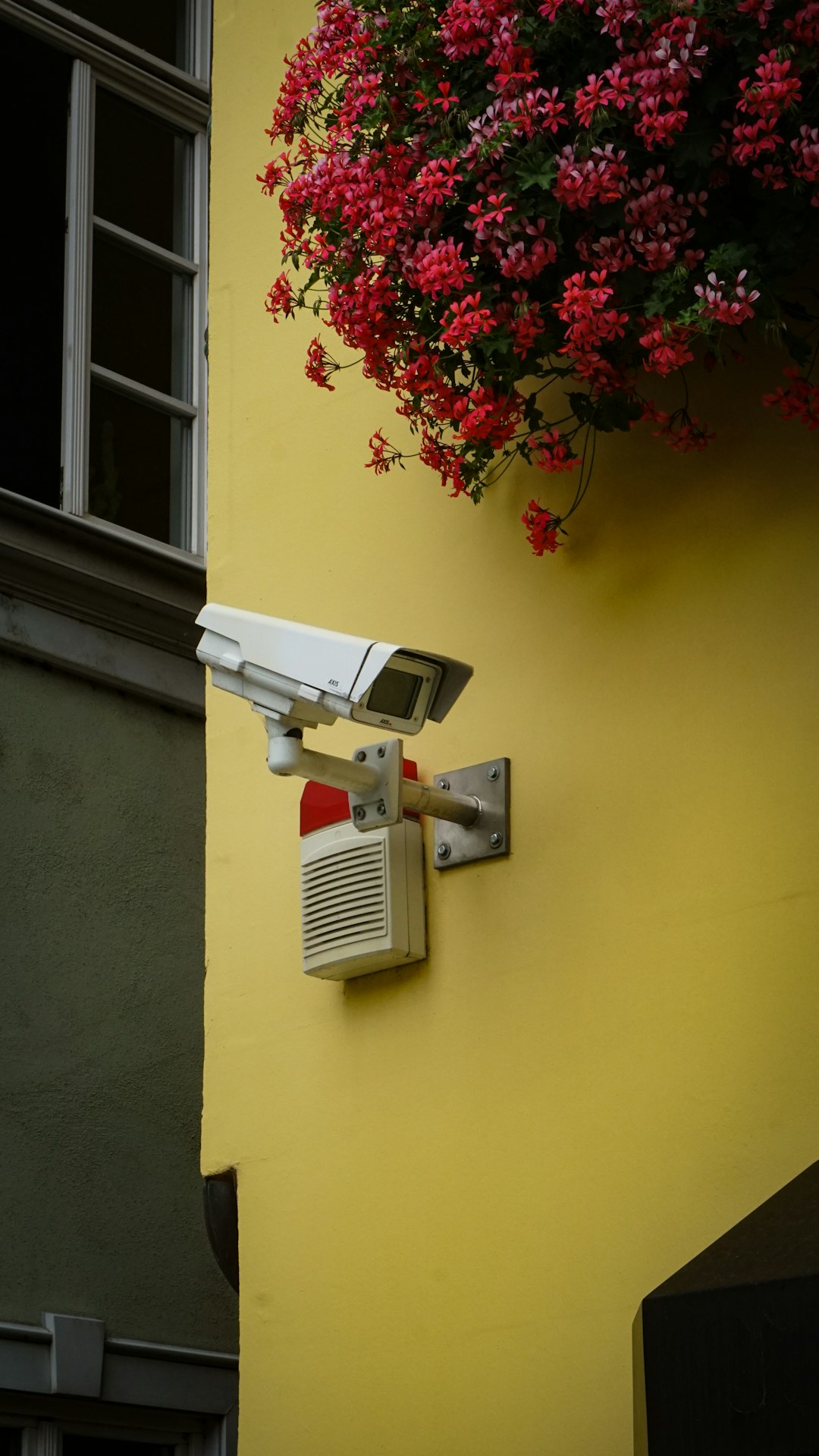
Many modern routers show connected devices. They also show activity levels. If a device sends lots of data at 3 a.m., that can be suspicious.
Things to watch:
- Unknown devices on your network.
- Strange spikes in data usage.
- Devices connecting at odd times.
If something looks wrong:
- Disconnect the device.
- Reset it to factory settings.
- Update it before reconnecting.
8. Disable Universal Plug and Play (UPnP)
UPnP makes it easy for devices to connect automatically. It is convenient. But it can create security holes.
If you do not need it, turn it off in your router settings. Many experts recommend disabling it for better control.
9. Encrypt Sensitive Data
Some IoT devices collect private information. This could be video, audio, health data, or location.
Look for devices that:
- Use end to end encryption.
- Store data securely in the cloud.
- Allow you to delete stored data.
Encryption scrambles data. Without the key, it looks like nonsense. This protects information from thieves.
10. Perform Regular Security Audits
Set a reminder every few months. Review your connected devices.
Ask yourself:
- Do I still use this device?
- Is it updated?
- Does it have a strong password?
- Is it connected to the correct network?
Remove devices you no longer use. Unplug them. Delete their accounts. Fewer devices mean fewer risks.
11. Protect Physical Access
Security is not only digital. Physical access matters too.
If someone can touch your device, they might reset it. Or plug in a malicious USB drive.
Basic tips:
- Place routers in a secure area.
- Mount cameras out of easy reach.
- Lock server or control rooms in offices.
Simple steps stop simple attacks.
12. Be Careful With Third Party Integrations
Smart devices often connect with other apps. For example, your doorbell might connect to a cloud storage service.
Each connection creates another entry point.
Before linking services:
- Check app permissions.
- Remove unused integrations.
- Review connected apps regularly.
If an app asks for more access than needed, think twice.
13. Set Up Firewalls and Intrusion Detection
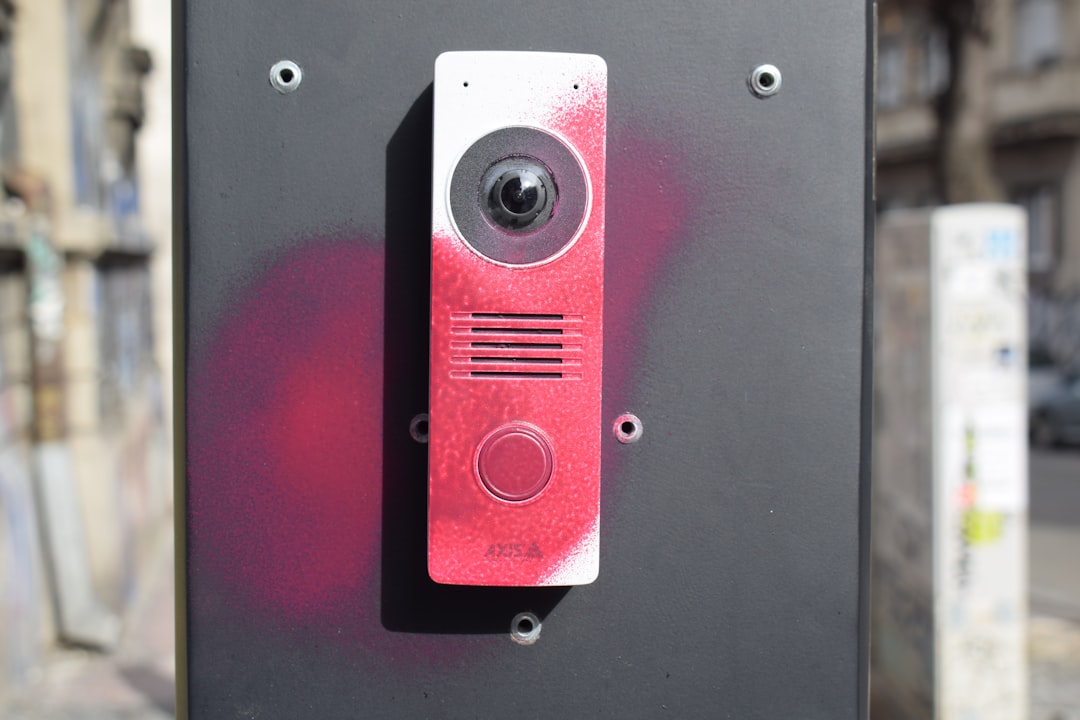
Businesses using IoT devices need stronger protection. A firewall filters traffic. It blocks suspicious connections.
Intrusion detection systems watch for strange behavior. They alert you when something is wrong.
Even advanced tools are becoming user friendly. Many are built into modern routers.
14. Educate Everyone in the Home or Office
Technology is only as strong as the people using it.
Teach family members or employees to:
- Avoid clicking unknown links.
- Not share passwords.
- Report unusual device behavior.
- Install updates when prompted.
A little awareness goes a long way.
15. Plan for the Worst
No system is perfect. You should prepare for possible breaches.
Have a basic response plan:
- Know how to disconnect devices quickly.
- Back up important data regularly.
- Keep customer support numbers handy.
- Change passwords immediately after a breach.
Quick action limits damage.
Common IoT Security Mistakes to Avoid
- Using the same password for every device.
- Ignoring update notifications.
- Buying unknown brands without research.
- Leaving devices connected when not in use.
- Forgetting old devices still connected to WiFi.
Avoid these mistakes. Stay proactive.
The Future of IoT Security
The number of connected devices keeps growing. Smart cities are expanding. Cars are becoming more automated. Hospitals rely on connected tools.
Security must grow too.
Manufacturers are adding:
- Stronger encryption.
- Better authentication systems.
- Automatic security patches.
- AI based threat detection.
This is good news. But users still play a key role. Technology helps. Smart habits finish the job.
Final Thoughts
IoT devices make life easier. They save time. They improve comfort. They even save energy. But they also bring new risks.
The solution is not fear. It is awareness.
Start with simple steps. Change passwords. Update devices. Secure your WiFi. Turn off what you do not need. Review your setup regularly.
Think of IoT security like brushing your teeth. It is not exciting. But it keeps problems away.
Stay smart. Stay updated. And enjoy the connected world safely.