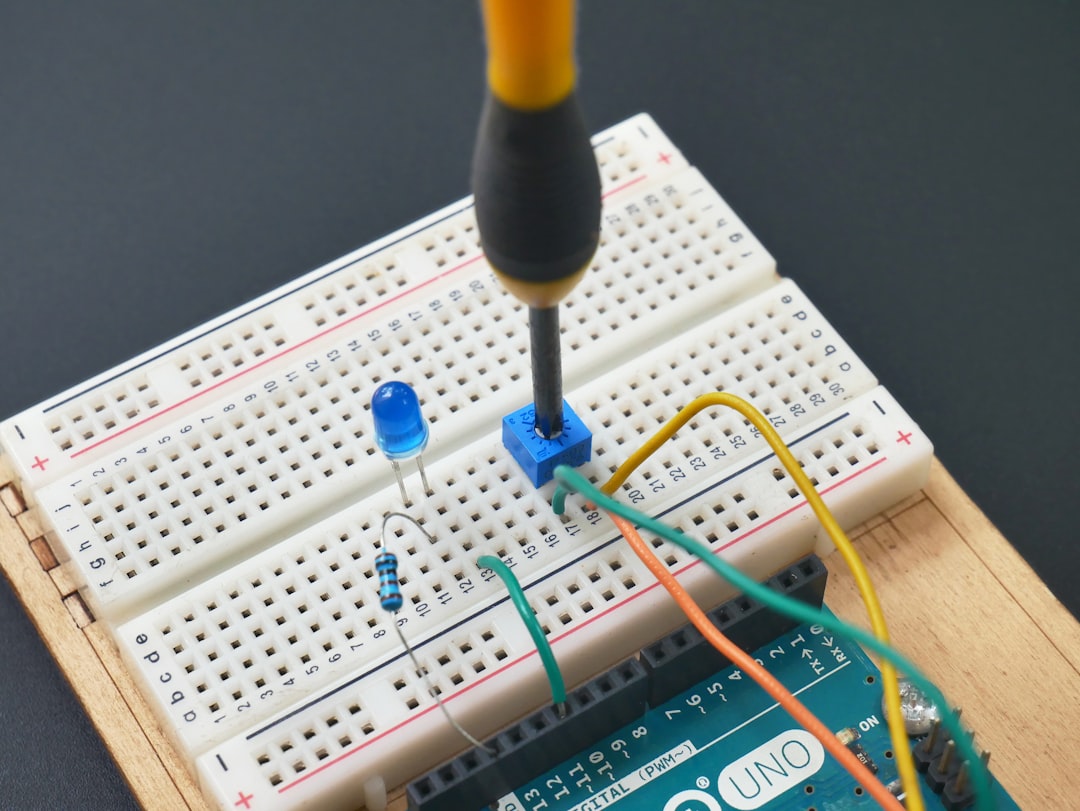
So, you’ve got a killer idea for a connected gadget. Maybe it’s a smart plant monitor or a coffee machine that talks to your calendar. But now you’re stuck. You need a tiny, brainy board to bring your idea to life. That’s where IoT development boards come in. Picking the right one is a big deal — especially when you’re a maker or a small startup on a shoestring budget.
TL;DR
When choosing an IoT development board, think about your project’s needs — do you need Wi-Fi, Bluetooth, or sensors built in? Boards like Arduino, Raspberry Pi, and ESP32 are great for different goals. Consider cost, community support, and ease of use. There’s no “perfect” board — just the best one for your idea.
What’s an IoT Development Board, Anyway?
Let’s clear this up first. An IoT development board is like a mini-computer. It powers your smart gadget. It can connect to the internet, run code, and talk to sensors and other devices.
These boards are made for experimenting. They’re built for learning, prototyping, and — when things go well — scaling into real-world products.
Start With Your Project Goals
Picking the best board starts with one question: What do you want your device to do?
Here are a few project types and what they usually need:
- Remote weather station? Choose a board with low power use and wireless range.
- Smart home gadget? Make sure it has Wi-Fi or Bluetooth, and maybe voice assistant support.
- Wearable fitness tracker? Go small and energy-efficient, with Bluetooth built-in.
- Factory monitor? You might need support for industrial protocols and durability.
Top Boards for Makers and Startups
There are dozens of options out there. Here are a few fan favorites — each with its own vibe and use case.
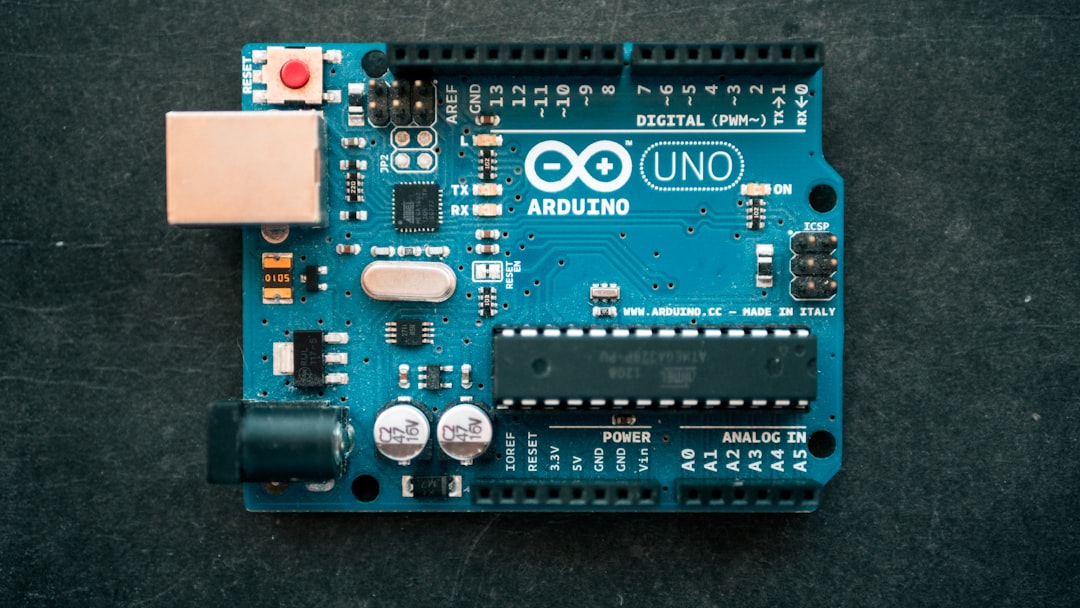
1. Arduino Uno and Arduino Nano
Great for: Beginners, education, and basic sensor tasks.
Arduino is practically the grandfather of the maker movement. It’s super easy to program. Tons of tutorials are out there. And it has a giant community.
- Very beginner-friendly
- Not ideal for full IoT — needs extra modules for Wi-Fi
- Best if you’re learning electronics and coding
2. Raspberry Pi (Zero, 3, 4, and Pico)
Great for: Advanced projects, edge computing, AI, media-heavy devices
This is a full Linux computer. It lets you run complex programs. Good for projects that need a camera, microphone, or screen.
- Not real-time — better for computers than microcontrollers
- Has HDMI, USB, audio, and full networking support
- Raspberry Pi Pico is their microcontroller version — more like Arduino
3. ESP8266 and ESP32
Great for: Cheap Wi-Fi/Bluetooth, DIY smart devices
These guys are tiny, powerful, and budget-friendly.
- Built-in Wi-Fi and Bluetooth (ESP32)
- Lots of GPIO pins for sensors
- Fast-growing community support
- ESP32 can even handle speech or basic image tasks
4. Particle Boards (Argon, Boron, Photon 2)
Great for: Cloud-connected apps, remote deployment
Particle products are built with startups in mind. They’re more expensive, but provide great cloud tools.
- Cellular and Wi-Fi options
- Built-in device management features
- Excellent documentation and support
5. Adafruit and SparkFun Boards
Great for: Specialized needs, modular building
These are businesses that create boards for niche uses — GPS, biometric sensors, LoRa communication, and more.
If you’re making something unusual, chances are, they have a board for it — or a guide to build it.
Features to Watch For
Once you’ve picked a few contenders, ask yourself these questions:
- Does it have wireless? Wi-Fi? Bluetooth? Cellular? What does your app need?
- Is it low-power? Battery-powered devices need efficient boards.
- Are there enough GPIO pins? Especially if you want lots of sensors or controls.
- How big is it? Wearables and portable devices need small boards.
- Is there built-in storage? Some boards have SD or flash support.
It’s also good to think long-term. Can you easily go from prototype to production with this board?
Don’t Forget the Community
This might be the most important part of choosing a board — especially for new makers and startup teams.
When things break (which they will), you want help. Boards that have big, active communities will get you unstuck faster. More tutorials, more libraries, and more answers on forums.
Here are a few boards with excellent community support:
- Arduino
- ESP32/ESP8266
- Raspberry Pi
Even veteran engineers get stuck. Trust us — community matters!
Prototype vs. Production
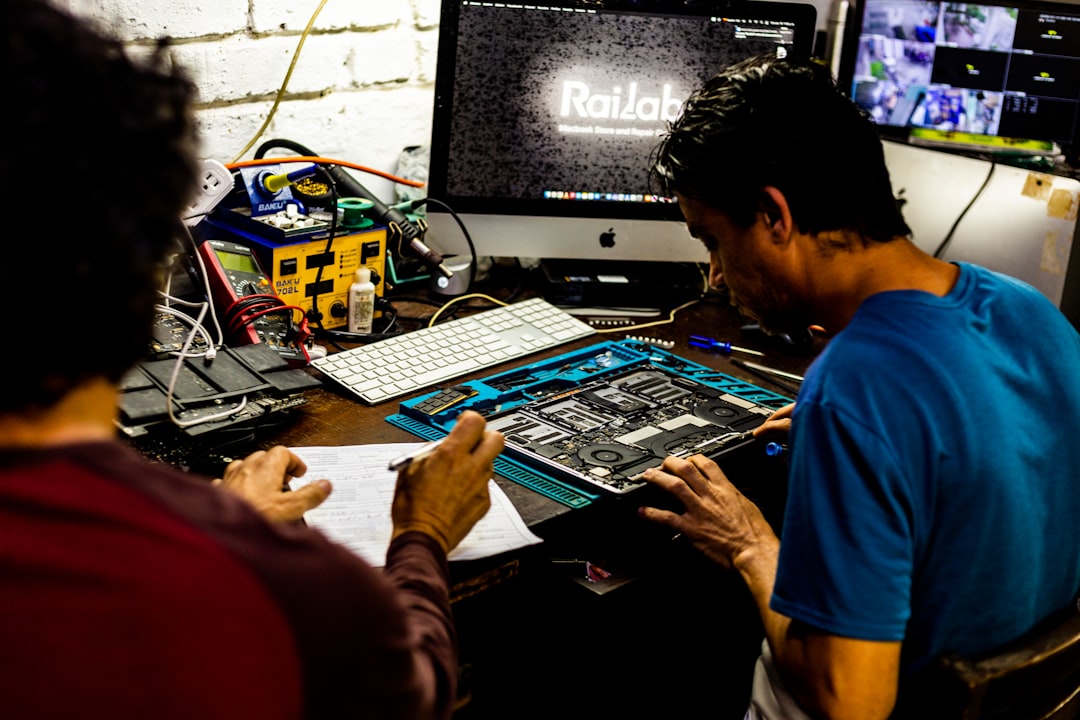
Prototyping is exciting fast-paced creativity. Production is shipping hundreds (or thousands) of finished devices.
The board you use for testing might not be ideal for large-scale production. Some boards are made just for development, not for final products. They might be too big, too expensive, or not certified.
That’s okay!
You can always:
- Start with a dev board to prototype
- Then switch to a custom PCB using the same chip (like ESP32)
- Or use a board designed for scale (like Particle’s)
What About Cost?
Money matters — especially for startups.
Thankfully, there are powerful boards under $5 (like the ESP8266). But be careful with sneak costs. Some boards need:
- Extra Wi-Fi modules
- Special cables or programmers
- Cloud subscriptions (for some advanced services)
Don’t just check the sticker price. Look at what else you’ll need to get rolling.
Final Thoughts
So, what’s the “best” IoT board? The answer is simple:
The best board is the one that fits your project’s needs, budget, and your team’s skill level.
Start small. Learn fast. Build something weird and cool. And remember — even the best prototypes are just step one of the journey.
Happy building!