
Canva is popular. It is simple. It is everywhere. But it is not the only design tool out there. Graphic designers and marketers often need more power, more control, or just something different. The good news? There are plenty of amazing alternatives.
TLDR: Canva is great, but it is not perfect for everyone. Some tools offer more advanced design features. Others focus on collaboration, branding, or social media content. Below are 12 top Canva alternatives that fit different needs and budgets.
Let’s explore the best options. Whether you design for fun, for clients, or for your business, you will find something that fits.
Quick Comparison Chart
| Tool | Best For | Skill Level | Free Plan |
|---|---|---|---|
| Adobe Express | Quick marketing graphics | Beginner | Yes |
| Adobe Illustrator | Professional vector design | Advanced | No |
| Visme | Presentations and infographics | Beginner | Yes |
| Snappa | Social media posts | Beginner | Yes |
| Crello | Animated graphics | Beginner | Yes |
| Figma | UI and team collaboration | Intermediate | Yes |
| Affinity Designer | Vector illustration | Intermediate | No |
| Piktochart | Reports and charts | Beginner | Yes |
| Easil | Brand kits | Beginner | Yes |
| Stencil | Fast blog graphics | Beginner | Yes |
| CorelDRAW | Professional print design | Advanced | No |
| VistaCreate | Templates and animation | Beginner | Yes |
1. Adobe Express
Adobe Express is simple. Clean. And powerful.
It feels like Canva. But it connects smoothly with Adobe tools. That is a big plus.
- Great templates for social media
- Easy resizing for different platforms
- Direct Adobe integration
Perfect for marketers who want fast results. Without learning complex software.
2. Adobe Illustrator
This one is for serious designers.
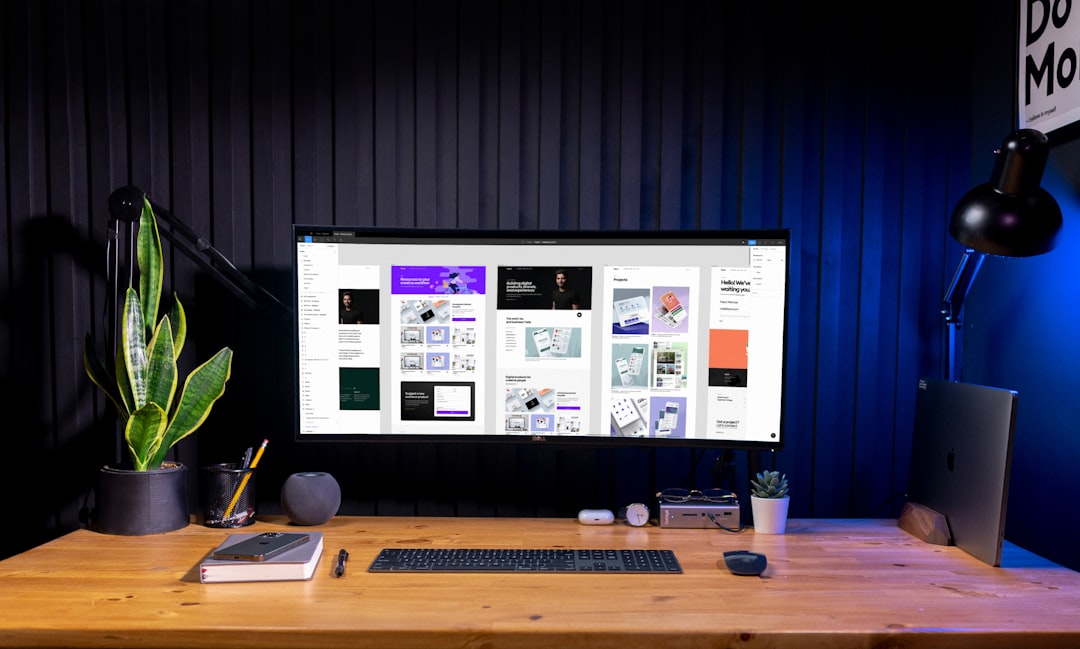
Illustrator is the gold standard for vector design. Logos. Icons. Packaging. It can handle it all.
But beware. There is a learning curve.
- Total design control
- Professional print support
- Advanced typography tools
If Canva feels limiting, this is the upgrade.
3. Visme
Need beautiful presentations? Choose Visme.
It shines with:
- Infographics
- Reports
- Data visualization
Marketers love it. Especially for internal reports and client decks.
You can turn boring data into something exciting. And easy to read.
4. Snappa
Snappa is built for speed.
You pick a template. Edit. Download. Done.
It works great for:
- Facebook ads
- Instagram posts
- Blog headers
It does not overwhelm you with features. And that is sometimes a good thing.
5. Crello (Now VistaCreate)
If you love animation, this tool is fun.
You can create motion graphics in minutes.
- Animated stories
- Moving text
- Video ads
It feels playful. But the results look professional.
6. Figma
Figma is powerful. Especially for teams.
It is browser-based. That means no heavy downloads.
Designers love it for:
- Website layouts
- App interfaces
- Real-time collaboration
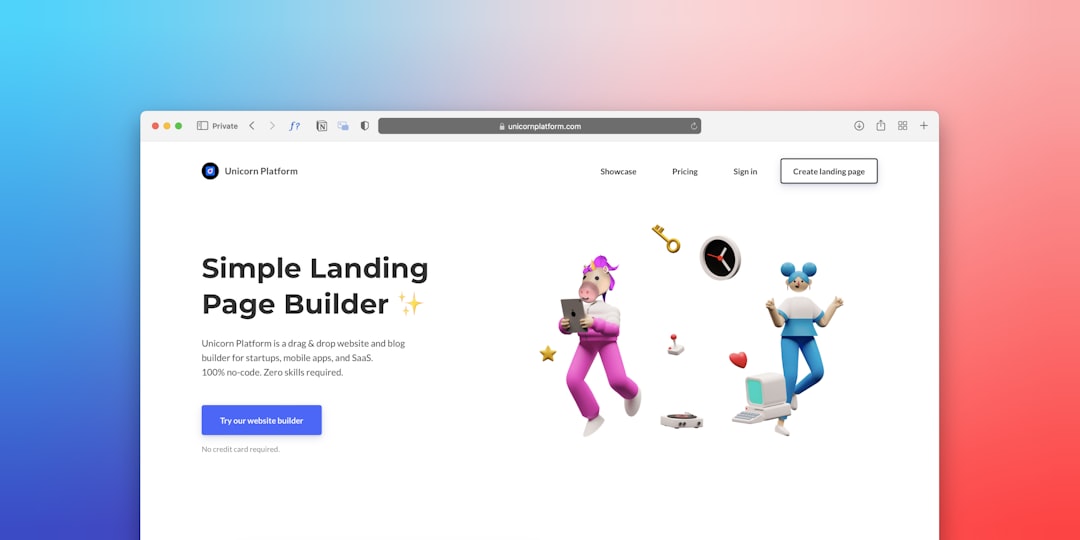
Multiple people can edit at the same time. Like Google Docs. But for design.
For UI and UX designers, this is a top Canva alternative.
7. Affinity Designer
No subscription. Just a one-time payment.
That alone makes people happy.
Affinity Designer is great for:
- Vector artwork
- Brand identities
- Print projects
It is powerful. But easier to learn than Illustrator.
If you want pro-level results without monthly fees, this is worth exploring.
8. Piktochart
This one focuses on communication.
Think charts. Reports. Visual storytelling.
It is perfect for:
- Teachers
- Corporate teams
- Marketing reports
You do not need design skills. Just drag. Drop. Customize.
And your data looks impressive.
9. Easil
Easil is built with brands in mind.
It helps you lock visuals. So your team stays consistent.
- Brand kits
- Editable templates
- Text effects
It is great for small businesses. Especially those scaling fast.
10. Stencil
Almost zero learning curve.
Stencil is for bloggers and content creators.
You can:
- Create quick blog graphics
- Add quotes to photos
- Design simple ads
It connects with social media platforms. That saves time.
It is not complex. But that is the charm.
11. CorelDRAW
This is another professional tool.
Especially popular in print design.
- Advanced layout tools
- Color management for print
- Precision controls
It is not for beginners.
But if you work in packaging, signage, or merchandise, it is powerful.
12. VistaCreate
VistaCreate deserves its own spotlight.
It offers:
- Tons of templates
- Animation features
- Stock photos and videos
It feels very beginner-friendly. Yet versatile.
Great for startups and small marketing teams.
How to Choose the Right Canva Alternative
Here is the truth.
There is no “best” tool for everyone.
Ask yourself:
- Do I need advanced vector control?
- Am I designing for print or digital?
- Do I work alone or in a team?
- Do I need animation?
- What is my budget?
If you want simple marketing graphics: Try Adobe Express, Snappa, or VistaCreate.
If you need professional vector tools: Go with Illustrator, Affinity Designer, or CorelDRAW.
If collaboration matters: Figma is hard to beat.
If data is your focus: Visme or Piktochart will shine.
Free vs Paid Tools
Many Canva alternatives offer free plans. But they come with limits.
Common limits include:
- Watermarks
- Limited downloads
- Restricted templates
Paid plans remove these limits. They also unlock premium assets.
If design is part of your job, paying often makes sense.
Final Thoughts
Canva opened the door for easy design. That is undeniable.
But today, there are many doors.
Some lead to more creativity. Others to better teamwork. Some to professional print power.
The best approach? Test a few.
Most offer free trials or free plans.
Design should feel exciting. Not limiting.
So explore. Experiment. And find the tool that makes your creative process faster and more fun.
Because great design starts with the right tools. And now you have twelve strong options to choose from.