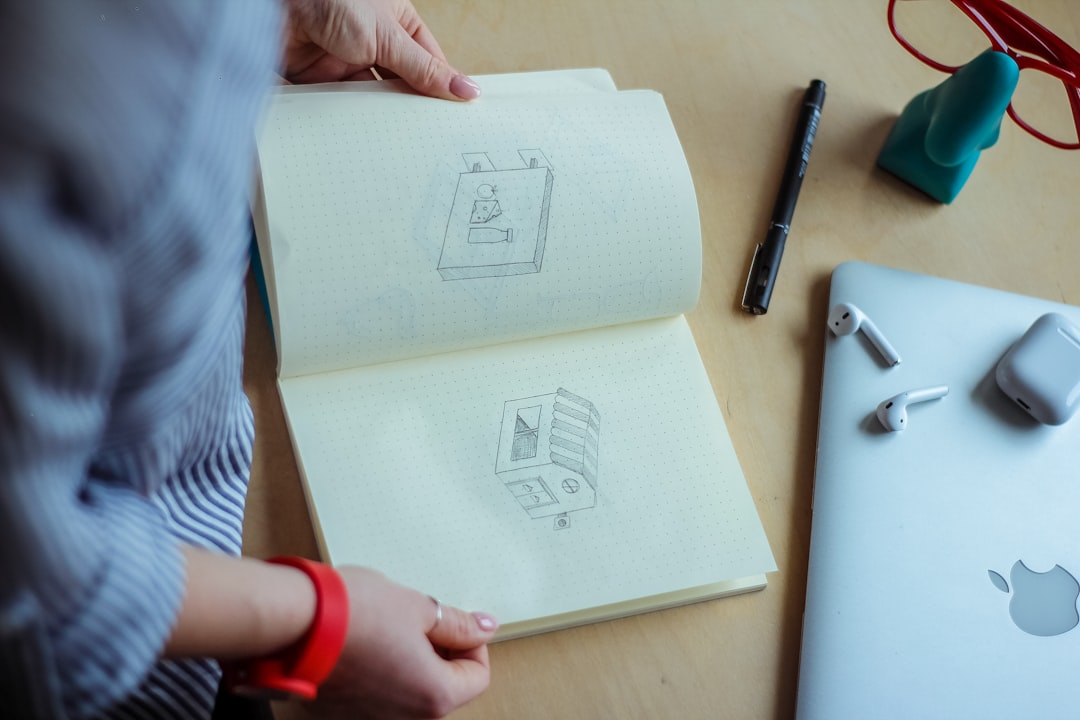
A strong logo gives a young company an immediate sense of identity, even before it has a large team, a polished office, or a long customer list. For startups and small businesses, the smartest logo makers are not simply template libraries; they combine ease of use, brand strategy, AI assistance, and usable export options at a price that makes sense for early-stage growth.
TLDR: The best logo makers for startups and small businesses are tools that balance speed, customization, and professional output. AI-powered platforms such as Looka, Wix Logo Maker, Tailor Brands, Canva, and Adobe Express help small teams create brand-ready logos without hiring a full design agency. The smartest choice depends on whether the business needs a quick launch, deeper brand assets, or long-term design flexibility.
What Makes a Logo Maker “Smart”?
A smart logo maker does more than generate a pretty icon. It guides the user through choices about industry, style, colors, typography, and brand personality. For a startup founder or local business owner, this guidance can be valuable because many early-stage companies do not yet have a formal brand strategy.
The most useful platforms typically include:
- AI-assisted logo generation based on business name, industry, and style preferences.
- Customizable templates that allow colors, fonts, layouts, and symbols to be changed.
- High-resolution downloads suitable for websites, social media, packaging, and print.
- Brand kits with color palettes, typography, business cards, and social media assets.
- Commercial usage rights that clearly define how the logo can be used.
1. Looka: Best for AI-Guided Brand Identity
Looka is often considered one of the strongest AI logo makers for businesses that want more than a single logo file. It begins by asking for the company name, industry, preferred visual styles, colors, and symbols. From there, it generates a wide selection of logo concepts that can be customized in detail.
Its biggest strength is the way it turns a logo into a broader brand identity system. A business can create matching social media images, business card designs, letterheads, and brand guidelines. This makes it especially useful for startups that need a consistent look across multiple customer touchpoints from the beginning.
Looka is a smart choice for companies that want an AI-generated starting point but still need enough control to refine the final design. It may not replace a senior brand designer for complex identity work, but it can produce polished results quickly for lean teams.
2. Wix Logo Maker: Best for Website-First Businesses
Wix Logo Maker is a strong option for startups and small businesses that plan to build a website as part of the same launch process. It uses a short questionnaire to understand style preferences and then generates logo options that can be edited directly in the platform.
Its advantage is integration. A company already using Wix for its website can easily apply the logo, colors, and brand style across pages, social banners, and marketing materials. This reduces the friction between identity design and online presence.
For service providers, local shops, consultants, and creators, Wix Logo Maker offers a practical path from idea to launch. Its interface is simple enough for non-designers, while still providing useful customization options for layout, color, and typography.
3. Tailor Brands: Best for Business Setup and Branding
Tailor Brands positions itself as more than a logo generator. It offers branding tools, website features, business cards, and other services that help new businesses move from concept to operation. The logo maker uses AI to produce designs after learning about the company’s industry and preferred aesthetic.
This platform can be especially helpful for entrepreneurs who want a guided, all-in-one experience. The logo is treated as part of a broader business toolkit rather than a standalone graphic. That approach works well for founders who need both visual identity and basic operational materials.
Its designs are generally clean and modern, with enough variation to suit many industries. However, companies with highly niche visual needs may still want additional design refinement after generating a first version.
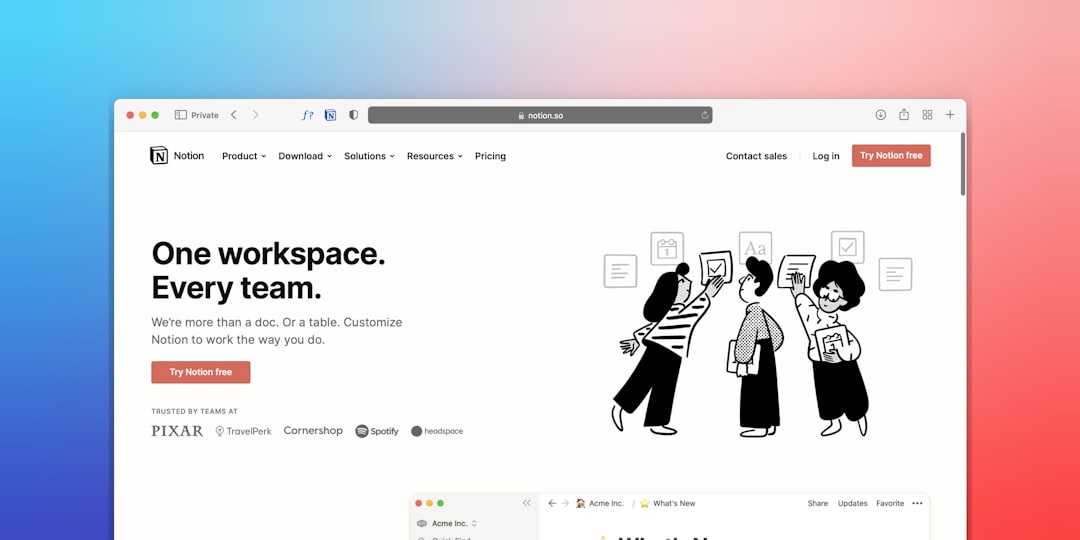
4. Canva: Best for Ongoing Design Flexibility
Canva is one of the most versatile options for small businesses because it combines logo creation with a much larger design ecosystem. Its logo templates are easy to edit, and its drag-and-drop interface is accessible to users with little or no design background.
The main benefit of Canva is not only logo creation, but ongoing brand management. Once a logo is created, the same business can design social posts, flyers, presentations, menus, posters, ads, and email graphics in the same environment. For small teams creating frequent marketing content, this is a major advantage.
Canva is best for businesses that want creative control and speed rather than fully automated AI branding. It includes AI-powered features, but its real strength lies in the combination of templates, editing tools, collaboration, and brand kits.
5. Adobe Express: Best for Polished Creative Assets
Adobe Express offers a simple way to create logos, social graphics, videos, and promotional materials while benefiting from Adobe’s design ecosystem. Its logo maker is beginner-friendly, yet the overall platform feels polished and professional.
For startups that care about visual quality but do not need advanced software such as Illustrator, Adobe Express offers a balanced middle ground. It provides templates, font options, image tools, and quick resizing features that help small teams maintain consistency across different formats.
Adobe Express may appeal to businesses that expect to grow into more advanced creative workflows later. It gives them a simple starting point while keeping them close to a broader family of professional design tools.
How Startups Should Choose the Right Logo Maker
The smartest logo maker is not always the one with the most features. It is the one that matches the company’s current stage, budget, design confidence, and marketing needs. A startup launching a minimum viable product may need a clean, fast logo today. A boutique retailer may need packaging, signage, and social templates. A consultant may need a refined personal brand that works across LinkedIn, proposals, and presentations.
Before choosing a platform, a business should consider:
- Speed: How quickly does the company need a finished logo?
- Customization: Can the design be adjusted enough to avoid looking generic?
- File formats: Are vector files, transparent PNGs, and print-ready versions available?
- Brand assets: Does the tool provide social media kits, business cards, or guidelines?
- Licensing: Are commercial rights clearly included?
- Scalability: Can the logo still work as the business grows?

Common Mistakes to Avoid
Even the best logo maker cannot guarantee a strong result if the design choices are rushed. Startups often make the mistake of choosing overly complex icons, trendy fonts, or colors that do not fit their audience. A logo should be memorable, but it should also be readable at small sizes and adaptable across different backgrounds.
Another common mistake is relying too heavily on the first generated result. AI can produce useful concepts, but the strongest logos usually come from refinement. Small changes to spacing, font weight, color contrast, or symbol placement can make a logo look more professional.
Businesses should also test the logo in real situations. It should be viewed on a website header, mobile screen, social profile image, invoice, package, and business card before final approval. A logo that looks impressive on a large preview may not work as well in practical use.
Final Thoughts
Logo makers have become smarter, faster, and more useful for startups and small businesses. They give entrepreneurs access to brand-building tools that once required a larger budget and a professional design team. While they do not replace custom strategy for every company, they can create a strong foundation for a new business identity.
For AI-guided branding, Looka is a strong choice. For website-focused launches, Wix Logo Maker is practical. For broader business setup, Tailor Brands is useful. For long-term content creation, Canva stands out. For polished creative assets, Adobe Express is a reliable option. The best decision depends on how the logo will be used, how much customization is needed, and how quickly the business needs to appear professional.
FAQ
What is the best logo maker for a startup?
The best logo maker depends on the startup’s needs. Looka is strong for AI-generated brand identity, Canva is ideal for ongoing marketing designs, and Wix Logo Maker works well for businesses building a website at the same time.
Can a logo maker create a professional logo?
Yes, many modern logo makers can create professional-looking logos, especially when the user customizes the template carefully. The final quality depends on font choice, color balance, simplicity, and how well the design fits the brand.
Should a small business use a free logo maker?
A free logo maker can be useful for testing ideas, but paid downloads often provide better file formats, higher resolution, transparent backgrounds, and clearer commercial usage rights.
What file formats should a business get for its logo?
A business should ideally have PNG, JPG, SVG, and PDF files. Transparent PNG files are useful for digital use, while SVG or PDF vector files are better for printing, signage, and future scaling.
Is an AI logo maker better than hiring a designer?
An AI logo maker is faster and more affordable, while a designer can provide deeper strategy and originality. For many early-stage businesses, a logo maker is a smart starting point, with professional redesigns considered later as the brand grows.