
Businesses increasingly rely on accurate, real-time data to guide marketing decisions, optimize campaigns, and drive growth. As organizations expand across websites, mobile apps, e-commerce platforms, CRM systems, and advertising networks, ensuring seamless data synchronization with Google Analytics becomes both more important and more complex. Without proper syncing tools, companies risk fragmented insights, duplicated data, and inconsistent reporting that undermines decision-making.
TLDR: Syncing Google Analytics data across platforms ensures consistent reporting, better attribution, and smarter decision-making. Leading tools include integration platforms, data warehouses, ETL solutions, tag management systems, and CRM connectors. Each tool serves different needs depending on technical expertise, scale, and reporting goals. Choosing the right combination helps businesses create a unified, reliable analytics ecosystem.
To streamline operations and maintain accurate reporting, companies use a range of tools designed to connect Google Analytics with other systems. Below is a comprehensive look at the top tools and solutions that help synchronize analytics data across platforms effectively.
1. Google Tag Manager
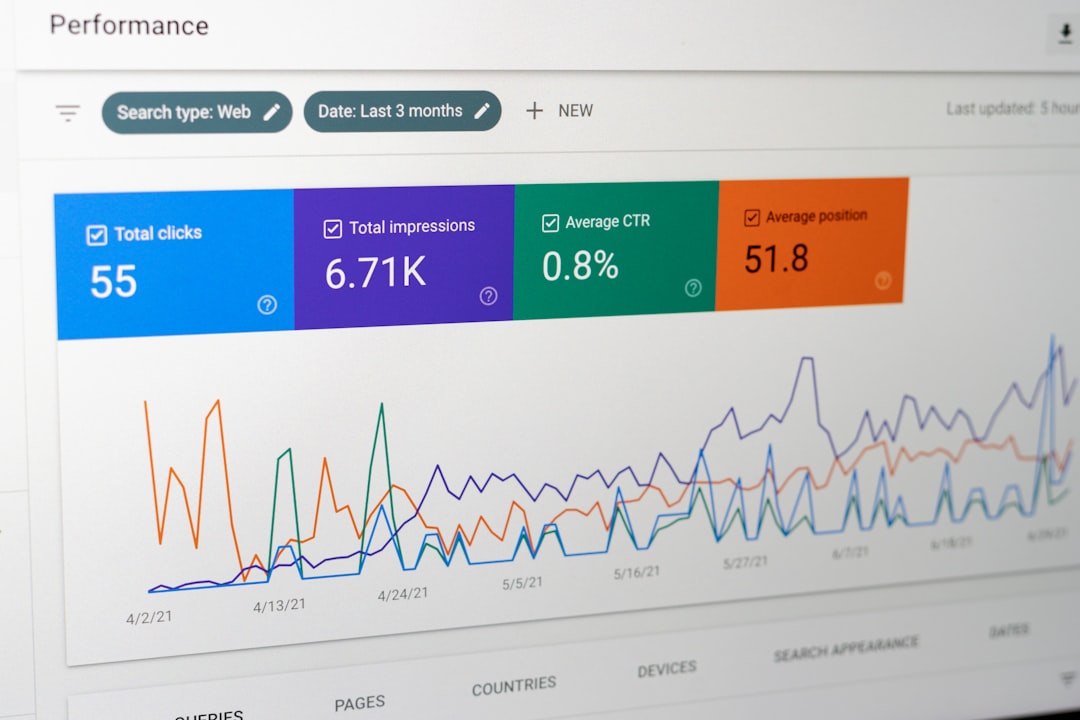
Google Tag Manager (GTM) is often the first step in ensuring consistent data tracking across digital properties. It allows teams to manage and deploy tracking codes without modifying website code directly.
With GTM, businesses can:
- Deploy Google Analytics tags consistently across multiple websites
- Track form submissions, clicks, downloads, and custom events
- Implement cross-domain tracking
- Maintain version control for tracking updates
By centralizing tag management, it reduces discrepancies and ensures that all platforms send standardized data to Google Analytics.
2. Zapier
For teams seeking no-code automation, Zapier provides a straightforward solution. It connects Google Analytics with thousands of other applications, enabling automated workflows.
For example, businesses can:
- Send Google Analytics goals to a CRM system
- Trigger Slack notifications based on traffic spikes
- Log conversion data into project management tools
Although Zapier does not replace deep data integration solutions, it is highly effective for lightweight syncing tasks and operational automation.
3. Supermetrics
Supermetrics is designed for marketers who need to pull Google Analytics data into reporting platforms like Google Sheets, Excel, Looker Studio, and data warehouses.
Key benefits include:
- Automated data transfers
- Customizable queries for specific metrics and dimensions
- Scheduled refreshes for up-to-date dashboards
This tool eliminates manual exports and helps maintain consistent reporting across multiple channels, making it ideal for agencies and performance marketing teams.
4. Segment
Segment serves as a customer data platform that collects, standardizes, and distributes user data across various tools, including Google Analytics.
Instead of configuring multiple tracking codes individually, businesses can:
- Capture user behavior once
- Send standardized data to analytics, CRMs, and advertising platforms
- Ensure consistent event naming conventions
This approach reduces implementation errors and improves overall data reliability.
5. Fivetran
For enterprises handling large-scale data operations, Fivetran offers automated data pipelines that extract data from Google Analytics and load it into centralized data warehouses.
This ETL (Extract, Transform, Load) solution:
- Automatically syncs data on a scheduled basis
- Maintains schema updates
- Ensures compliance and security standards
Organizations relying on advanced analytics and business intelligence platforms often choose Fivetran to create a unified source of truth.
6. Stitch
Similar to Fivetran, Stitch provides reliable data replication from Google Analytics into cloud data warehouses. It is known for flexibility and scalability.
It supports:
- Incremental data replication
- Custom transformation scripts
- Secure data transfers
Stitch is well-suited for data teams that want more control over transformations before analysis.
7. Looker Studio
Looker Studio (formerly Data Studio) is a powerful data visualization platform that integrates directly with Google Analytics. While primarily used for reporting, it can act as a data synchronization hub through connectors.
Teams can:
- Combine Google Analytics with ad platform data
- Blend CRM and e-commerce metrics
- Create centralized dashboards for stakeholders
By consolidating data from multiple sources, Looker Studio improves transparency and cross-platform consistency.
8. HubSpot Integration Tools
Many businesses integrate Google Analytics with CRM systems. HubSpot, for example, offers native integrations that sync traffic data, lead information, and campaign performance.
This enables marketers to:
- Analyze the customer journey from first visit to closed deal
- Compare marketing attribution models
- Align sales and marketing reporting
CRM integrations help bridge the gap between website behavior and revenue outcomes.
9. Power BI and Tableau Connectors
Advanced analytics platforms such as Power BI and Tableau offer connectors that sync Google Analytics data for deeper visualization and analysis.
These tools allow businesses to:
- Create predictive models using historical traffic data
- Combine operational and marketing KPIs
- Conduct advanced cohort and segmentation analysis
When companies require high-level strategic insights, these platforms provide powerful analytical capabilities beyond native reports.
10. Custom API Integrations
For companies with in-house development teams, custom API integrations offer the highest degree of flexibility. Google Analytics provides APIs that allow direct data extraction and synchronization with proprietary systems.
Benefits include:
- Tailored data pipelines
- Automated real-time tracking
- Custom reporting frameworks
Although requiring technical expertise, custom solutions ensure full control over data structure and usage.
Key Factors When Choosing a Sync Tool
Selecting the right tool depends on several important considerations:
- Technical Resources: Does the team have developers available?
- Scale: How much data needs to be processed daily?
- Budget: Enterprise tools may carry higher costs.
- Security Requirements: Are there compliance standards to meet?
- Reporting Needs: Is simple dashboard visualization sufficient, or is predictive modeling required?
In many cases, businesses combine multiple tools. For example, they might use Google Tag Manager for tracking, Fivetran for warehousing, and Looker Studio for reporting.
Best Practices for Seamless Synchronization
To maximize effectiveness, organizations should follow these best practices:
- Standardize event naming conventions across all platforms.
- Regularly audit tracking implementations to prevent discrepancies.
- Monitor data freshness to ensure real-time reporting accuracy.
- Align marketing, IT, and analytics teams for consistent objectives.
When properly implemented, synchronized analytics systems create a single source of truth that empowers confident, data-driven decisions.
Conclusion
Syncing Google Analytics data across platforms is no longer optional for modern businesses. As digital ecosystems grow increasingly complex, maintaining clean, consistent, and unified data becomes essential for strategic growth. From simple automation tools like Zapier to advanced ETL solutions such as Fivetran and Stitch, organizations have a wide range of options tailored to various technical needs and budgets. By choosing the right combination of tools, companies can ensure accurate reporting, better attribution modeling, and stronger alignment between marketing efforts and revenue outcomes.
Frequently Asked Questions (FAQ)
1. Why is it important to sync Google Analytics across platforms?
Synchronizing ensures consistent data across marketing channels, CRMs, warehouses, and reporting tools. This prevents discrepancies and enables accurate attribution and performance analysis.
2. What is the easiest tool for beginners?
Zapier and Google Tag Manager are generally the most beginner-friendly options, offering minimal coding requirements and intuitive interfaces.
3. What tool is best for enterprise-level data operations?
Solutions like Fivetran, Stitch, and custom API integrations are best suited for large-scale enterprises that require automated data pipelines and centralized data warehouses.
4. Can Google Analytics data be integrated into CRM systems?
Yes, many CRM systems provide native integrations or can connect through automation tools to sync campaign and user behavior data.
5. Is it necessary to use multiple tools?
Often, yes. Many businesses use a combination of tracking tools, ETL solutions, and visualization platforms to build a complete analytics ecosystem.
6. How often should data synchronization be checked?
It is advisable to perform regular audits—monthly or quarterly—to ensure accuracy, avoid data loss, and maintain consistent reporting standards.