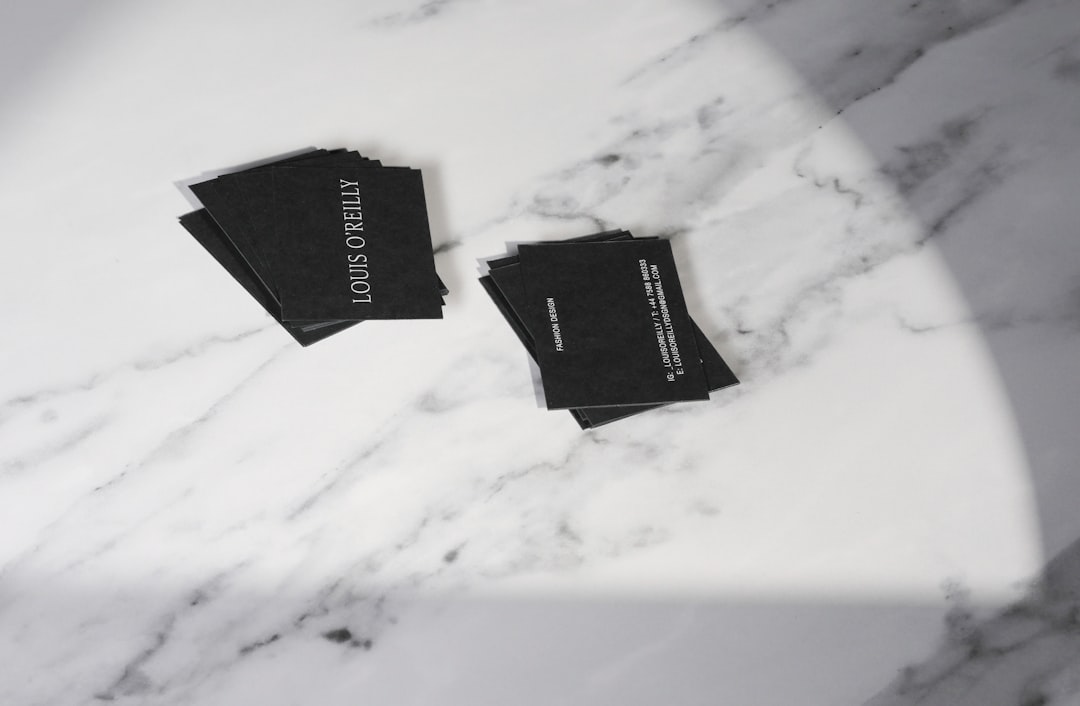
In a crowded marketplace, a flyer has only a few seconds to earn attention. A strong headline, a clear visual, and a well-balanced layout can turn a simple announcement into something people notice, remember, and act on. Modern flyer makers help businesses, creators, schools, nonprofits, and event teams transform rough ideas into polished designs without requiring advanced design experience.
TLDR: Flyer makers simplify the process of creating professional promotional materials by offering templates, drag-and-drop tools, image libraries, and branding features. They help turn basic concepts into visually appealing flyers for events, sales, services, and announcements. The best results come from clear messaging, consistent branding, readable layouts, and thoughtful use of images, color, and typography.
Why Flyer Makers Matter
Flyers remain one of the most practical marketing tools because they work in both print and digital spaces. A flyer can be handed out at a local event, posted on a community board, emailed to customers, shared on social media, or added to a website. Its flexibility makes it useful for product launches, restaurant specials, charity fundraisers, concerts, fitness classes, real estate listings, and seasonal promotions.
Flyer makers matter because they remove many of the barriers that once made good design difficult. Instead of starting with a blank page, users can begin with a professionally structured template. Instead of guessing where to place text or images, they can rely on layouts built around visual hierarchy, spacing, and readability. This is especially valuable for small teams that need fast, attractive results without hiring a full-time designer.
Turning Simple Ideas Into Strong Visual Concepts
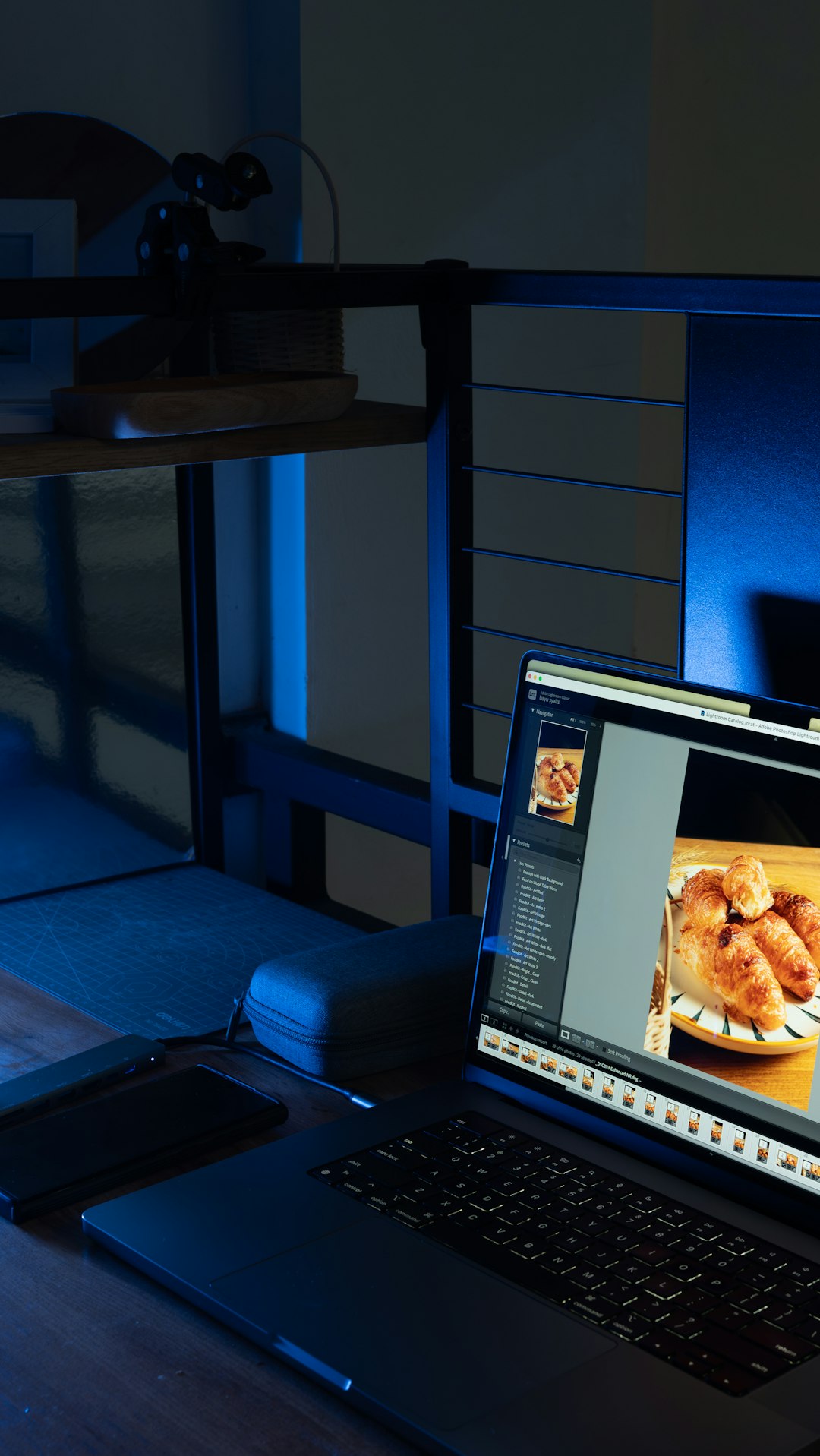
Most flyers begin with a simple idea: a sale is happening, an event is coming up, a new service is available, or a message needs to reach the public. A flyer maker helps shape that idea into a visual concept by guiding decisions about format, structure, color, and imagery.
For example, a bakery announcing a weekend cupcake sale may start with only a date, discount, and product photo. A flyer maker can help turn those basic details into a warm, appetizing design with soft colors, playful fonts, and a clear call to action. A fitness studio promoting a boot camp may use bold typography, energetic colors, and action-oriented images to create a completely different mood.
The real strength of a flyer maker is not just speed. It is the ability to match the design style to the message. A professional flyer should not merely look attractive; it should feel appropriate for the audience and purpose.
Key Features That Make Flyer Makers Effective
The best flyer makers usually include a combination of creative freedom and structured support. Their features help users build eye-catching materials while avoiding common design mistakes.
- Ready-made templates: Templates provide a strong starting point for different industries, events, and promotional goals.
- Drag-and-drop editing: Simple editing tools allow text, images, icons, and shapes to be moved and resized quickly.
- Customizable fonts and colors: Typography and color options help align the flyer with a brand, mood, or theme.
- Image and icon libraries: Built-in visual assets make it easier to create a complete design without searching across multiple platforms.
- Branding tools: Logo placement, brand color palettes, and saved styles help maintain consistency across campaigns.
- Export options: Download settings for print, web, and social media ensure the final flyer works in the right format.
The Role of Templates in Better Design
Templates are often the feature that makes flyer makers most accessible. A good template already considers margins, contrast, alignment, and visual flow. It gives users a framework that can be adapted rather than rebuilt from scratch.
However, templates work best when they are customized thoughtfully. Simply replacing text and leaving everything else unchanged can produce a generic result. A more effective approach involves adjusting colors, changing images, refining the headline, and removing unnecessary elements. This creates a flyer that feels unique while still benefiting from professional structure.
Templates also help maintain design discipline. They prevent overcrowded layouts, mismatched fonts, and confusing arrangements. For non-designers, this guidance can be the difference between a flyer that looks amateur and one that looks confident and credible.
Design Elements That Capture Attention
An eye-catching flyer depends on several design elements working together. The first is the headline. It should be short, direct, and visible from a distance. A flyer promoting a concert might lead with the performer’s name, while a retail flyer may lead with the discount or offer.
The second element is visual hierarchy. Important information should appear larger or more prominently, while supporting details should be smaller but still easy to read. This helps the viewer understand the message quickly.
The third element is color. Bright colors can create excitement, while muted tones may suggest elegance or professionalism. Contrast is especially important because text must stand out clearly from the background.
Finally, imagery plays a major role. A strong photo, illustration, or graphic can communicate emotion instantly. A travel agency flyer with a beautiful beach image creates desire before the viewer reads a single word. A nonprofit flyer with a human-centered image can build empathy and urgency.
Common Mistakes Flyer Makers Help Avoid
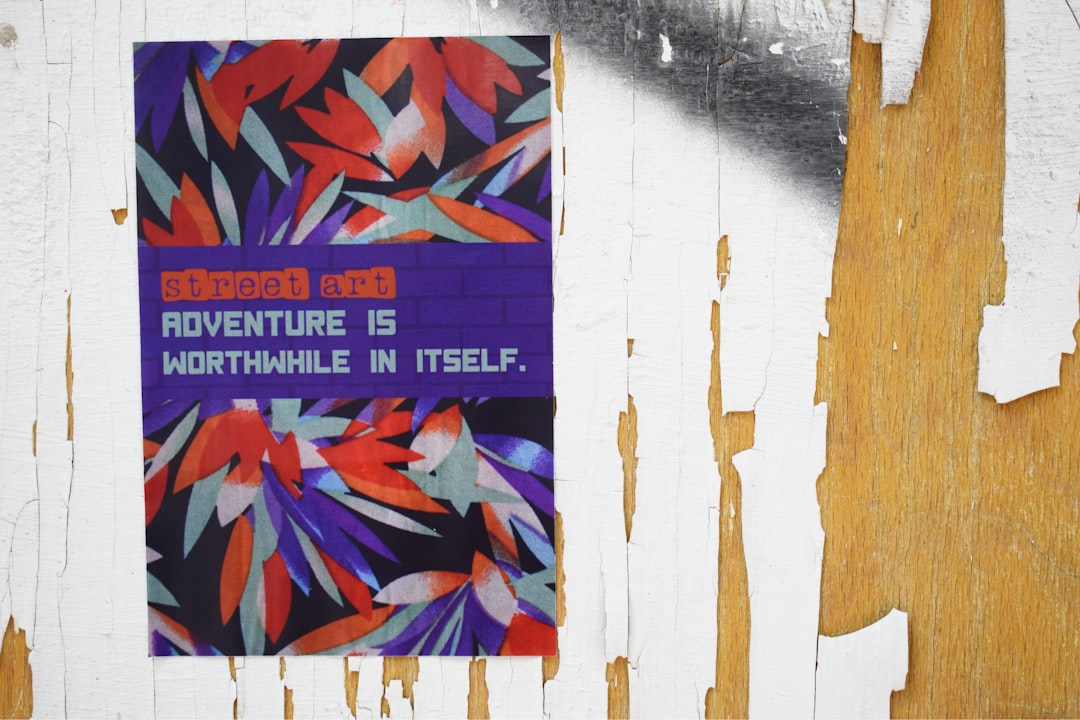
Even simple flyers can fail when too much information competes for attention. One common mistake is overcrowding the design with long paragraphs, multiple offers, and too many images. Flyer makers often encourage concise content by using predefined text areas and balanced layouts.
Another mistake is weak contrast. Light gray text on a pale background may look subtle on a screen but become unreadable in print. Many flyer makers provide preview tools and design suggestions that help identify readability issues.
Inconsistent branding is also a frequent problem. When flyers use random colors, unrelated fonts, or poor-quality logos, they can weaken a brand’s image. Flyer makers with saved brand assets help teams create materials that look connected across different campaigns.
Print and Digital Flyer Design
Flyers are no longer limited to paper. Many are created for digital distribution on social media, email newsletters, messaging apps, and websites. Flyer makers often offer size presets for different channels, making it easier to design for Instagram posts, stories, email headers, posters, and standard print sizes.
Print flyers require attention to resolution, bleed areas, margins, and file format. Digital flyers require attention to screen readability, file size, and platform dimensions. A dependable flyer maker helps manage these technical requirements so the final design looks sharp wherever it appears.
This flexibility gives organizations more value from a single design. A community event flyer can be printed for local bulletin boards, resized for social media, and emailed to subscribers, all while keeping the same visual identity.
How Different Groups Use Flyer Makers
Small businesses use flyer makers to promote sales, grand openings, menus, coupons, and service packages. Event organizers use them for concerts, workshops, festivals, and networking sessions. Schools and universities create flyers for clubs, sports, performances, and campus announcements.
Nonprofits rely on flyers for donation drives, volunteer recruitment, and awareness campaigns. Freelancers and personal brands use them to advertise classes, consultations, portfolios, and limited-time offers. In each case, the flyer maker supports communication by making the message more professional and visually engaging.
What Makes a Flyer Truly Effective?
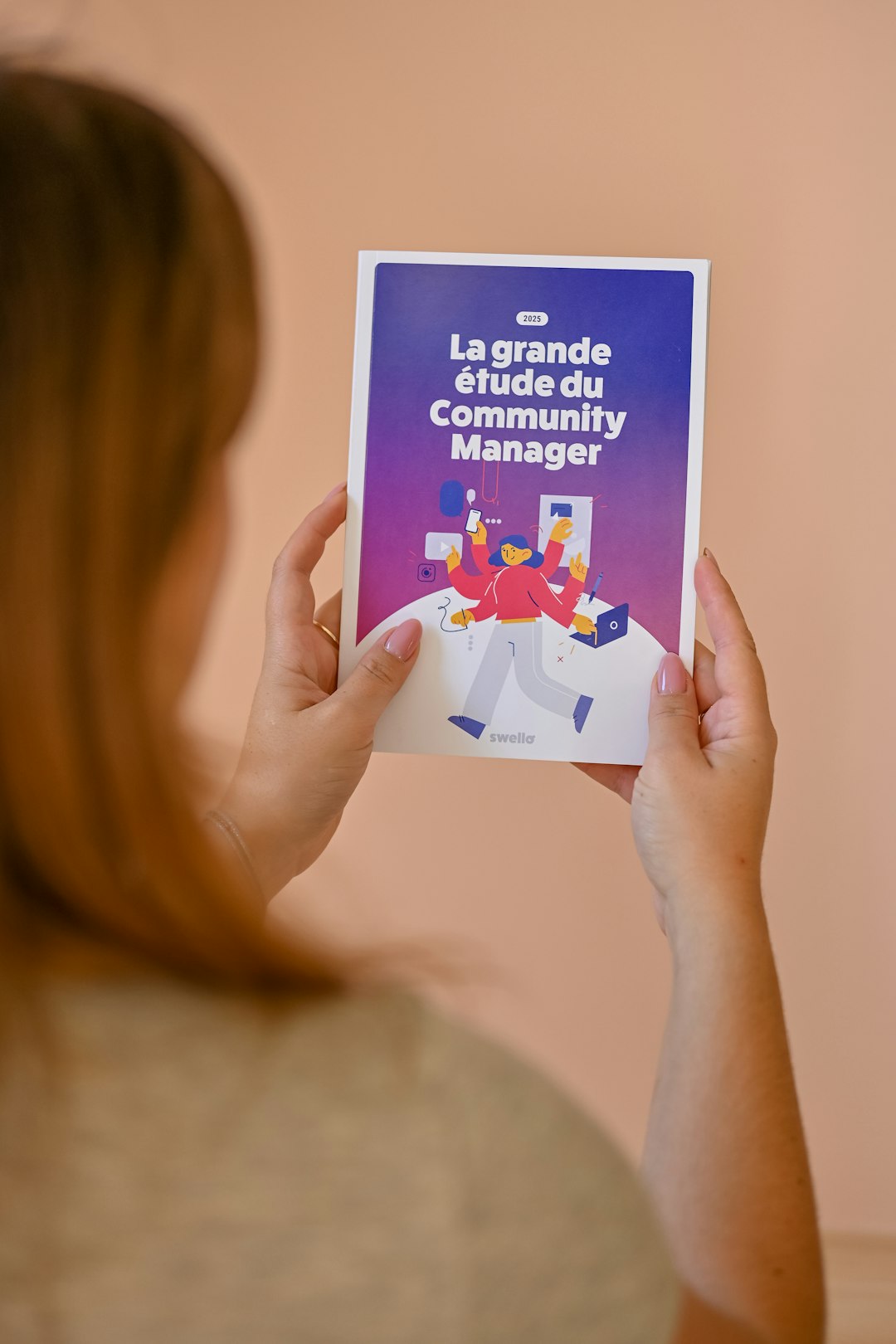
A flyer is effective when it answers three questions quickly: What is being offered? Why should someone care? What action should be taken next? The design should lead the viewer from attention to understanding to action.
Clear calls to action are essential. Phrases such as Register Today, Visit the Store, Scan the Code, or Book a Seat tell people exactly what to do. Contact details, dates, addresses, websites, and social handles should be easy to find.
The best flyer makers provide the tools, but the strongest flyers also depend on strategy. A beautiful design without a clear message may attract attention but fail to deliver results. A simple, focused flyer with the right visual choices can be far more powerful.
FAQ
- What is a flyer maker?
- A flyer maker is a design tool that helps users create promotional flyers using templates, images, text editing features, colors, and layout tools.
- Who can use flyer makers?
- Flyer makers can be used by small businesses, event planners, teachers, nonprofits, freelancers, marketers, students, and anyone who needs attractive promotional materials.
- Are flyer makers suitable for print designs?
- Yes. Many flyer makers offer print-ready export options, including high-resolution files and standard flyer sizes suitable for professional printing.
- Can a flyer maker be used for social media?
- Yes. Many tools include digital size presets, making it easy to adapt flyer designs for social media posts, stories, advertisements, and email campaigns.
- What should every flyer include?
- Every flyer should include a clear headline, essential details, strong visuals, contact information, and a direct call to action.