Business cards are small, but they speak loud. They tell people who you are in seconds. They can open doors, start chats, and get you remembered. The good news is this. You do not need a big budget to make a great one.
TLDR: You can create amazing business cards for free using online tools. Some tools even help you order high-quality prints at low cost. Canva, VistaPrint, and Adobe Express lead the pack. Pick a clean design, use good fonts, and print smart to save money.
Why Business Cards Still Matter
We live in a digital world. Yet paper still wins in many moments. A business card feels personal. It feels real. It works even when the phone battery dies.
People often judge quality fast. A strong card says “I care.” A weak card says “I rushed.” That is why design and print quality matter so much.
What “Free” Really Means
Let us be clear. Free usually means the design tool is free. You can create, edit, and download your card at no cost.
Printing is another story. Paper, ink, and delivery cost money. Still, many services offer:
- Free design tools
- Free templates
- Very cheap print options
Some even give free samples. That is a nice bonus.
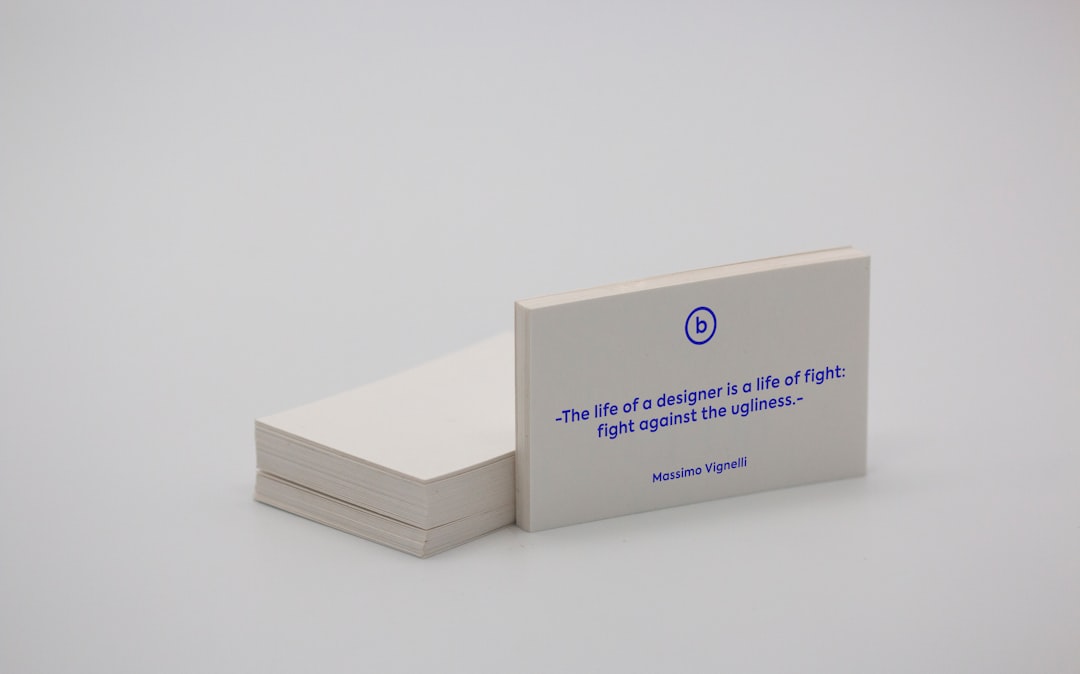
What Makes a High-Quality Business Card
Before picking a creator, know what quality looks like. It is not just about looks.
- Paper weight: Thicker paper feels better
- Print clarity: Text should be sharp
- Color accuracy: Colors must match your brand
- Finish: Matte or glossy can change the feel
Good creators help you get these right.
Top Free Business Card Creators
Now the fun part. Let us explore the best free tools. These are easy to use. They look great. And they work.
1. Canva
Canva is a favorite for a reason. It is simple. It is fast. It is fun.
You open Canva. You pick “Business Card.” Then magic starts.
- Thousands of free templates
- Drag and drop editing
- Free icons and fonts
- Download for free as PDF
You can also order prints inside Canva. The prices are fair. The quality is solid.
Best for: Beginners and small teams.
2. VistaPrint
VistaPrint is famous for printing. But it also has a free design tool.
The editor is simple. It guides you step by step. You choose a layout. You add text. Done.
- Easy guided design
- Free basic templates
- Strong print quality
- Frequent discounts
They often offer 100 free cards. You pay only shipping. That is hard to beat.
Best for: People who want affordable prints fast.
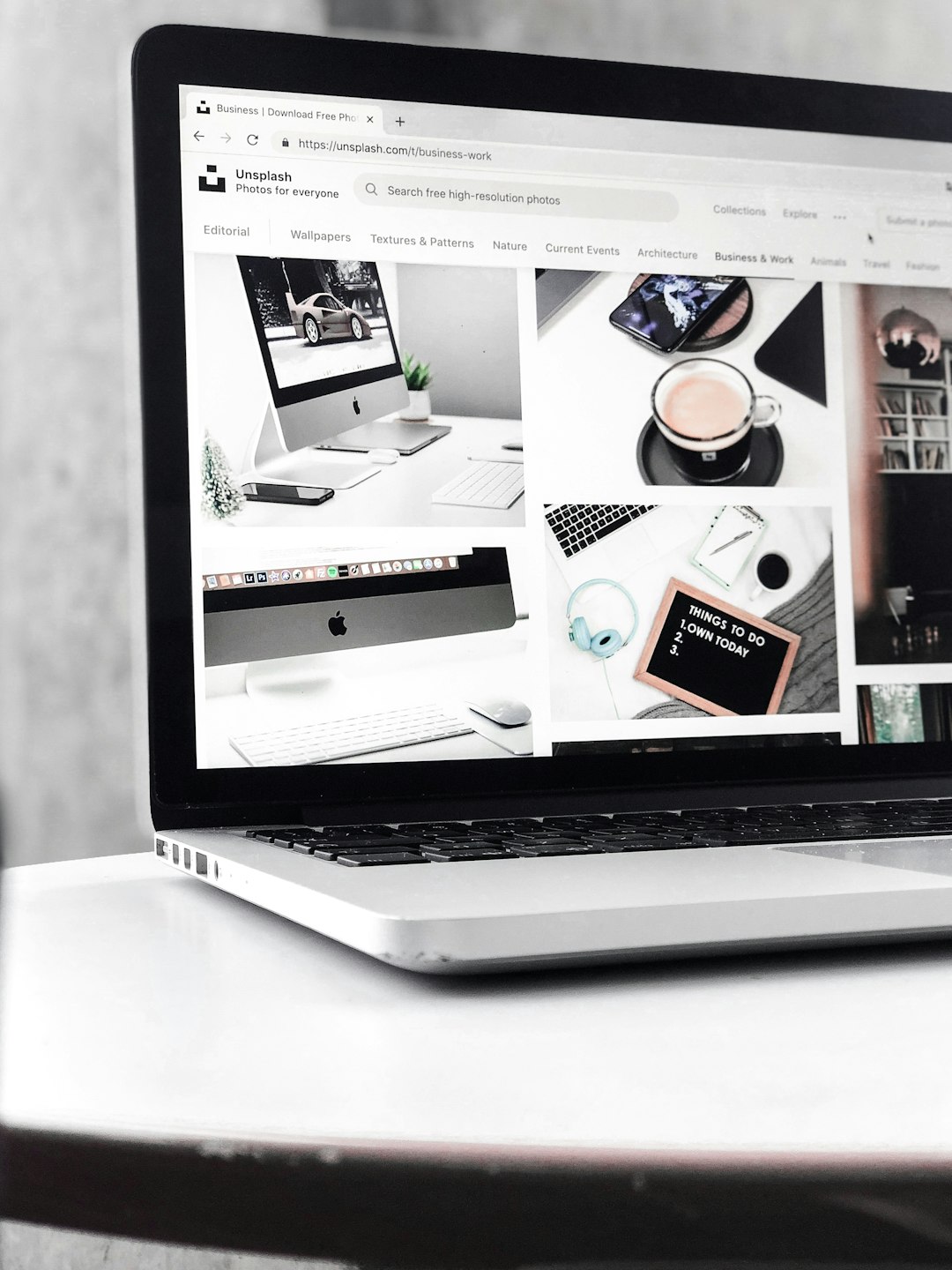
3. Adobe Express
Adobe Express is like Canva’s cool cousin. It is sleek and powerful.
You get access to Adobe fonts. That alone is a big win.
- Clean and modern templates
- Strong typography tools
- Easy brand control
- Free downloads
You design for free. Then you can print elsewhere or upgrade.
Best for: Creatives and brand-focused users.
4. MOO Free Tools
MOO is known for premium cards. Many people do not know this. They also offer free design tools.
The designs feel classy. The paper options are fancy.
- High-end templates
- Premium print options
- Modern look
Printing is not free. But if quality is your goal, this is worth a look.
Best for: Professionals who want luxe cards.
Design Tips That Make Cards Look Expensive
You do not need gold foil to look pro. You need smart choices.
Keep It Simple
Less is more. White space is your friend. Do not fill every inch.
Use Two Fonts Only
One font for your name. One for details. That is enough.
Choose Strong Colors
High contrast helps. Dark text on light paper works well. So does the opposite.
Check Spelling Twice
This sounds basic. It matters a lot. One typo ruins trust.
Free vs Paid Templates
Free templates can be amazing. Paid ones may offer more polish.
Here is the truth. Most people cannot tell the difference.
- Free works for most needs
- Paid adds extra flair
- Design matters more than price
Focus on clarity. Focus on balance.
How to Get the Best Print Quality on a Budget
You designed a great card. Now print it right.
- Choose thicker paper if possible
- Matte finish hides fingerprints
- Order a small batch first
- Check reviews of the printer
Many printers offer sample packs. Use them.
Common Mistakes to Avoid
Many people make the same mistakes. You do not have to.
- Too much text
- Tiny fonts
- Low contrast colors
- Cheap paper choice
A card should be easy to read at a glance.
Which Tool Should You Choose?
There is no single winner for everyone. It depends on your goal.
- Want ease and fun? Canva
- Want cheap printing? VistaPrint
- Want style and fonts? Adobe Express
- Want premium feel? MOO
Try two tools. Compare. Pick what feels right.
Final Thoughts
A great business card does not need a big budget. It needs care. It needs taste. And it needs the right tools.
Free business card creators make this easy. They remove fear. They remove cost. They let you focus on your message.
So go ahead. Design one today. Print a small batch. Hand it out with confidence.
Your next opportunity might fit in a pocket.