Designing a room is exciting. But guessing how it will look can feel stressful. Will the sofa fit? Will the colors clash? Will the space feel too crowded? That is where 3D interior design software comes in. These tools help you see your ideas before you move a single chair.
TLDR: 3D interior design software helps you plan, test, and visualize your space before buying furniture or knocking down walls. Many tools are beginner friendly and fun to use. Some are free, while others offer pro-level features for serious designers. The right software can save you time, money, and design regret.
In this article, we explore six powerful interior design software tools that make visualizing spaces in 3D simple and fun.
1. SketchUp
Best for: Detailed 3D modeling and custom designs.
SketchUp is one of the most popular 3D design tools in the world. It is powerful. Yet surprisingly easy to learn. Many professional designers use it. But beginners can jump in too.
You start with basic shapes. Then you push and pull them into 3D forms. Want to build a custom bookshelf? You can. Need exact room measurements? No problem.
Why people love it:
- Simple interface
- Huge library of 3D models
- Works in your browser
- Free version available
You can import furniture. Add textures. Adjust lighting. And even create walkthrough animations.
If you enjoy precision and control, SketchUp is a fantastic choice.
2. Planner 5D
Best for: Beginners who want quick results.
Planner 5D is fun. It feels almost like a game. You drag and drop furniture into your layout. Then switch into 3D mode to see everything come alive.
No design experience? No worries. The interface is clean and friendly.
Standout features:
- 2D and 3D view modes
- Large furniture catalog
- AI room generation
- Works on mobile devices
You can experiment with colors. Change materials. Move walls. And test different styles in minutes.
It is perfect for homeowners planning a renovation. Or renters rearranging a small apartment.
3. Roomstyler 3D Home Planner
Best for: Fast room layouts with real brand furniture.
Roomstyler is simple. You draw your room shape. Then place real furniture from actual brands. That means what you see can often be purchased in real life.
This is helpful if you want accurate sizing and realistic results.
Why it stands out:
- Real furniture products
- Instant 3D rendering
- Community design gallery
- No advanced skills required
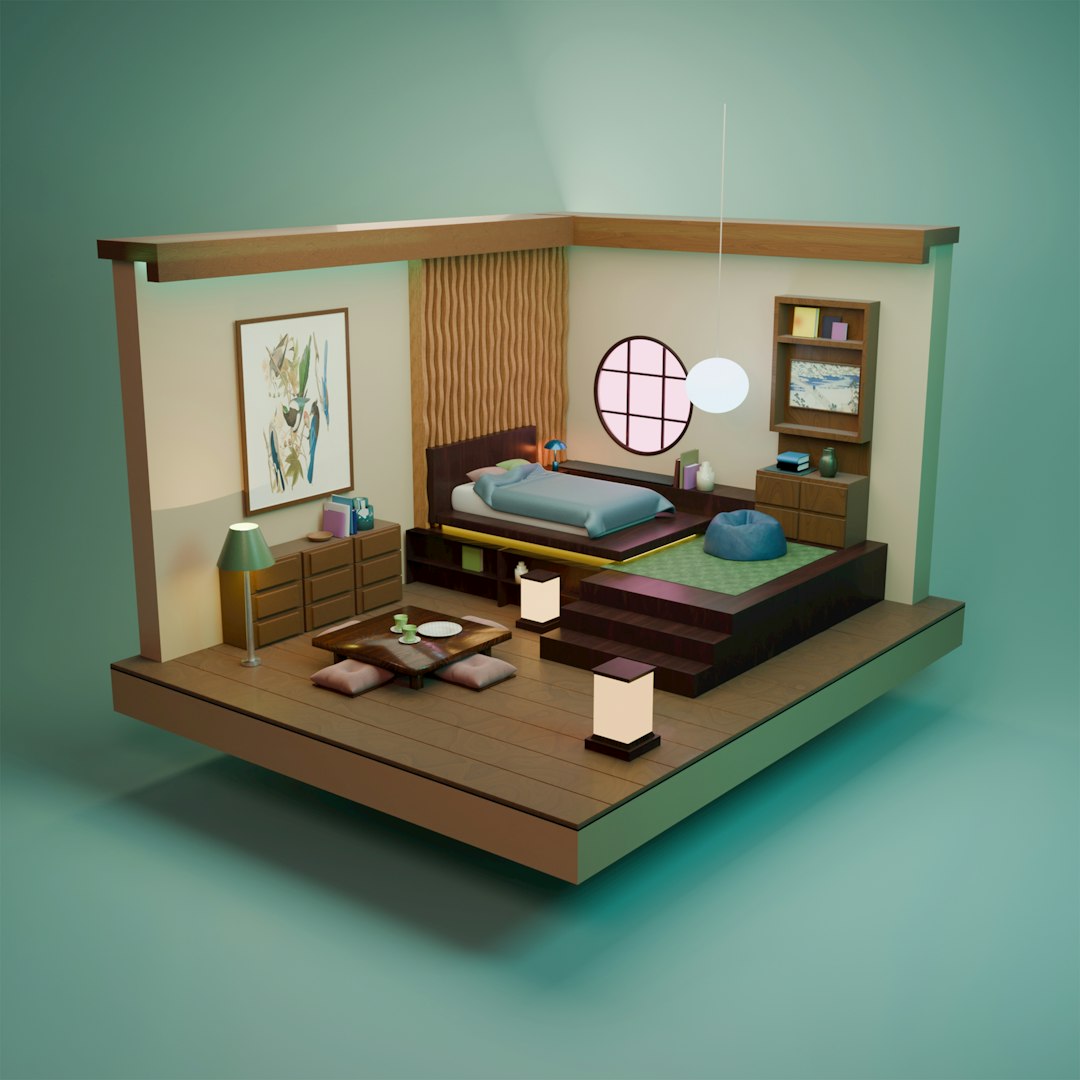
You can also view your room from different camera angles. This helps you understand flow and spacing.
It is a great tool for quick projects and inspiration.
4. Homestyler
Best for: Realistic visualizations and decorating.
Homestyler combines simplicity with powerful rendering. You upload a photo of your room. Then decorate it digitally. It feels almost magical.
You can also build rooms from scratch.
Top features:
- Photo based room editing
- High quality 3D renders
- Wide range of decor items
- Cloud based platform
The realistic rendering makes your designs look professional. Shadows. Reflections. Textures. Everything feels real.
This makes it easier to make confident design choices.
5. Floorplanner
Best for: Creating accurate floor plans.
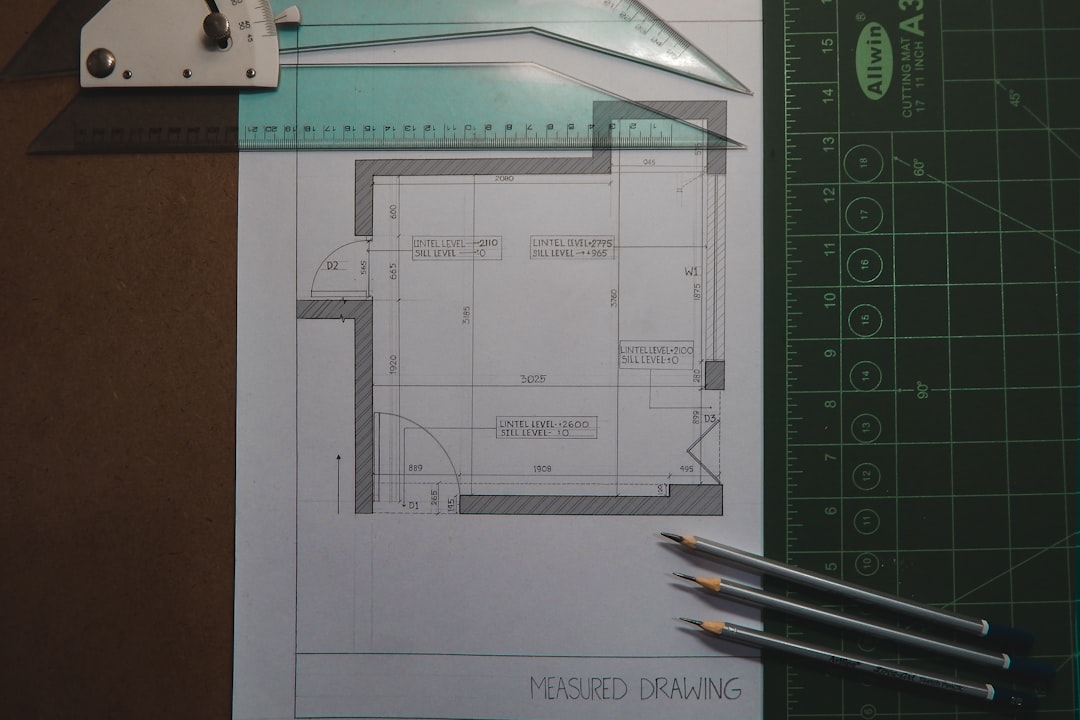
Floorplanner focuses on layouts. You can draw precise floor plans in 2D. Then instantly switch to 3D view.
It is often used in real estate. And by renovation planners.
Benefits include:
- Accurate measurements
- Easy room drawing tools
- Multiple floors support
- High quality exports
If you are planning a remodel, this tool shines. You can test knocking down walls. Expanding kitchens. Or rearranging entire spaces.
It removes guesswork from serious renovations.
6. Sweet Home 3D
Best for: Free open source design power.
Sweet Home 3D is free. And surprisingly robust. You draw your floor plan in 2D. Furniture appears instantly in 3D.
It may not look as modern as some tools. But it works very well.
Key highlights:
- Completely free
- Open source
- Import custom 3D models
- Available offline
This is ideal if you want strong functionality without paying monthly fees.
Quick Comparison Chart
| Software | Beginner Friendly | Free Version | Best Feature | Platform |
|---|---|---|---|---|
| SketchUp | Medium | Yes | Advanced 3D modeling | Web, Desktop |
| Planner 5D | Very Easy | Yes | Drag and drop simplicity | Web, Mobile |
| Roomstyler | Easy | Yes | Real brand furniture | Web |
| Homestyler | Easy | Yes | Photo realistic rendering | Web |
| Floorplanner | Easy to Medium | Limited | Accurate floor planning | Web |
| Sweet Home 3D | Medium | Yes | Free and offline use | Desktop |
How to Choose the Right Tool
Not every tool fits every person. Ask yourself a few simple questions.
- Do I need professional level detail?
- Am I designing one room or an entire house?
- Do I want mobile access?
- Is budget a concern?
If you want something quick and playful, try Planner 5D.
If you need accuracy and depth, go for SketchUp or Floorplanner.
If visuals matter most, Homestyler is a great pick.
If you want totally free software, Sweet Home 3D is reliable.
Why 3D Visualization Matters
Seeing a room in 3D changes everything.
It helps you:
- Avoid buying furniture that does not fit
- Test bold color choices safely
- Improve room flow and spacing
- Save money on costly mistakes
A 2D sketch is helpful. But a 3D model feels real. You can rotate it. Walk through it. Zoom in. Zoom out. That clarity builds confidence.
Design becomes less stressful. And much more creative.
Final Thoughts
Interior design does not have to rely on imagination alone. Technology makes it visual. Interactive. Even playful.
Whether you are redesigning a small bedroom or planning a full home renovation, there is a 3D tool ready to help.
Start simple. Experiment freely. Make mistakes digitally. That is the beauty of these platforms. No heavy lifting required.
In the end, great design is about feeling good in your space. And seeing your ideas come to life in 3D is the perfect first step.
Your dream room is just a few clicks away.