
SpotDL is the best pick if you want local music files based on a Spotify playlist, but it is not the best all around playlist tool. It shines when you are comfortable with a command line and want clean file names, cover art, and Spotify metadata. Spotify reported over 600 million monthly active users, so playlist tools are not a tiny niche anymore [source: Spotify]. People want to move playlists, back them up, clean them, and sometimes sync them outside the app.
TLDR: Use SpotDL if you want to turn a Spotify playlist into matched audio files from online sources, with tags and cover art. Use Soundiiz or TuneMyMusic if you want to move playlists between Spotify, Apple Music, YouTube Music, and more. Use Exportify if you just need a simple CSV backup. For example, a 500 song playlist may take SpotDL 45 to 90 minutes to process, while Exportify can export the list in under a minute.
What SpotDL actually does
SpotDL does not pull audio straight from Spotify. That matters. It reads Spotify playlist data, then finds matching tracks from other online sources. It then saves audio files with Spotify style metadata. That means title, artist, album, cover art, and track number.
This is why people like it. Your folder does not become a cursed mess called audio final final 2.mp3. It looks tidy. It feels planned. That is rare for free tools.
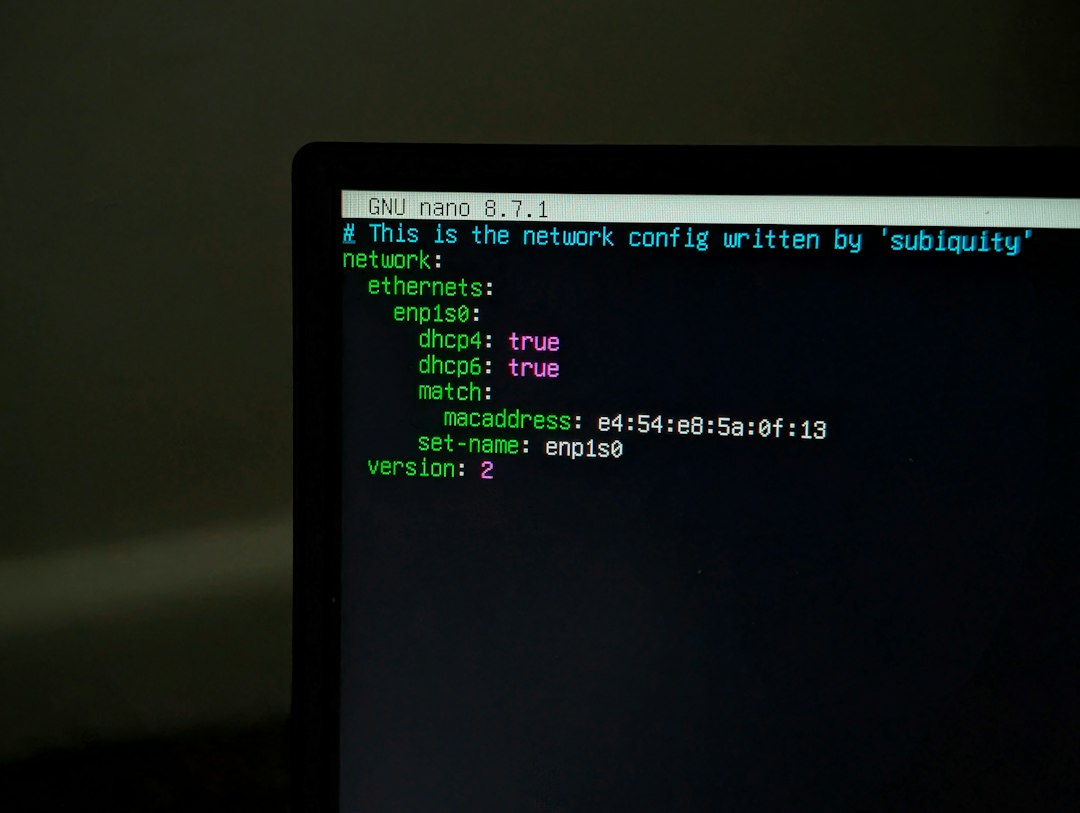
SpotDL is open source and lives on GitHub [source: GitHub]. You install it, paste a Spotify track, album, artist, or playlist link, and let it run. Simple in theory. A bit less simple at 1 a.m. when Python complains.
Quick comparison table
- SpotDL: Best for local files with metadata.
- Soundiiz: Best for moving playlists across music apps.
- TuneMyMusic: Best for quick transfers with a friendly screen.
- Exportify: Best for CSV playlist backups.
- FreeYourMusic: Best for phone users who hate setup work.
1. SpotDL: powerful, nerdy, and picky
SpotDL is great when it works. You give it a Spotify playlist. It builds a matching local library. It can keep your files neat. It can even skip tracks you already have.
Best for: people who want offline files, clean tags, and batch downloads.
Good stuff:
- Free and open source.
- Great metadata handling.
- Works with tracks, albums, playlists, and artists.
- Can process large playlists.
- Nice for rebuilding a music folder from a Spotify list.
Annoying stuff:
- You need to install it.
- Command line use scares some people.
- Track matches are not always perfect.
- Errors can look like ancient wizard text.
Honestly, it feels like SpotDL was made by people who trust you to read error logs. That is fine for tech users. It is not fine for your uncle who still double clicks web links in Word documents.
2. Soundiiz: the playlist moving truck
Soundiiz is better than SpotDL for playlist transfers. It connects to many music services. Spotify to Apple Music. Apple Music to YouTube Music. Deezer to Tidal. That kind of thing.
You do not get local audio files. You get playlists moved between apps. This is cleaner for most users. It is also safer for people who just want their music lists to appear somewhere else.
Best for: people switching music platforms.
Good stuff:
- Supports many services.
- Easy web interface.
- Good for large libraries.
- Can sync playlists on paid plans.
Annoying stuff:
- Free limits can feel tight.
- Some matches require checking.
- It does not make audio files.
Soundiiz is the tool I would give to someone who says, “I am done with Spotify, but I refuse to lose my workout playlist.”
3. TuneMyMusic: simple and friendly
TuneMyMusic is like Soundiiz, but even more direct. Pick a source. Pick a target. Move the playlist. Done.
The interface is clean. It does not ask you to think too much. That is a gift. Some music tools act like you are launching a rocket. TuneMyMusic feels more like ordering a sandwich.
Best for: fast playlist transfers.
Good stuff:
- Very easy to use.
- Works with major music services.
- No technical setup.
- Good for one time moves.
Annoying stuff:
- Free plans can limit big transfers.
- Track matches can be off.
- Not built for file downloads.
Expect to waste time on a few weird song matches. Live versions may replace studio versions. Remasters may appear instead of originals. It is not a disaster. It is just irritating.

4. Exportify: tiny tool, big relief
Exportify is for CSV exports. That sounds boring. It is also very useful. A CSV file is a spreadsheet file. It can store your playlist tracks, artists, albums, and Spotify links.
This is not glamorous. But backups matter. If a playlist gets deleted, changed, or wrecked by a sync mistake, a CSV can save your day.
Best for: people who want a simple playlist backup.
Good stuff:
- Fast.
- Simple.
- No heavy setup.
- Great for record keeping.
Annoying stuff:
- No music transfer.
- No audio download.
- CSV files are useful, not pretty.
Use Exportify before trying other tools on a huge playlist. It gives you a safety copy. That small step can prevent a large headache.
5. FreeYourMusic: good for phone first users
FreeYourMusic is a polished app for moving playlists. It works on desktop and mobile. It is good for folks who do not want browser tabs, scripts, commands, or weird setup steps.
Best for: casual users who want an app.
Good stuff:
- Nice app design.
- Works across popular services.
- Mobile friendly.
- Good for regular syncing.
Annoying stuff:
- Some features cost money.
- Not for downloading audio files.
- Match errors still happen.
Which tool should you pick?
Pick SpotDL if you want a local music folder based on Spotify links. It is the most file focused option here. It is also the least beginner friendly.
Pick Soundiiz if you manage playlists across many services. It is great for music fans with messy app history.
Pick TuneMyMusic if you want a quick transfer and do not care about advanced controls.
Pick Exportify if you want backups. It is not exciting. It is smart.
Pick FreeYourMusic if you want a smooth app and are fine paying for comfort.
A quick legal and practical note
Be careful with downloads. Spotify has rules. Music rights also matter. Some tools may break terms of service if used the wrong way. Use playlist data tools for your own library management, backups, and transfers. Do not share files you do not have rights to share.
Also, quality can vary. SpotDL depends on matching. A rare remix may become the wrong upload. A clean version may replace an explicit one. For a 1,000 song playlist, even a 3% mismatch rate means 30 songs need fixing. That is not nothing.
Final verdict
SpotDL is the best Spotify playlist tool for creating organized local files. It is fast enough, flexible, and wonderfully tidy when set up right. But it is not the best choice for everyone.
If you want to move playlists, use Soundiiz or TuneMyMusic. If you want a backup, use Exportify. If you want an easy app, use FreeYourMusic. If you enjoy clean folders and can handle a terminal, SpotDL is the fun one.