
Creating an app can feel like building a tiny digital business: there is an idea, a design, a technical structure, a launch plan, and ongoing maintenance. The difficulty depends less on the word “app” and more on what the app is supposed to do. A simple calculator or habit tracker is very different from a marketplace, banking app, social network, or AI-powered productivity tool.
TLDR: Creating an app can be easy, moderate, or very complex depending on its features, design quality, platform, and backend requirements. A basic app may take a few weeks and cost relatively little, while a custom, scalable product can take months and cost tens of thousands of dollars. The main skills involved include planning, UI design, programming, testing, and deployment. Modern no-code and low-code tools make app creation more accessible, but professional development is still best for complex or high-growth products.
So, how hard is it really?
The honest answer is: hard enough to require planning, but not impossible. Today, you do not need to be a senior software engineer to create a simple app. No-code platforms, templates, drag-and-drop builders, and AI coding assistants have lowered the barrier dramatically. However, if you want an app that is fast, secure, polished, scalable, and unique, the difficulty rises quickly.
Think of app difficulty in layers. The first layer is the idea: what problem does the app solve? The second is the user experience: how easy and pleasant is it to use? The third is the technology: what needs to happen behind the screen? The fourth is operations: updates, bug fixes, analytics, customer support, and server maintenance.
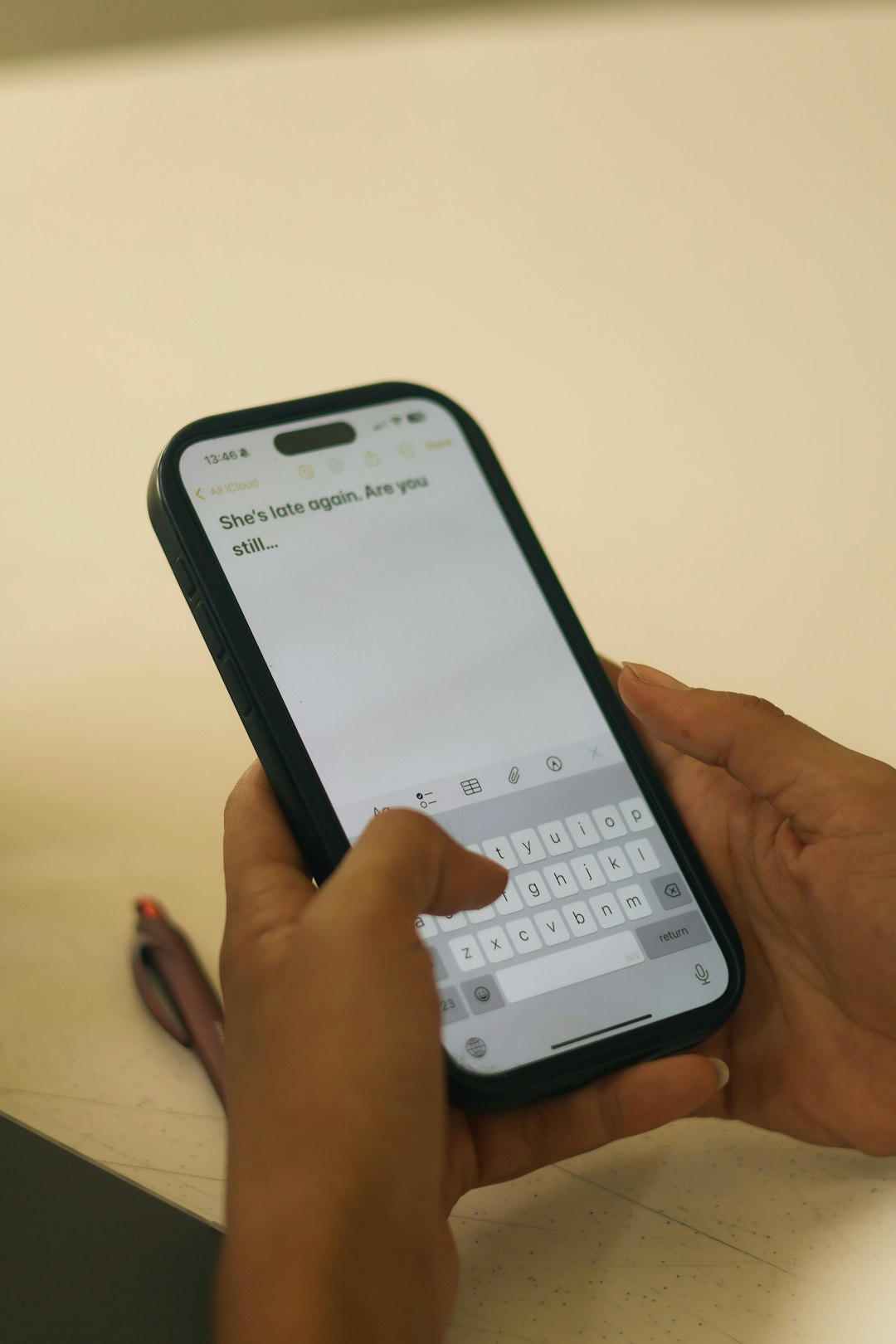
Key skills needed to create an app
You do not necessarily need to master every skill yourself, but someone on the project needs to cover them. The main skills include:
- Product planning: Defining the target audience, core features, user journeys, and business goals.
- UI and UX design: Creating screens that look good and are easy to navigate.
- Frontend development: Building what users see and interact with on their phones, tablets, or web browsers.
- Backend development: Handling databases, user accounts, payments, notifications, and other behind-the-scenes logic.
- Quality assurance testing: Finding bugs, checking performance, and making sure the app works across devices.
- Deployment and maintenance: Publishing the app, monitoring issues, and releasing updates.
For a very simple app, one motivated beginner can learn enough to build a usable version. For a business-critical app, you will usually want a team or an experienced freelancer because mistakes in security, performance, or user experience can become expensive later.
How long does it take to build an app?
Time depends heavily on scope. A small app with limited features may take 2 to 6 weeks. A medium complexity app, such as a booking platform, fitness tracker, learning app, or customer portal, may take 2 to 5 months. A complex app with real-time chat, payments, advanced search, AI features, custom dashboards, or account-based permissions can take 6 months or more.
Here is a rough breakdown of where the time goes:
- Discovery and planning: 1 to 3 weeks to clarify features, users, technical requirements, and success metrics.
- Design: 2 to 6 weeks for wireframes, visual design, prototyping, and revisions.
- Development: 4 weeks to several months, depending on functionality.
- Testing: 1 to 4 weeks for bug fixing, usability checks, and device testing.
- Launch: A few days to several weeks, including app store review, marketing setup, and analytics.
One common mistake is treating the first version like the final product. A smarter approach is to build an MVP, or minimum viable product. This is the smallest useful version of the app that proves whether people actually want it. After that, you can improve based on real user feedback instead of assumptions.
How much does it cost to create an app?
App costs vary widely. A no-code prototype may cost under $500 if you build it yourself using subscription tools. A simple custom app built by a freelancer might range from $3,000 to $15,000. A professionally designed and developed app for a startup or business can cost $20,000 to $100,000+, especially if it includes backend systems, integrations, security requirements, or multiple platforms.

Several things affect the price:
- Number of platforms: iOS, Android, and web versions increase the workload.
- Feature complexity: Login, payments, maps, media uploads, chat, and admin panels all add time.
- Design quality: Custom visual design costs more than using templates, but it can improve trust and usability.
- Backend needs: Apps that store data, manage users, or communicate with servers require more development.
- Third-party integrations: Payment gateways, CRMs, email tools, analytics, and APIs add setup and testing time.
- Maintenance: Updates, bug fixes, server costs, and operating system changes continue after launch.
It is also important to budget for less obvious costs: app store fees, hosting, domain names, push notification services, analytics tools, legal documents, customer support, and marketing. Building the app is only part of the investment; getting people to use it is another challenge entirely.
Tools that make app creation easier
Modern tools can reduce both difficulty and cost. For design, teams often use tools that support wireframes, interactive prototypes, and design collaboration. These help you test the app’s flow before writing code, which saves time and reduces confusion.
For development, popular options include native frameworks for iOS and Android, as well as cross-platform frameworks that let developers write code once and adapt it for multiple platforms. Cross-platform development can be a practical choice for startups because it may reduce cost and speed up launch.
No-code and low-code tools are another option. They are useful for prototypes, internal business tools, directories, simple marketplaces, scheduling apps, and data-driven apps. Their main advantage is speed. Their limitation is flexibility: when your app needs highly custom performance, unusual logic, or advanced scalability, traditional coding may become necessary.
AI tools can also help by generating code snippets, creating test cases, summarizing documentation, or speeding up debugging. However, they do not remove the need for human judgment. Someone still needs to understand the architecture, security, data handling, and user experience.
What makes an app difficult?
The hardest apps usually involve many users, live data, high security, and complex interactions. For example, a simple recipe app is much easier than a food delivery platform that manages customers, restaurants, drivers, payments, maps, reviews, promotions, and support requests.
Difficulty also increases when the app must work perfectly under pressure. A healthcare, finance, or logistics app cannot simply “mostly work.” It needs strong reliability, privacy, compliance, and careful testing. In these cases, the planning phase is just as important as the coding phase.

Can a beginner create an app?
Yes, especially if the first goal is learning or building a simple MVP. A beginner can start with a small idea, use no-code tools, follow tutorials, or learn a beginner-friendly programming framework. The key is to avoid starting with an overly ambitious concept. Instead of building “the next social media platform,” build a focused app that solves one clear problem for one clear audience.
A good beginner path looks like this:
- Write down the app’s main purpose in one sentence.
- List only the essential features for version one.
- Create rough sketches of the main screens.
- Build a prototype before investing in full development.
- Test it with real users and improve based on feedback.
Final verdict
Creating an app is not automatically hard, but creating a good app requires discipline. The challenge is not just coding; it is making the right product decisions, designing a smooth experience, choosing the right tools, testing thoroughly, and improving after launch. If your app is simple, you may be able to build it yourself with modern tools. If it is complex, commercial, or needs to scale, hiring experienced professionals can save time, reduce risk, and produce a stronger result.
The best way to make app creation less intimidating is to start small. Build the simplest useful version, learn from users, and expand only when the idea proves its value. That approach turns app development from a mysterious technical mountain into a manageable step-by-step project.