
Every business has a flow: prospects arrive, conversations begin, appointments are booked, services are delivered, and follow-ups happen. When that flow is smooth, clients feel guided and confident. When it is messy, teams lose time, opportunities slip away, and customers notice. Client flow management software is designed to keep that journey organized from first contact to long-term relationship.
TLDR: Client flow management software helps businesses track, organize, and improve the way clients move through appointments, onboarding, services, communication, and follow-ups. It combines scheduling, task management, customer data, automation, and reporting into one system. The result is a more efficient team, a better client experience, fewer missed opportunities, and clearer visibility into business performance.
What Is Client Flow Management Software?
Client flow management software is a digital platform that helps organizations manage each stage of a client’s journey. This can include inquiry handling, appointment scheduling, intake forms, internal task assignment, service delivery, billing, feedback collection, and retention efforts.
Unlike a simple calendar or basic contact list, this kind of software focuses on movement. It answers questions such as: Where is this client in the process? What needs to happen next? Who is responsible? Has the client received the right message? Is there a bottleneck slowing things down?
For example, a medical clinic might use client flow management software to guide patients from online booking to check-in, consultation, payment, and follow-up care. A consulting agency might use it to move leads through discovery calls, proposals, contracts, onboarding, project work, and renewal conversations. In both cases, the goal is the same: create a structured, visible, and repeatable client experience.
Why Client Flow Matters
Clients rarely judge a business only by the final product or service. They also judge the experience: how quickly they receive a response, how easy it is to book time, whether staff are prepared, and whether communication feels consistent.
A poor client flow often creates familiar problems:
- Missed follow-ups because reminders are scattered across inboxes and sticky notes.
- Duplicate work because multiple people collect the same information.
- Long wait times caused by unclear handoffs between departments.
- Confused clients who do not know what happens next.
- Limited reporting because key information lives in separate tools.
Client flow management software reduces these issues by creating one shared system of record and one consistent process for everyone involved.
Key Features to Look For
Different industries need different workflows, but most strong client flow management platforms include several core features.
1. Centralized Client Profiles
A centralized profile stores contact details, communication history, documents, preferences, notes, appointments, payments, and status updates. Instead of searching through emails, spreadsheets, and separate apps, team members can quickly understand the full client context.
This is especially useful for businesses where multiple employees interact with the same client. A receptionist, account manager, technician, consultant, or billing specialist can all work from the same up-to-date information.
2. Scheduling and Queue Management
Scheduling tools help clients book appointments, consultations, visits, or service windows. Some systems also include queue management, allowing teams to track who is waiting, who is being served, and who needs attention next.
Advanced scheduling may include automated confirmations, calendar syncing, waitlists, staff availability, resource booking, and no-show reduction tools. For appointment-heavy businesses, this feature alone can significantly improve daily operations.
3. Workflow Automation
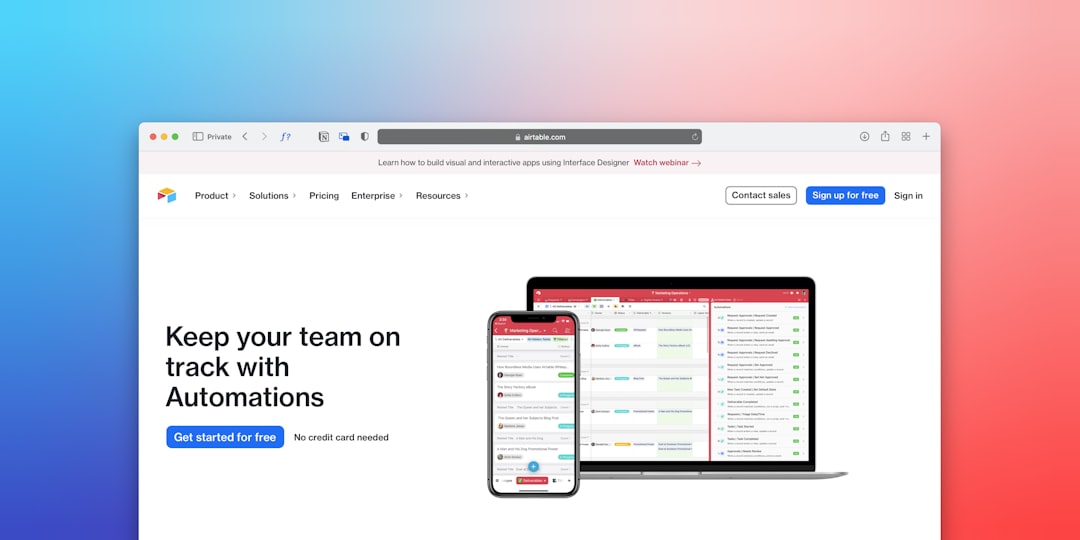
Automation is one of the biggest advantages of client flow management software. It can trigger actions based on client behavior or process stages. For instance, when a prospect books a consultation, the system can automatically send a confirmation email, assign a sales representative, create a task, and request an intake form.
Automation does not replace human service; it removes repetitive administration so teams can focus on higher-value interactions.
4. Task and Team Management
A good platform helps teams see what needs to be done, who owns each task, and when it is due. Managers can monitor workload, identify delays, and ensure important steps are not forgotten.
Common task features include status labels, priority levels, internal comments, due dates, checklists, reminders, and activity logs. These tools make accountability clearer and reduce the need for constant status meetings.
5. Communication Tools
Client flow depends heavily on timely communication. Many platforms include email templates, SMS reminders, chat features, client portals, and automated notifications. Some systems can also log calls or integrate with existing communication tools.
Consistent communication builds trust. When clients receive the right message at the right time, they feel informed rather than ignored.
6. Intake Forms and Document Collection
Many client journeys begin with information gathering. Digital intake forms allow clients to submit details before an appointment or project begins. This can include personal information, service requirements, medical history, project goals, consent forms, or uploaded files.
By collecting information early, businesses reduce delays and prepare better for each interaction.
7. Reporting and Analytics
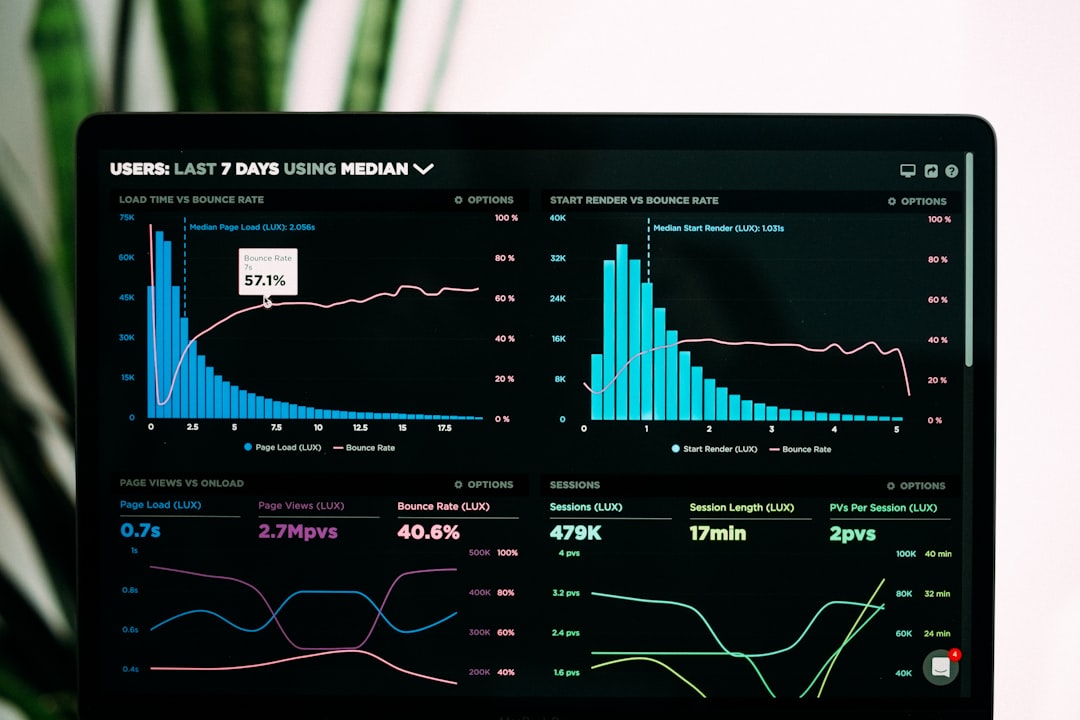
Reporting tools help businesses measure performance. Useful metrics may include client volume, conversion rates, appointment attendance, average response time, service duration, client satisfaction, team productivity, and revenue by stage.
With clear analytics, leaders can make better decisions. Instead of relying on assumptions, they can spot trends and improve the process based on real data.
Business Benefits of Client Flow Management Software
Improved Efficiency
When steps are standardized and automated, teams spend less time on administrative work. Staff no longer need to manually send every reminder, update every spreadsheet, or chase every internal handoff. This saves time and reduces operational friction.
Better Client Experience
A smooth flow makes clients feel valued. They know where they are in the process, what to expect next, and how to communicate with the business. This can lead to higher satisfaction, stronger loyalty, and more referrals.
Fewer Errors and Missed Opportunities
Manual processes are vulnerable to mistakes. A forgotten callback or misplaced form can cost money and damage trust. Client flow software creates reminders, required steps, and visible status updates that help prevent important details from falling through the cracks.
Greater Visibility for Managers
Managers gain a clear view of team activity and client progress. They can quickly identify bottlenecks, overloaded employees, delayed tasks, or stages where clients tend to drop off. This makes it easier to improve operations and coach teams effectively.

Stronger Scalability
Processes that work for 20 clients may fail at 200. Client flow management software helps businesses grow without becoming chaotic. By creating repeatable workflows, companies can train new staff faster, maintain service quality, and handle higher client volume.
Who Can Use It?
Client flow management software is useful across many industries, including:
- Healthcare and wellness practices managing appointments, check-ins, and follow-ups.
- Professional services firms handling consultations, proposals, and client projects.
- Education and training providers managing enrollment, assessments, and learner support.
- Real estate teams guiding leads through viewings, offers, paperwork, and closing.
- Salons, spas, and fitness businesses coordinating bookings, memberships, and client preferences.
- Agencies managing onboarding, approvals, deliverables, and renewals.
Choosing the Right Platform
Before selecting software, define your current client journey. List each stage, the people involved, the tools used, and the problems that appear most often. Then look for a platform that matches your real workflow rather than forcing your team into an awkward process.
Important selection criteria include ease of use, customization, integrations, security, mobile access, reporting, automation options, and customer support. It is also wise to test the system with a small group before rolling it out company-wide.
Final Thoughts
Client flow management software is more than an organizational tool. It is a way to design a better experience for both clients and employees. By centralizing information, automating routine work, clarifying responsibilities, and measuring results, businesses can operate with more confidence and consistency.
In a market where clients expect speed, clarity, and personalization, managing the flow is no longer optional. It is a practical advantage that helps businesses serve better, grow smarter, and build relationships that last.