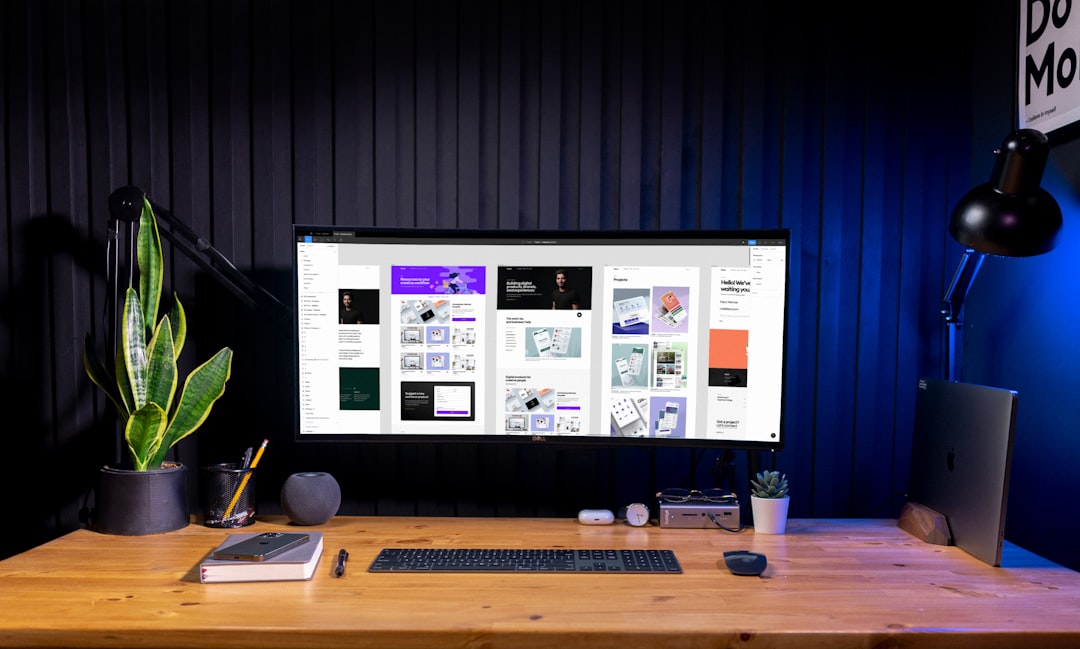
Designing modern digital products requires more than creativity—it demands the right tools. UX/UI design platforms have evolved rapidly, offering powerful collaboration features, prototyping capabilities, and developer-friendly handoffs. Whether building mobile apps, web platforms, or SaaS dashboards, designers rely on specialized software to transform ideas into intuitive interfaces. Choosing the right platform can significantly impact workflow efficiency, team collaboration, and overall product quality.
TL;DR: Modern UX/UI design platforms streamline everything from wireframing to developer handoff. Tools like Figma, Adobe XD, Sketch, Axure RP, InVision, and Framer offer powerful features for prototyping, collaboration, and design systems. The best choice depends on team size, workflow preferences, and project complexity. This guide compares six leading platforms and explains how each supports modern interface creation.
Why UX/UI Design Platforms Matter
Modern interface design goes beyond aesthetics. It focuses on usability, accessibility, scalability, and user-centered experiences. Today’s platforms integrate research, wireframing, prototyping, animation, and collaboration in one ecosystem. They enable real-time feedback, shared design systems, and seamless integration with development tools.

By using dedicated UX/UI platforms, teams can:
- Accelerate design cycles with reusable components
- Collaborate in real time across departments
- Create interactive prototypes without code
- Ensure consistency through design systems
- Streamline developer handoff with automated specs
1. Figma
Best for cloud-based collaboration
Figma has become one of the most popular UX/UI platforms due to its browser-based accessibility and real-time collaboration features. Teams can work simultaneously on a single design file, making it ideal for distributed workplaces.
Key features include:
- Cloud-based design environment
- Real-time multi-user collaboration
- Interactive prototyping
- Design system management
- Developer inspection tools
Figma eliminates file version conflicts, and its component system allows designers to maintain consistency across large-scale projects. Its plugin ecosystem further extends functionality, making it adaptable for various workflows.
2. Adobe XD
Best for integration within Adobe’s ecosystem
Adobe XD provides powerful vector design and prototyping tools tailored for UX/UI workflows. It integrates seamlessly with other Adobe Creative Cloud apps such as Photoshop and Illustrator.
The platform enables:
- Interactive prototypes with auto-animate effects
- Voice prototyping capabilities
- Responsive resizing tools
- Collaboration through shared links
For designers already embedded in the Adobe ecosystem, XD offers a unified experience that bridges branding assets and product interface design.
3. Sketch
Best for macOS-based interface design
Sketch has long been a preferred tool for UI designers, particularly those working on macOS. Its lightweight interface and robust symbol system make it efficient for building scalable design systems.
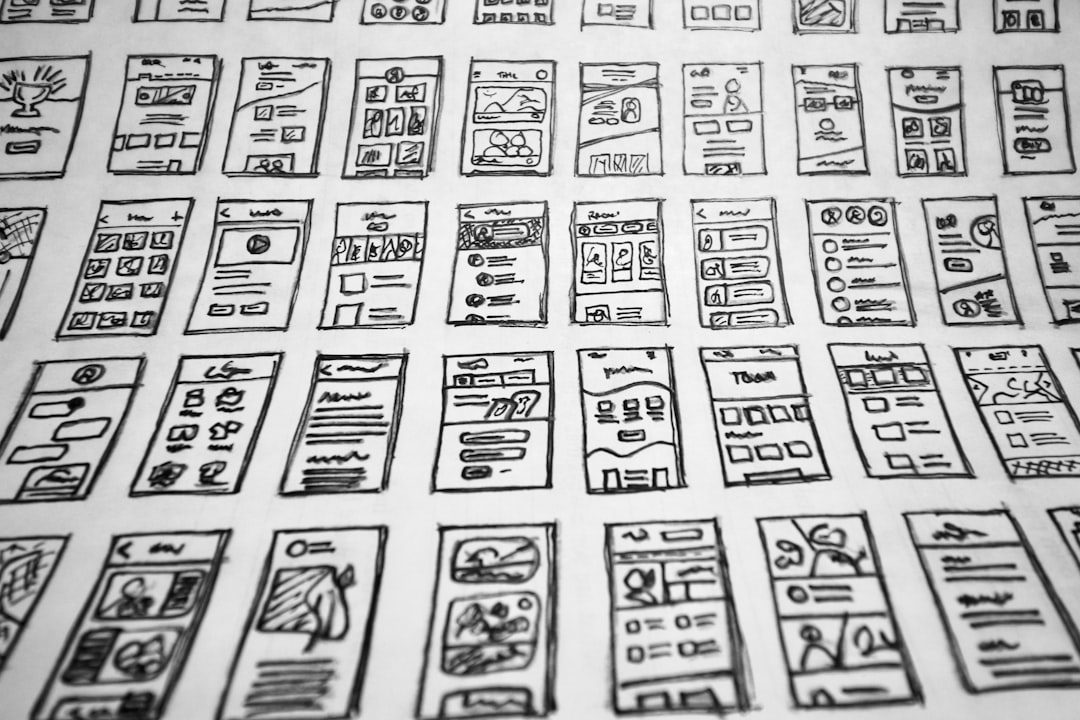
Core strengths include:
- Vector-based editing tools
- Symbols and reusable components
- Extensive plugin marketplace
- Shared libraries for design consistency
Although it began as a standalone desktop tool, Sketch has expanded into collaborative features through cloud-based sharing and version control.
4. Axure RP
Best for complex prototypes and documentation
Axure RP is particularly suited for advanced UX professionals who need detailed, logic-driven prototypes. It allows designers to simulate complex interactions, conditional logic, and dynamic content.
Axure stands out due to:
- Advanced prototyping with variables and conditions
- Detailed documentation generation
- Wireframing for enterprise-level applications
- Robust user flow mapping
This platform is commonly used in enterprise environments where intricate workflows and data-heavy interfaces must be tested before development.
5. InVision
Best for prototyping and stakeholder feedback
InVision began as a prototyping tool and has evolved into a broader digital product design platform. It focuses heavily on collaboration and feedback, making it a helpful solution for presenting concepts to clients or stakeholders.
Main capabilities include:
- Clickable prototypes
- Real-time commenting
- Digital whiteboarding tools
- Design system management features
Its strength lies in communication—bridging the gap between designers, developers, and decision-makers.
6. Framer
Best for high-fidelity interactive design
Framer enables designers to create realistic, production-ready prototypes with advanced animations and interactions. It combines visual editing with code capabilities, giving teams flexibility in workflow.
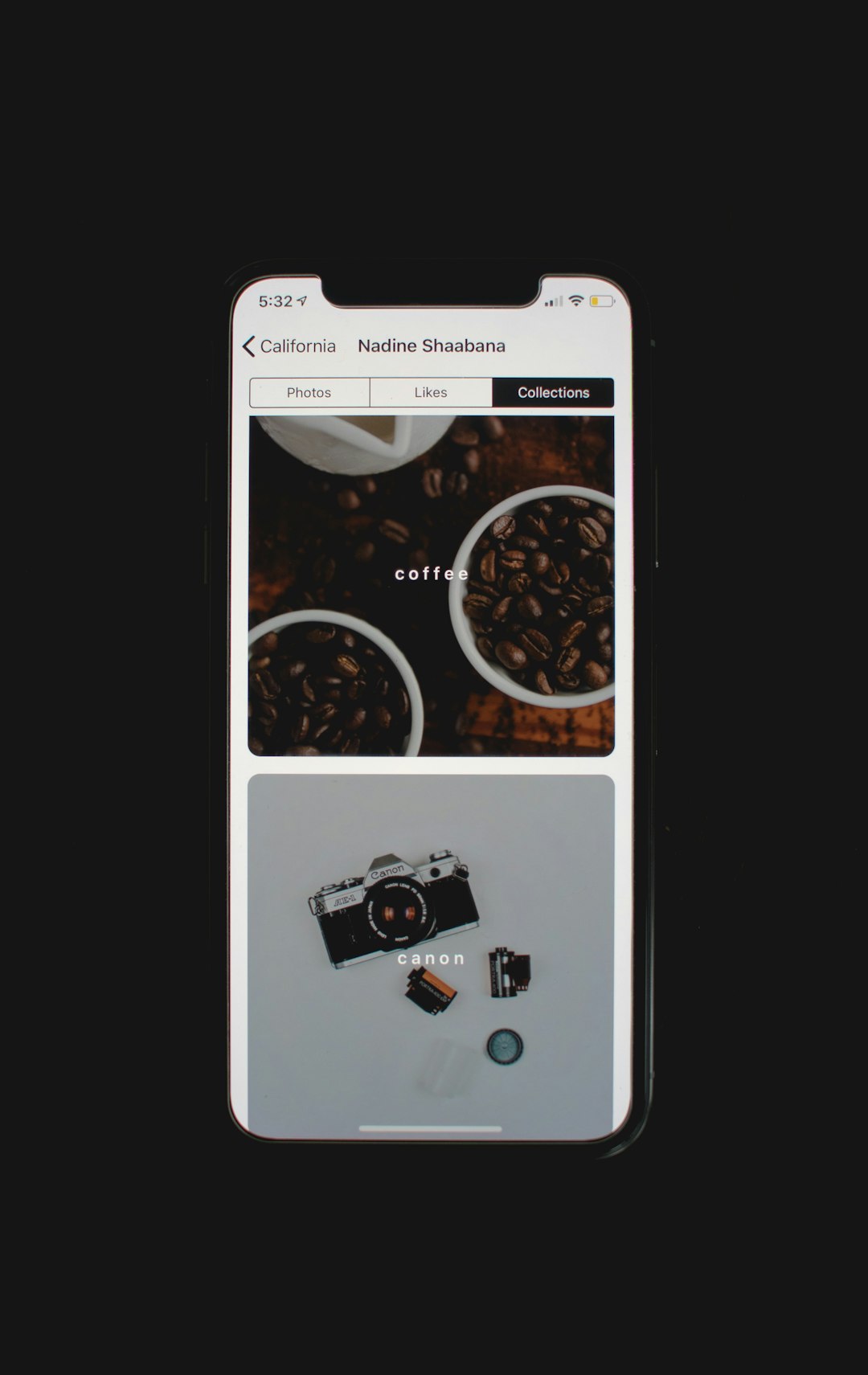
Notable features include:
- High-fidelity animation tools
- Responsive layout systems
- Publishing capabilities for live prototypes
- Code component integration
Framer is especially valuable for teams focused on polished user experiences and micro-interactions that closely replicate final products.
Comparison Chart
| Platform | Best For | Collaboration | Prototype Complexity | Platform Type |
|---|---|---|---|---|
| Figma | Remote collaboration | Excellent (real-time) | Moderate to Advanced | Web-based |
| Adobe XD | Adobe users | Strong | Moderate | Desktop + Cloud |
| Sketch | Mac designers | Good | Moderate | macOS |
| Axure RP | Enterprise UX | Moderate | Advanced | Desktop |
| InVision | Feedback workflows | Excellent | Basic to Moderate | Web-based |
| Framer | Interactive prototypes | Strong | Advanced | Web-based |
How to Choose the Right Platform
Selecting the right UX/UI platform depends on several factors:
- Team Structure: Remote teams benefit from cloud-first tools like Figma or Framer.
- Project Complexity: Enterprise systems may require Axure’s advanced logic capabilities.
- Design Ecosystem: Those using Adobe products may prefer Adobe XD.
- Operating System: Sketch remains macOS-focused.
- Client Involvement: InVision excels at stakeholder collaboration.
It is also important to evaluate integration with development tools, version control flexibility, and scalability for future growth. Many teams test multiple platforms before committing to one as their primary solution.
The Future of UX/UI Platforms
UX/UI tools continue to evolve toward greater automation, AI-assisted design suggestions, and deeper developer integration. Features such as responsive layout generators, accessibility checkers, and component libraries are becoming standard across platforms.
Additionally, design systems are playing an increasingly central role. Platforms now support token management, reusable components, and collaborative governance models that ensure brand and interface consistency across multiple products.
As digital experiences expand across mobile, desktop, wearable devices, and immersive environments, UX/UI tools will continue adapting to support new interaction patterns and emerging technologies.
Frequently Asked Questions (FAQ)
1. What is the difference between UX and UI design platforms?
UX platforms focus on user experience elements like wireframes, flows, and usability testing. UI platforms emphasize visual interface elements such as typography, color, and layout. Most modern tools combine both functionalities.
2. Which UX/UI tool is best for beginners?
Figma is often recommended for beginners due to its intuitive interface, browser-based access, and extensive learning resources.
3. Are these platforms suitable for large enterprise teams?
Yes. Tools like Axure RP, Figma, and Adobe XD offer enterprise-level features such as advanced permissions, scalable design systems, and collaborative workflows.
4. Can designers create responsive layouts with these tools?
Most modern platforms support responsive design features, including auto-layout systems, breakpoints, and adaptive resizing functionality.
5. Do UX/UI platforms require coding knowledge?
No. Most tools are visual and do not require coding. However, platforms like Framer allow code integration for more advanced customization.
6. How important is collaboration in UX/UI design tools?
Collaboration is critical. Real-time editing, commenting, and version control significantly improve productivity and alignment between designers, developers, and stakeholders.
Modern UX/UI design platforms empower teams to transform complex ideas into elegant, user-friendly digital experiences. By selecting the right tool, designers can streamline processes, enhance collaboration, and build interfaces that meet both user needs and business goals.