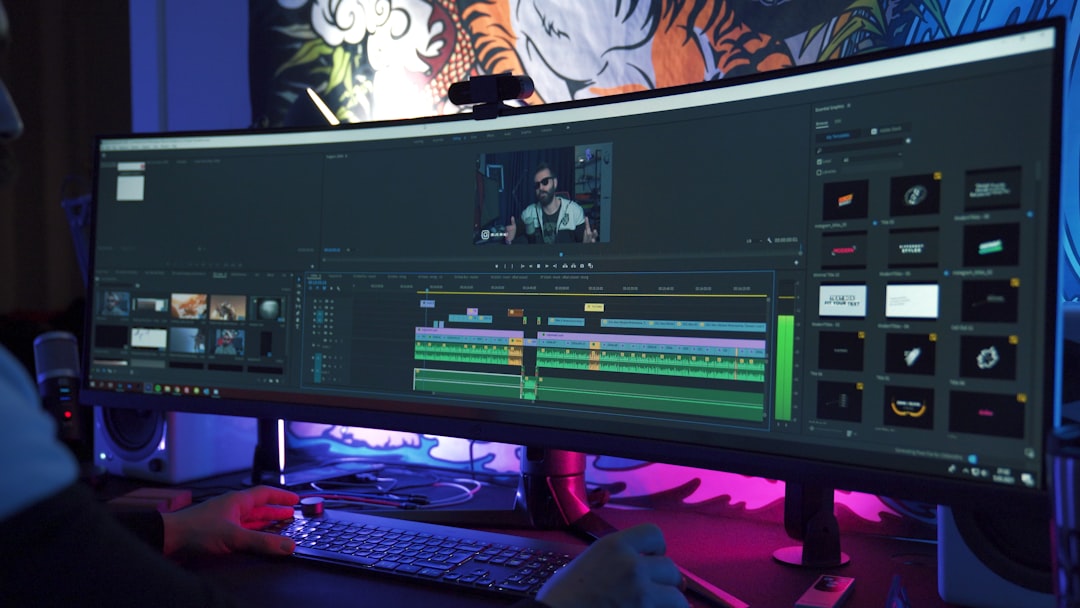
Editing photos used to feel like washing a cat. Messy. Slow. A little scary. You had to trace hair, erase tiny edges, and pray the result did not look like a cardboard cutout. Now, AI background removal tools can do much of that work in seconds.
TLDR: AI background removal tools help you cut people, products, pets, and objects out of photos very fast. They save time, reduce boring manual work, and make photo editing easier for beginners. They are great for online shops, social media posts, profile pictures, ads, and quick design projects. You still need to check the final image, but the heavy lifting is done for you.
What Is AI Background Removal?
AI background removal is a tool that finds the main subject in a photo and removes everything behind it. Simple.
The subject might be a person. It might be a sneaker. It might be a cupcake with dramatic lighting. The AI looks at the image and says, “This is the important part.” Then it cuts away the rest.
Old photo editing needed steady hands and lots of patience. You had to use selection tools, masks, brushes, and layers. That can still be useful. But for many everyday edits, AI is much faster.
Think of it like a tiny digital assistant with scissors. Very fast scissors. No coffee breaks.
Why Backgrounds Matter So Much
A bad background can ruin a good photo. It can distract people. It can make a product look cheap. It can make a profile picture look like it was taken in a laundry room. Maybe it was. No judgment.
Clean backgrounds help your subject stand out. They make images look more professional. They also make your photos easier to use in many places.
You can place the cutout on a white background. Or a bright color. Or a soft gradient. Or a beach. Or outer space. Go wild, but maybe not too wild if you are selling office chairs.
How AI Background Removal Works
You do not need to understand computer science to use these tools. But the basic idea is fun.
AI tools are trained on many images. They learn patterns. They learn that faces, bodies, leaves, bags, cups, and shoes often have certain shapes. They learn where edges usually are. They also learn the difference between foreground and background.
When you upload a photo, the tool studies it. It makes a smart guess. Then it creates a cutout or a mask. In many cases, this takes only a few seconds.
The best tools can deal with tricky things, such as:
- Hair that flies in every direction.
- Fur on pets that looks like a fluffy cloud.
- Transparent objects like glasses or bottles.
- Shadows that need to stay natural.
- Busy backgrounds with people, plants, and chaos.
AI is not magic. But sometimes it feels suspiciously close.
Who Can Use These Tools?
Pretty much anyone. You do not need to be a designer. You do not need a giant computer. You do not need to wear a black turtleneck and say “composition” a lot.
AI background removal tools are useful for:
- Online sellers who need clean product photos.
- Content creators who make posts, thumbnails, and banners.
- Small business owners who want fast marketing images.
- Students making presentations or projects.
- Job seekers who need a neat profile photo.
- Photographers who want a faster workflow.
- Pet owners who want their dog on a birthday card.
If you use photos, you can probably use AI background removal.
Why It Makes Photo Editing Faster
The biggest benefit is speed. Manual background removal can take minutes or even hours. AI can often do it in seconds.
That changes everything.
Imagine you run an online store. You have 80 product photos. Each photo has a different background. One has a kitchen table. One has a carpet. One has your cat in the corner looking guilty.
With AI, you can remove those backgrounds much faster. Then you can place every product on the same clean background. Your store looks more organized. Your products look more trustworthy. Your cat keeps its privacy.
Faster editing also means you can test more ideas. Try a white background. Try blue. Try a shadow. Try text beside the product. If one idea looks bad, no big deal. You can change it.
Common Uses for AI Cutouts
Once the background is gone, you can do lots of things. The cutout becomes flexible. Like a sticker, but classier.
- Product listings: Make items look clean and consistent.
- Social media posts: Place people or products on colorful designs.
- Profile photos: Remove clutter and add a simple background.
- Marketing ads: Create quick visuals for sales and events.
- Presentations: Make slides look neat and modern.
- Invitations: Add people, pets, or objects to fun designs.
You can also make memes. This is, of course, a very serious professional use.
What Makes a Good AI Background Removal Tool?
Not all tools are equal. Some are fast but messy. Some are accurate but slow. Some make hair look like it went through a blender.
Look for these features:
- Clean edges: The subject should not look rough or jagged.
- Hair and fur support: Fine details matter.
- Easy editing: You should be able to fix mistakes with a brush.
- Batch processing: This helps when editing many photos.
- High resolution exports: Important for print and professional use.
- Background options: White, transparent, colors, or custom images.
A good tool should feel simple. Upload. Remove. Adjust. Download. Done.
Tips for Better Results
AI is smart, but it still loves a good photo. Give it better input, and it will give you better output.
Try these easy tips:
- Use a clear photo with good lighting.
- Keep the subject in focus.
- Avoid backgrounds that match the subject too closely.
- Leave some space around the subject.
- Check edges after the background is removed.
- Use manual touch-ups when needed.
For example, a black jacket on a black wall can confuse AI. It may think the jacket is part of the wall. Rude, but understandable.
Good lighting helps a lot. Natural light is great. Harsh shadows can be tricky. Blurry photos can also cause strange edges. If the AI cannot see the subject clearly, it has to guess.
Where AI Still Struggles
AI tools are impressive. But they are not perfect.
They may struggle with glass, smoke, lace, wild hair, or thin wires. They may remove part of a shadow that should stay. They may keep a tiny piece of background near the subject. Sometimes they create a strange glow around the edges.
This is why you should always zoom in and check. Look at the hair. Look at fingers. Look at product corners. Small mistakes can be easy to fix if you catch them early.
Use AI as a helper, not a final judge. You are still the creative boss.
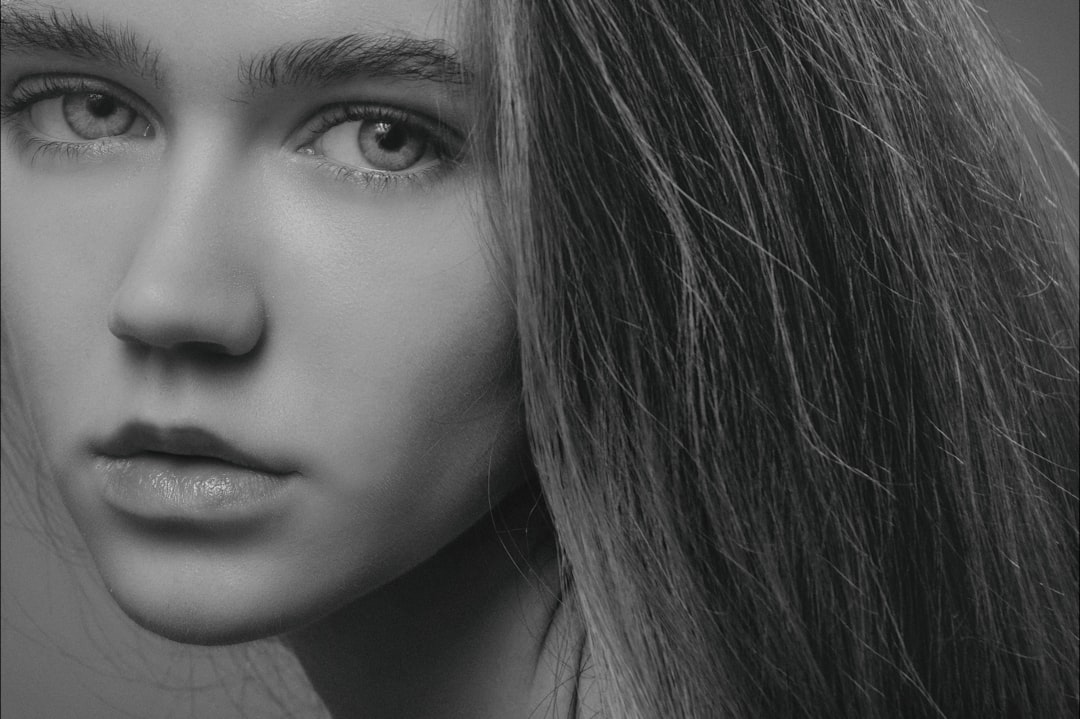
Transparent Backgrounds Are Super Useful
One of the best options is a transparent background. This means there is no background at all. The subject can be placed anywhere.
Transparent PNG files are perfect for designs. You can drop them into posters, websites, thumbnails, flyers, and product mockups. You can move the subject around without cutting it out again.
This saves a lot of time. It also keeps your design clean.
For brands, this is very handy. You can create a library of cutout products, team photos, logos, props, or icons. Then you can reuse them again and again.
AI Background Removal for Social Media
Social media moves fast. Very fast. Like a squirrel with Wi-Fi.
You often need fresh images every day. AI background removal helps you create them quickly. Cut out a person. Add a bright background. Add text. Add a sticker. Add a sale badge. Post it.
This is great for announcements, events, reels covers, and thumbnail images. A clean cutout can make a post look more polished. It can also help it stand out in a crowded feed.
The trick is to keep it simple. Use strong contrast. Use readable text. Do not add 42 effects. Your audience should understand the image in one second.
AI Background Removal for Business
Businesses can save real time with these tools. Product teams can edit faster. Marketing teams can build campaigns faster. Customer support teams can create help images faster.
Small businesses especially benefit. They may not have a full design team. AI tools give them a quick way to make better visuals without a big budget.
Clean images can improve trust. When photos look neat, people feel more confident. A product on a messy background may look less professional. The same product on a clean background can look ready to buy.
The Future Looks Even Faster
AI background removal will keep improving. Edges will get cleaner. Hair will look better. Shadows will feel more natural. Tools will also become easier to use.
We may see more one-click workflows. Remove background. Add new scene. Match lighting. Add shadow. Resize for five platforms. All in one place.
That means photo editing will feel less like a chore. It will feel more like play.
Final Thoughts
AI background removal tools are a simple way to speed up photo editing. They help you remove messy backgrounds, create clean cutouts, and make images ready for shops, posts, ads, and designs.
They are not perfect. You still need to check the details. But they can save a huge amount of time. They also make photo editing less scary for beginners.
So upload a photo. Remove the background. Try a new color. Add a shadow. Make something fun. Your old editing routine may wonder where you went.