QR codes have moved far beyond plain black squares on packaging and posters. Modern artificial intelligence, design automation, analytics, and dynamic link management have turned them into interactive engagement tools for marketing, events, retail, restaurants, education, and customer support. Businesses now use AI QR code generators and design platforms to create branded, trackable, visually appealing codes that connect offline audiences with digital experiences.
TLDR: AI QR code generators help brands create more attractive, personalized, and measurable QR campaigns. The best tools combine custom design, dynamic destination editing, analytics, landing pages, and automation. This article highlights nine useful platforms that support interactive QR code creation and stronger audience engagement. It also explains what makes each tool valuable and how organizations can choose the right one.
Why AI QR Code Generators Matter for Engagement
Traditional QR codes are functional, but they are not always memorable. A basic code may send users to a website, menu, app download, or payment page, but it rarely communicates brand personality. AI-powered and design-focused QR tools solve this problem by helping companies create codes that feel intentional, branded, and campaign-ready.
These platforms often include logo placement, color customization, templates, AI-generated visuals, editable destinations, scan tracking, and audience segmentation. Dynamic QR codes are especially useful because the destination can be changed without reprinting the code. That means a restaurant can update a seasonal menu, a retailer can rotate promotions, and an event organizer can revise schedules after materials have already been distributed.
1. QR TIGER
QR TIGER is a popular QR code platform known for dynamic QR codes, tracking features, and a broad range of campaign formats. It supports website links, social media pages, app downloads, menus, files, vCards, Wi-Fi access, and more. Its customization tools allow brands to add logos, adjust colors, change patterns, and create QR codes that are more visually aligned with campaign materials.
For engagement-focused teams, QR TIGER is useful because it provides analytics such as scan counts, locations, devices, and time-based activity. This helps marketers understand when and where audiences interact with printed or digital touchpoints. Its dynamic QR functionality also allows campaigns to evolve over time without wasting printed materials.
2. Uniqode
Uniqode, formerly known as Beaconstac, is designed for businesses that need scalable QR code management. It is especially useful for enterprise users, retailers, agencies, and organizations running multiple QR campaigns at once. The platform offers dynamic QR codes, custom branding, deep analytics, bulk creation, and integrations with marketing tools.
Uniqode stands out for its focus on security and campaign management. Teams can organize QR codes by campaign, track engagement performance, and manage branded experiences across many locations. It is a strong choice for organizations that treat QR codes as part of a larger customer journey rather than a one-time link.
3. Flowcode
Flowcode emphasizes attractive design, fast scanning, and consumer engagement. It is often used for events, television, packaging, retail promotions, and creator campaigns. The platform allows users to build colorful, branded QR codes and connect them to landing pages, social profiles, forms, videos, and commerce experiences.
One of Flowcode’s strengths is its focus on the post-scan experience. A QR code is only valuable if the destination is engaging, and Flowcode makes it easier to connect audiences to mobile-friendly pages. Its analytics help teams measure performance and refine campaign placements. For brands seeking visually polished codes with strong consumer appeal, Flowcode is a practical option.
4. Scanova
Scanova is a versatile QR code generator built for marketers, educators, event planners, and businesses. It supports dynamic QR codes, custom design, landing pages, lead generation forms, and analytics. Users can create codes for websites, PDFs, videos, Google Maps locations, app links, event details, and business cards.
Scanova is particularly useful when a campaign needs more than a simple redirect. Its landing page options allow organizations to create mobile experiences without heavy development work. For example, a museum could create exhibit information pages, a real estate agent could share property details, or a conference team could provide speaker schedules through one scannable code.
5. Canva
Canva is not only a design platform; it is also a useful tool for creating marketing materials that include QR codes. While its QR features are simpler than those of dedicated QR management platforms, Canva is valuable because it allows teams to place QR codes directly into posters, flyers, menus, social graphics, presentations, and brochures.
Its AI-assisted design features can help create layouts, visuals, copy suggestions, and branded templates. This makes Canva a good option for small businesses, schools, nonprofits, and creators who want polished materials without professional design software. Canva works best when QR codes are part of a broader visual composition rather than a complex analytics campaign.

6. Adobe Express
Adobe Express offers quick design tools for creating branded digital and print assets. Its QR code creation features can be combined with templates for flyers, business cards, invitations, signs, and promotional graphics. With AI-assisted creative tools, users can generate background ideas, refine layouts, and produce attractive marketing content quickly.
Adobe Express is helpful for teams that care about brand presentation and visual quality. A QR code can be placed into a polished campaign asset alongside professional typography, images, and colors. Although advanced QR tracking may require additional tools, Adobe Express is strong for creating beautiful, easy-to-share materials that invite scanning.
7. Hovercode
Hovercode is a user-friendly platform focused on dynamic QR codes, customization, and practical campaign tracking. It allows users to create QR codes that link to websites, PDFs, social profiles, contact cards, and other destinations. Its design options include color changes, logo placement, and frame styles that can encourage users to scan.
Hovercode works well for businesses that want a simple but capable QR platform. It avoids unnecessary complexity while still offering features that help with real engagement, such as scan analytics and editable links. For local businesses, consultants, creators, and event teams, it provides a straightforward way to launch and manage QR campaigns.
8. ME-QR
ME-QR provides a wide range of QR code types, including links, text, PDFs, images, audio, video, maps, forms, and social media pages. It includes customization options and analytics that help users understand scan behavior. The platform is suitable for both personal use and business campaigns.
ME-QR is useful for interactive content because it supports many destination formats. A teacher can link to learning materials, a musician can share a track, a restaurant can promote a digital menu, and a product team can connect packaging to a video tutorial. This flexibility makes it valuable for campaigns where the QR code needs to deliver more than a standard webpage.
9. QRCode Monkey
QRCode Monkey is a well-known QR code generator that allows users to create customized static QR codes with logos, colors, and design styles. It is often favored by users who need quick, visually customized codes without a complicated setup. The platform supports common QR code types such as URLs, text, email, phone numbers, SMS, and social links.
Although it may not offer the same advanced AI or enterprise analytics as some dynamic QR platforms, QRCode Monkey is useful for simple branded use cases. It can be a practical choice for business cards, labels, posters, and general promotional materials where the destination is unlikely to change.
Key Features to Look for in an AI QR Code Tool
The best QR code generator depends on campaign goals, budget, design needs, and data requirements. However, most engagement-focused organizations should look for several important features:
- Dynamic QR codes: These allow the destination URL or content to be updated after printing.
- Brand customization: Logos, colors, patterns, frames, and calls to action can improve scan rates.
- Analytics: Scan data helps teams measure performance by time, location, and device.
- Mobile-friendly landing pages: The experience after scanning should be fast, clear, and useful.
- Bulk generation: Large campaigns may need hundreds or thousands of unique codes.
- Integrations: Connections with CRM, email, analytics, and ad platforms can improve workflow.
- Security: Enterprise users should consider access controls, compliance, and safe redirect management.
How QR Codes Drive Better Customer Interaction
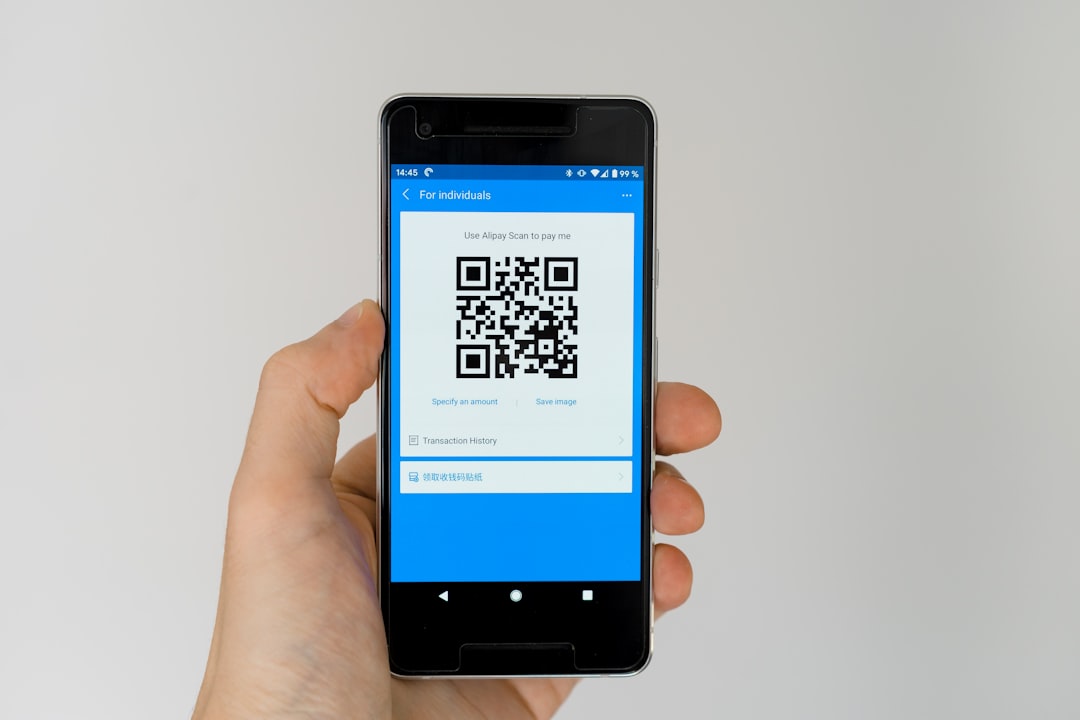
Engaging QR codes work because they reduce friction. A customer does not need to type a URL, search for a page, or install an app before accessing information. The scan creates an instant bridge between physical interest and digital action.
For example, a product package can link to a tutorial video, a hotel room card can open concierge services, a trade show badge can share contact details, and a restaurant table sign can collect reviews. When the QR code is well designed and supported by a clear benefit, it becomes part of the customer experience rather than a technical afterthought.
Design also matters. A QR code placed on a beautiful poster with a clear message such as “Scan to unlock the offer” will usually perform better than a plain code with no context. AI design tools can help create stronger visual hierarchy, better calls to action, and more consistent branding.
Choosing the Right Tool
Dedicated QR platforms such as QR TIGER, Uniqode, Flowcode, Scanova, Hovercode, and ME-QR are best for teams that need dynamic editing, analytics, and campaign management. Design platforms such as Canva and Adobe Express are better when the main priority is creating attractive marketing assets that include QR codes. Simpler tools such as QRCode Monkey can be enough for static, low-maintenance uses.
The right choice depends on whether the organization values tracking, scalability, design control, AI assistance, landing pages, or simplicity. In many cases, teams may use more than one tool: a dedicated QR platform for code management and a design platform for promotional materials.
Best Practices for Interactive QR Codes
- Add a clear call to action: Users should know what they will receive after scanning.
- Test before printing: Codes should scan easily on different devices and at different sizes.
- Use contrast wisely: Branded colors are helpful, but readability must come first.
- Optimize the destination: The landing page should load quickly and look good on mobile screens.
- Track and improve: Analytics should guide future placement, messaging, and design decisions.
- Avoid clutter: The QR code needs enough white space around it to scan correctly.
Conclusion
AI QR code generators and design tools help organizations turn simple scannable links into interactive brand experiences. Whether a company wants to collect leads, share menus, promote events, deliver videos, or measure offline marketing, the right QR platform can make campaigns more flexible and engaging. By combining strong design, dynamic functionality, and useful analytics, businesses can create QR codes that do more than connect pages; they can drive meaningful action.
FAQ
What is an AI QR code generator?
An AI QR code generator is a tool that uses automation, design intelligence, or AI-assisted features to help create customized QR codes and related campaign assets. Some tools focus on visual design, while others include analytics, dynamic links, and landing pages.
Are dynamic QR codes better than static QR codes?
Dynamic QR codes are usually better for marketing because the destination can be changed after printing. Static QR codes are suitable for permanent information that does not need tracking or updates.
Can QR codes be customized with logos and colors?
Yes. Many QR code tools allow logos, brand colors, custom frames, and pattern changes. However, the design must preserve enough contrast and clarity for reliable scanning.
Which QR code tool is best for analytics?
Tools such as Uniqode, QR TIGER, Flowcode, Scanova, and Hovercode offer analytics features. The best option depends on the scale of the campaign and the level of reporting needed.
Do AI QR code tools improve scan rates?
They can improve scan rates when they help create clearer calls to action, better visual design, and more relevant post-scan experiences. The code itself must still be placed in a visible location and offer a strong reason to scan.
Can QR codes be used for lead generation?
Yes. QR codes can link to forms, landing pages, contact cards, appointment booking pages, or gated content. Dynamic QR platforms often make lead generation easier to manage and track.
Are QR codes safe for users?
QR codes can be safe when created and managed responsibly. Businesses should use trusted platforms, secure URLs, and clear branding so users understand where the scan will take them.